
CetusPlay MOD APK 4.9.6.602 (Pro Unlocked)
v4.9.6.602
CetusPlay
CetusPlay Global · Tools
Feeling frustrated by the hassle of searching for remotes around your home? CetusPlay Remote Control is your ultimate solution. Say goodbye to the need to hunt for any remote, as this app lets you control every device…
Informationen
| Version | 4.9.6.602 |
| Größe | 15 MB |
| Benötigt | Android 5.0+ |
| Kategorie | Tools |
| Aktualisiert | 10. Okt. 2026 |
| MOD-Info | Pro Unlocked |
| Downloads | 2 |
| Google Play | Google Play |
So installierst du es
- Lade die APK-Datei oben auf dein Handy herunter.
- Erlaube „Unbekannte Apps installieren“, wenn du gefragt wirst.
- Öffne die heruntergeladene APK und tippe auf Installieren.
- Enthält das Paket OBB/XAPK-Daten, folge der beiliegenden Anleitung.
MOD-APKs sind veränderte Versionen, daher kann Play Protect warnen. Installiere nur, wenn du der Datei vertraust – Nutzung auf eigenes Risiko.
Beschreibung
Feeling frustrated by the hassle of searching for remotes around your home? CetusPlay Remote Control is your ultimate solution. Say goodbye to the need to hunt for any remote, as this app lets you control every device in your house—TV, AC, and more—right from your smartphone with just a few taps.
Multiple Navigation Modes
The app offers a wide array of control options, allowing you to manage any electronic device in your home. Whether it's turning on the TV instantly without digging through remote clutter or adjusting the AC temperature, this tool is designed for unmatched convenience.
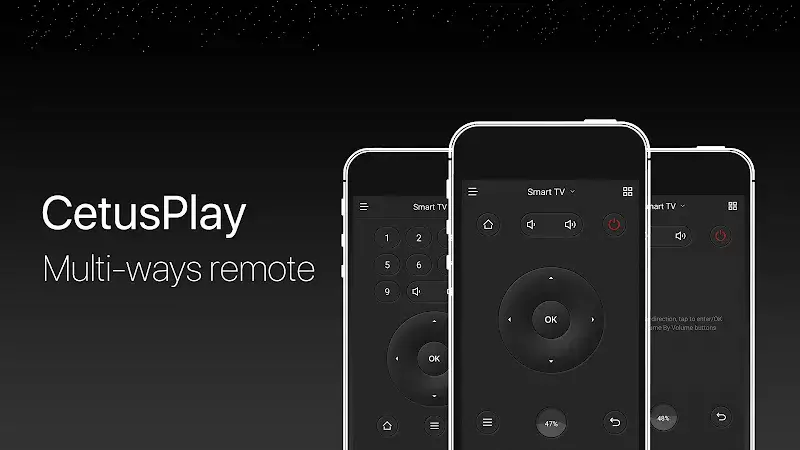
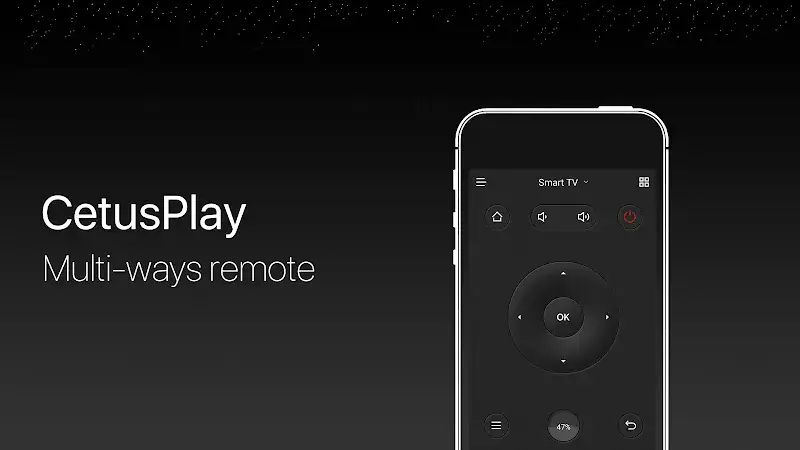
- Control Options: With multi-function controls, you can manage all your home devices seamlessly. This mode lets you toggle the TV, adjust the air conditioner, and more, eliminating the need to switch between multiple remote controls.
- Versatile Support: The app supports keyboard and mouse inputs, enhancing usability. Using the keyboard, you can swiftly search for content on Internet TVs without manually typing each word, saving you time and effort.
- User-Friendly Experience: The interface is intuitive and easy to navigate. A step-by-step guide ensures you can unlock all features of this remote with minimal effort, even for first-time users.
Screen Casting Capabilities
Thanks to fast and reliable connectivity, the app pairs with your devices in seconds, enabling instant access to all features. No more waiting—just seamless control right out of the box.
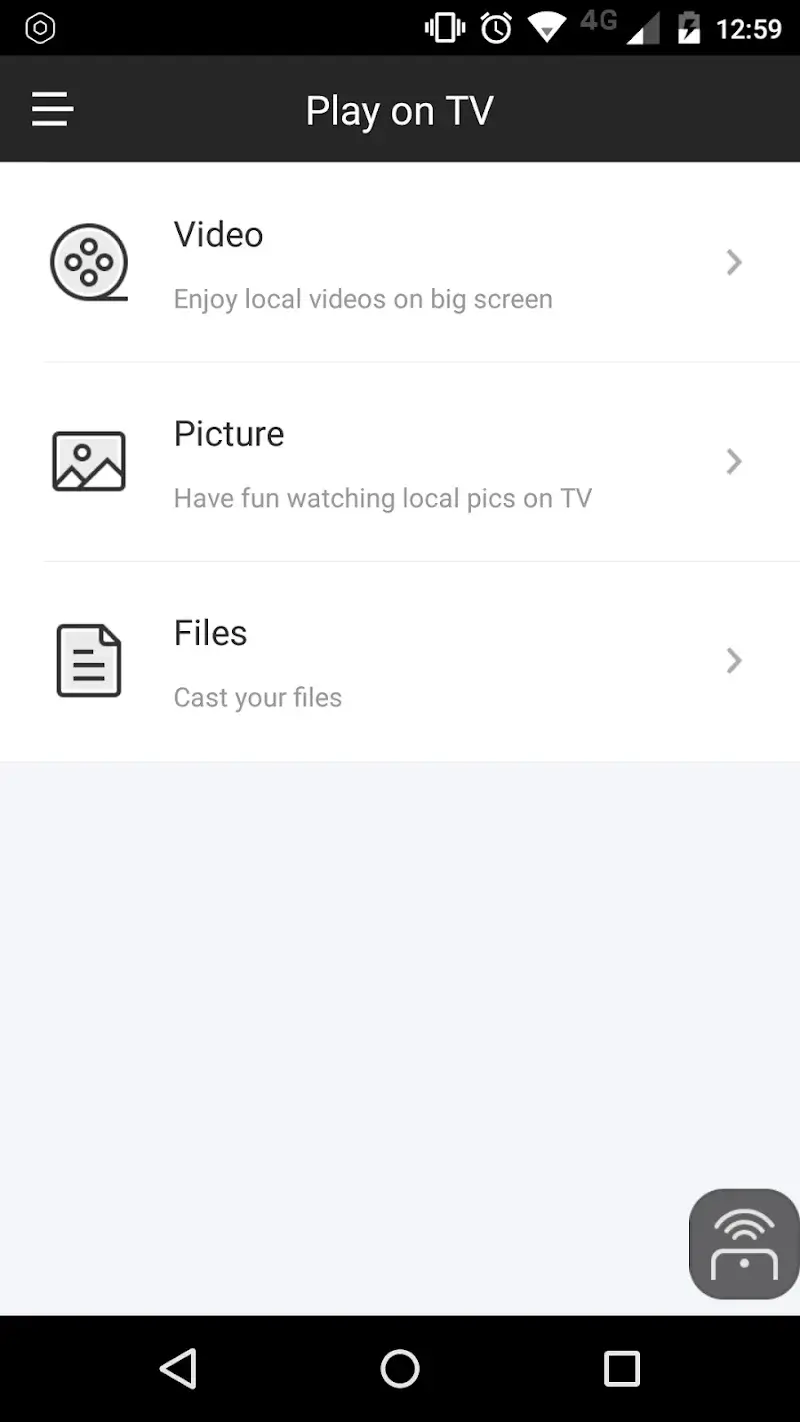
- Effortless Casting: Quickly transfer images and videos from your phone to the TV screen via the app’s Castless Cast files tool. Share content with family or friends in seconds without any hassle.
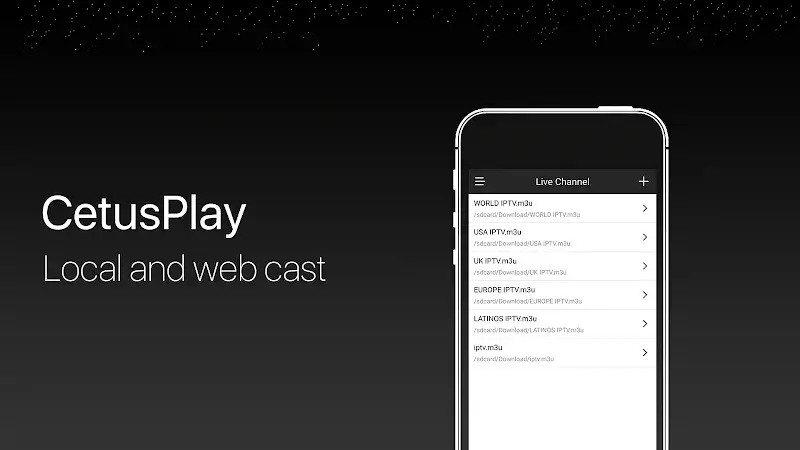
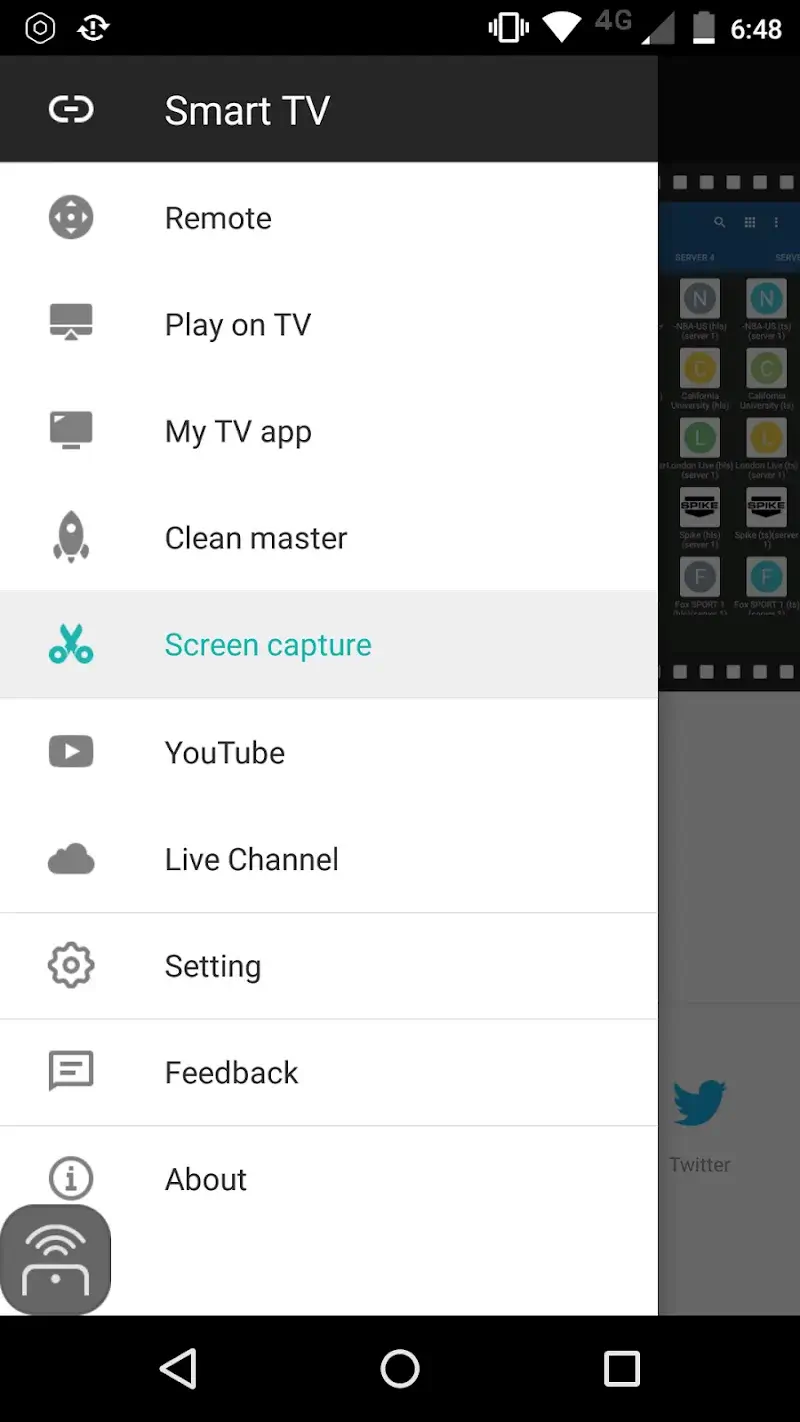
- Live Channels Feature: The app includes live channels and allows you to import M3U files from your device. Stream live content on any recording device within your home with ease.
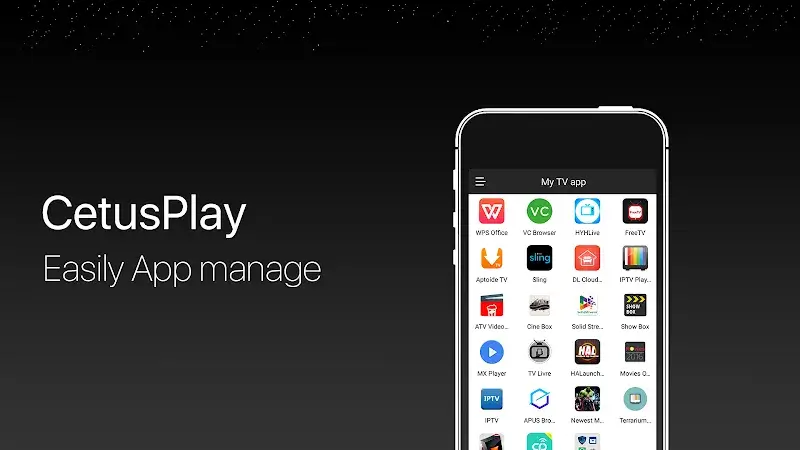
- Quick App Launch: Enjoy rapid access to your home TV with a single tap. Instantly start watching your favorite shows and entertainment programs without delays.











