
Auto Click - Automatic Clicker MOD APK 2.4.12 (Premium Unlocked)
v2.4.12
Auto Click - Automatic Clicker
gc auto clicker · Tools
Looking for an app that simplifies repetitive tasks with an automated clicking system? Auto Click – Automatic Clicker is an ideal choice to add to your favorite apps. Its user-friendly interface and powerful features…


Information
| Version | 2.4.12 |
| Size | 16 MB |
| Requires | Android 7.0+ |
| Category | Tools |
| Updated | Oct 16, 2026 |
| MOD info | Premium Unlocked |
| downloads | 5 |
| Google Play | Google Play |
How to install
- Download the APK file above to your phone.
- Allow “Install unknown apps” when prompted.
- Open the downloaded APK and tap Install.
- If the package includes OBB/XAPK data, follow the bundled instructions.
MOD APKs are modified builds, so Play Protect may show a warning. Install only if you trust the file; use at your own risk.
Description
Looking for an app that simplifies repetitive tasks with an automated clicking system? Auto Click – Automatic Clicker is an ideal choice to add to your favorite apps. Its user-friendly interface and powerful features make it perfect for streamlining your workflow.
Automated Multi-Touch Control
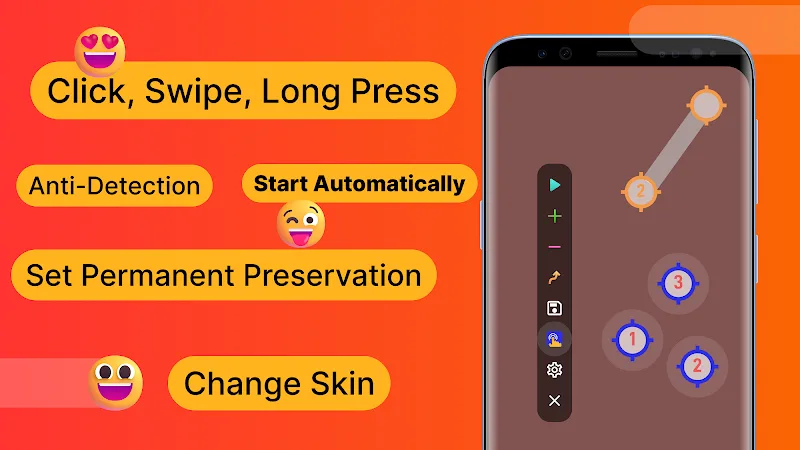
Auto Click – Automatic Clicker offers a groundbreaking feature: setting up a multi-touch control system for your device. This allows automatic tapping, swiping, and long-pressing actions on the screen, making operations effortless. Users can also create multi-touch buttons to automate repetitive tasks efficiently.
- Complete Gesture Support: The app supports simultaneous tapping, swiping, pressing, and holding across multiple screen areas, including hard-to-reach edges that other tools can't access.
- Customizable Loop Sequences: Each target point can be programmed with individual cycle counts, enabling sequential automated operations tailored to your needs.
- Anti-Detection Randomization: Users can adjust coordinates and randomize intervals to avoid triggering game detection systems during automated tasks.
Intelligent Scheduling System
Beyond multi-touch automation, Auto Click – Automatic Clicker includes an intelligent scheduling system. This lets users set predefined timers for automatic actions, eliminating the need for manual input. It’s perfect for managing multiple apps with distinct automation requirements.
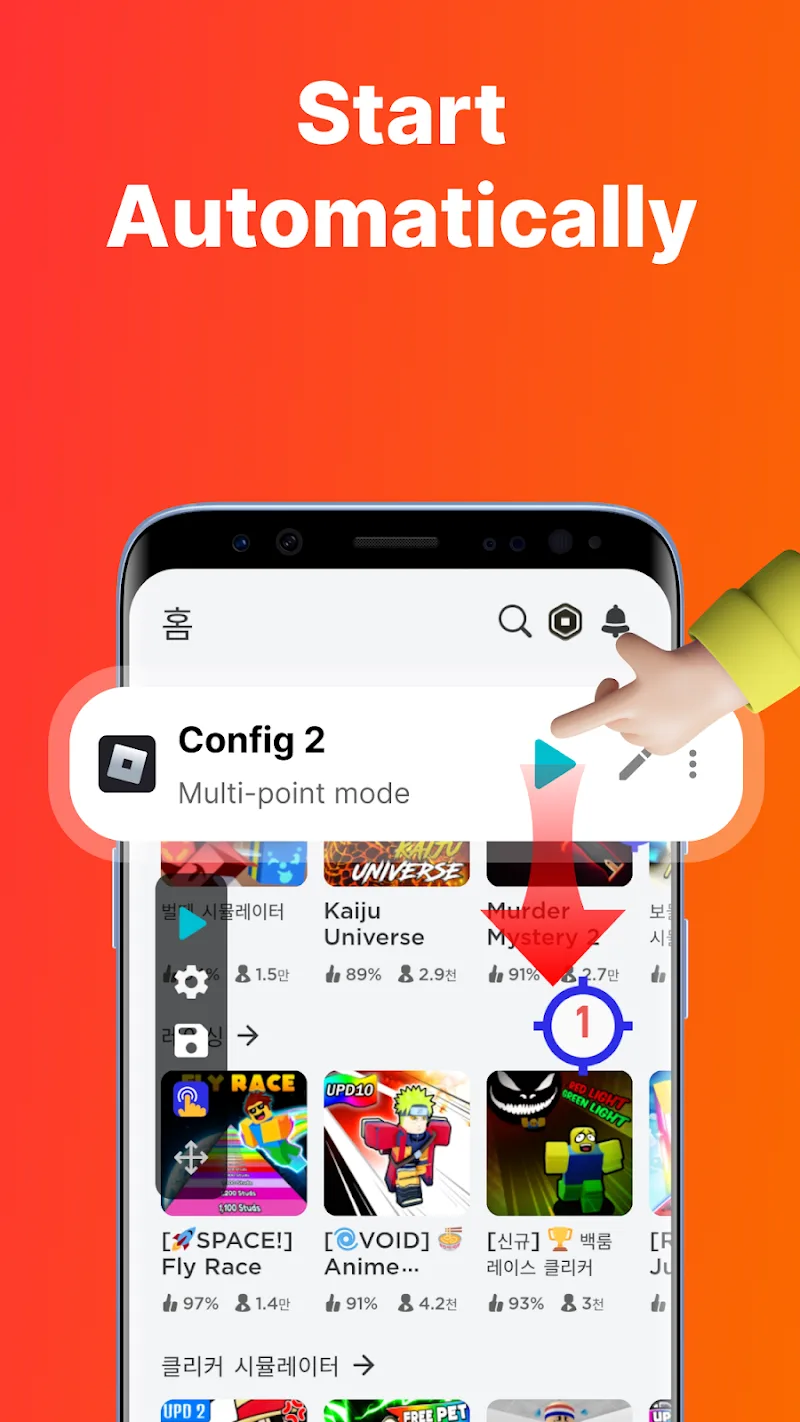
- Delayed Timer Activation: Start tasks at a scheduled time without manual intervention, ideal for timed activities or background processes.
- App-Specific Memory Function: The app remembers your settings for each application, so you won’t need to reconfigure when opening frequently used apps.
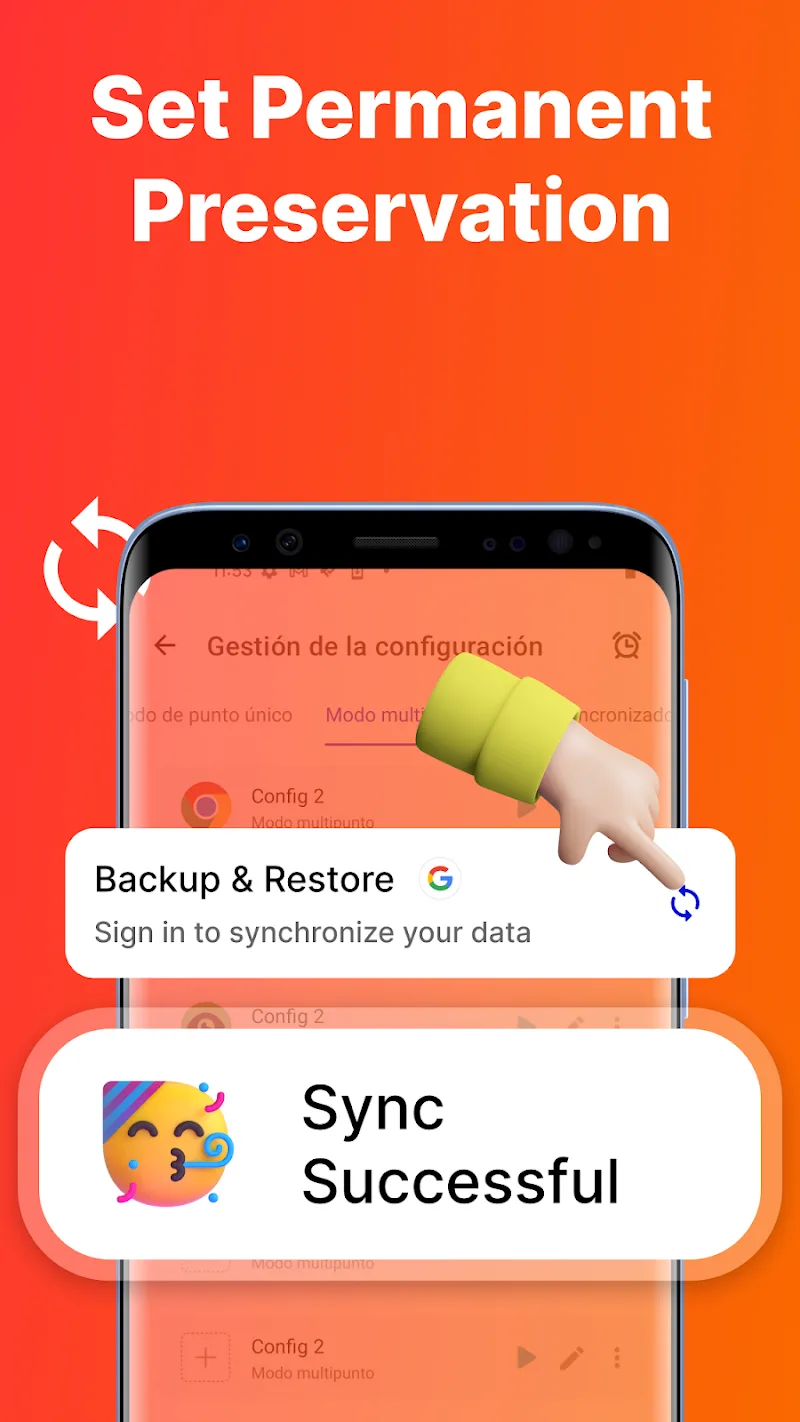
- Configuration Backup Management: Easily import/export settings with a single click, simplifying configuration management across devices.











