
Auto Cursor MOD APK 1.12.1 (Premium Unlocked)
v1.12.1
Auto Cursor
Toneiv Apps · Tools
Smartphones are increasingly evolving with larger screens to satisfy the entertainment demands of modern users. However, this trend presents challenges in accessing all areas of the screen with one hand. Auto Cursor…
Information
| Version | 1.12.1 |
| Size | 8.1 MB |
| Requires | Android 7.0+ |
| Category | Tools |
| Updated | Oct 13, 2026 |
| MOD info | Premium Unlocked |
| Google Play | Google Play |
How to install
- Download the APK file above to your phone.
- Allow “Install unknown apps” when prompted.
- Open the downloaded APK and tap Install.
- If the package includes OBB/XAPK data, follow the bundled instructions.
MOD APKs are modified builds, so Play Protect may show a warning. Install only if you trust the file; use at your own risk.
Description
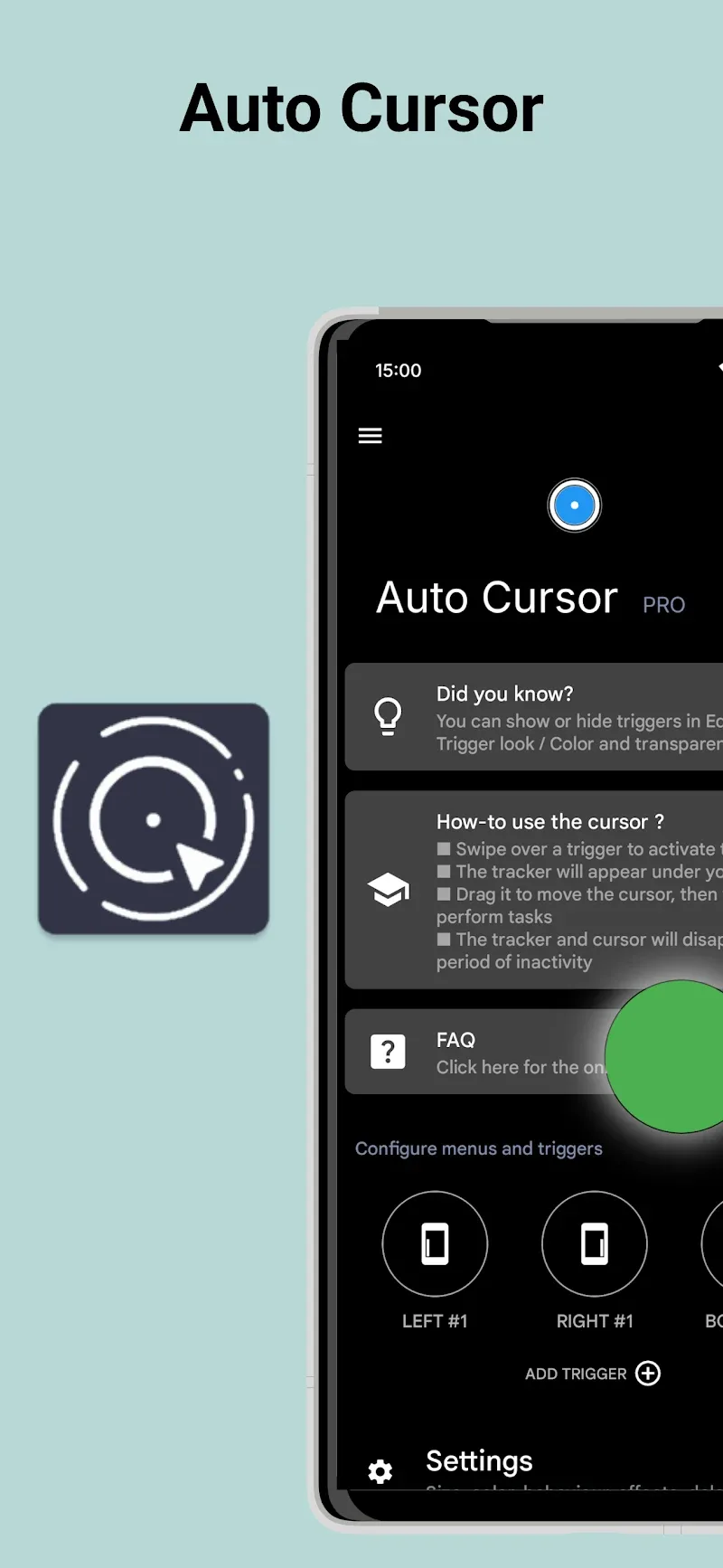
Smartphones are increasingly evolving with larger screens to satisfy the entertainment demands of modern users. However, this trend presents challenges in accessing all areas of the screen with one hand. Auto Cursor offers a solution by enabling one-handed control through a flexible cursor that appears from the edges. This tool simplifies navigation across large devices, making one-handed operation significantly more convenient. Despite its minimalist design, Auto Cursor delivers efficient optimization for handling big-screen smartphones.
FREELY CUSTOMIZE AND OPERATE SCREEN EDGES
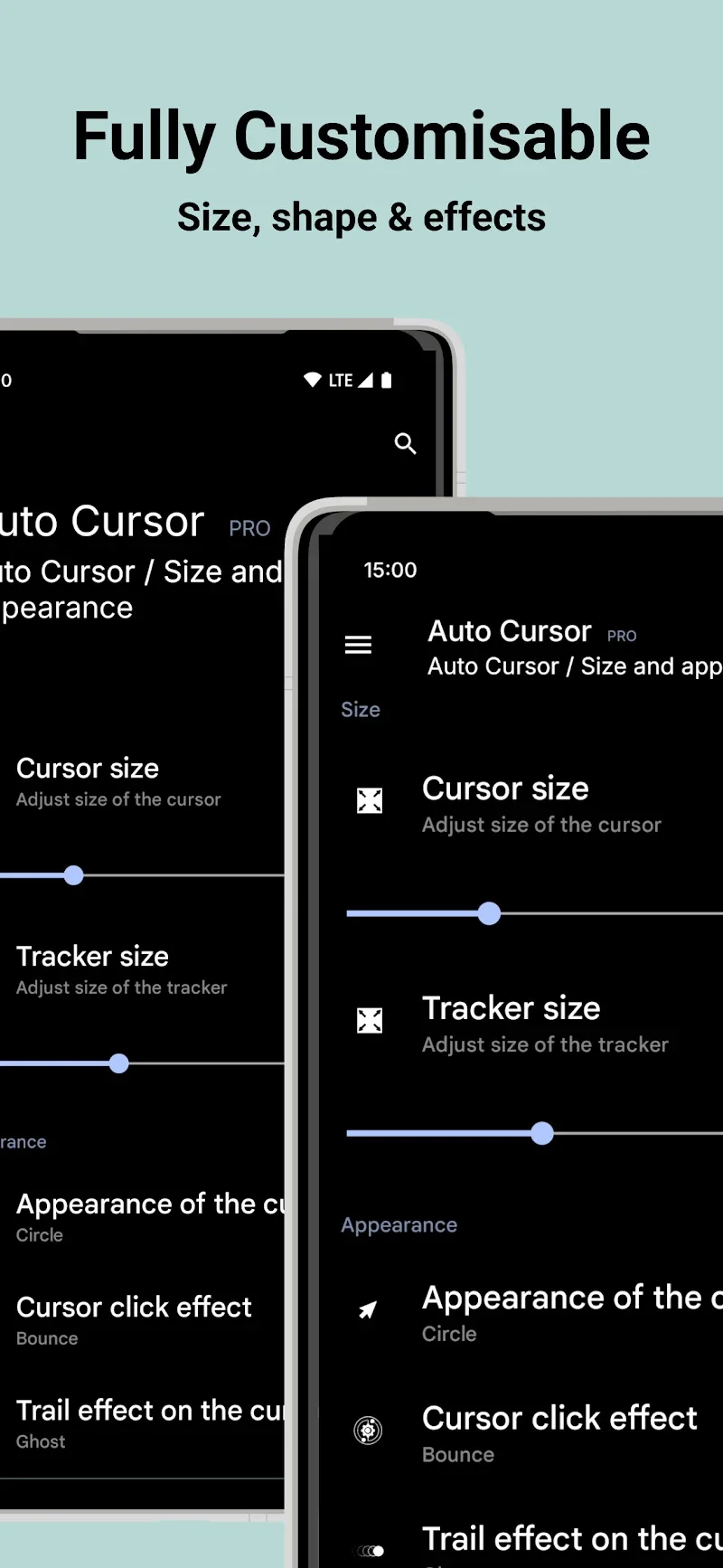
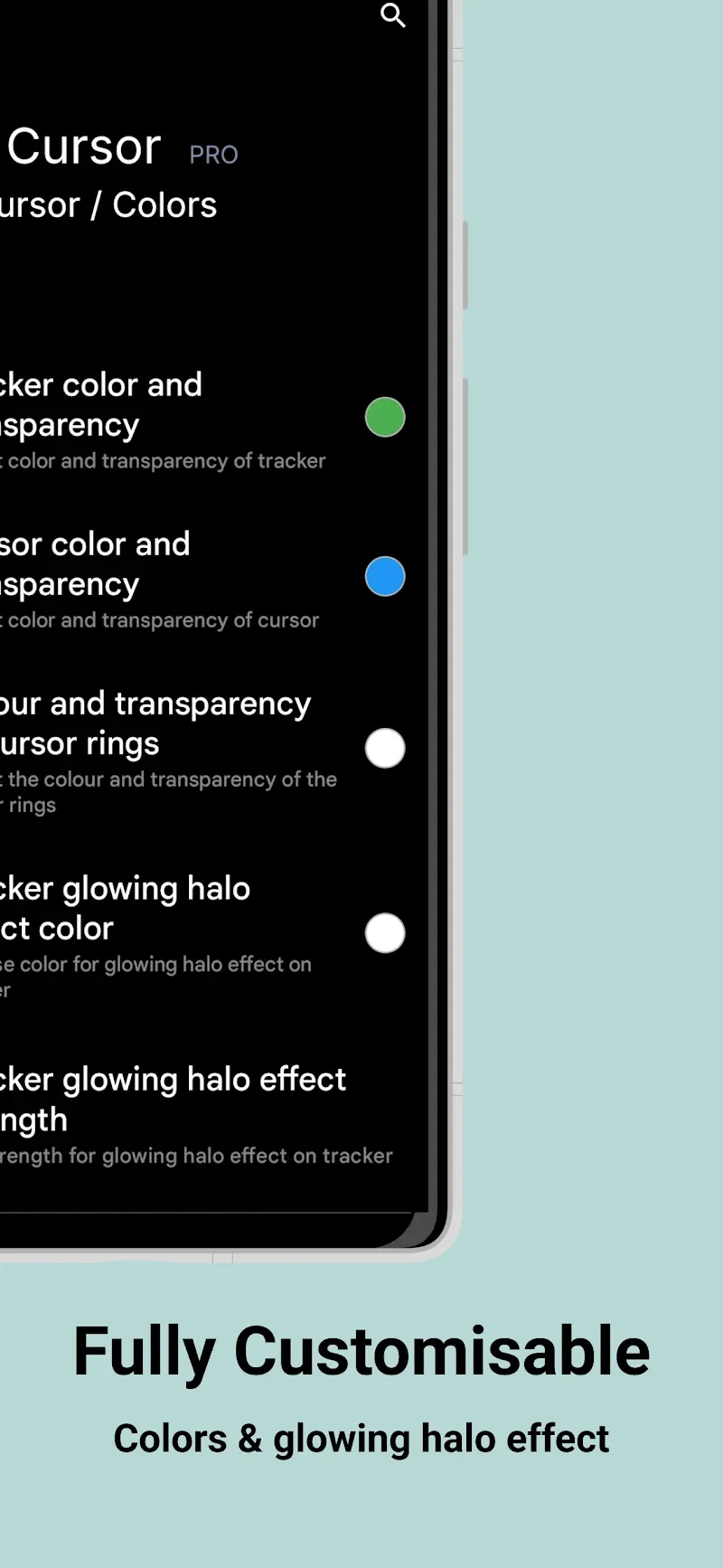
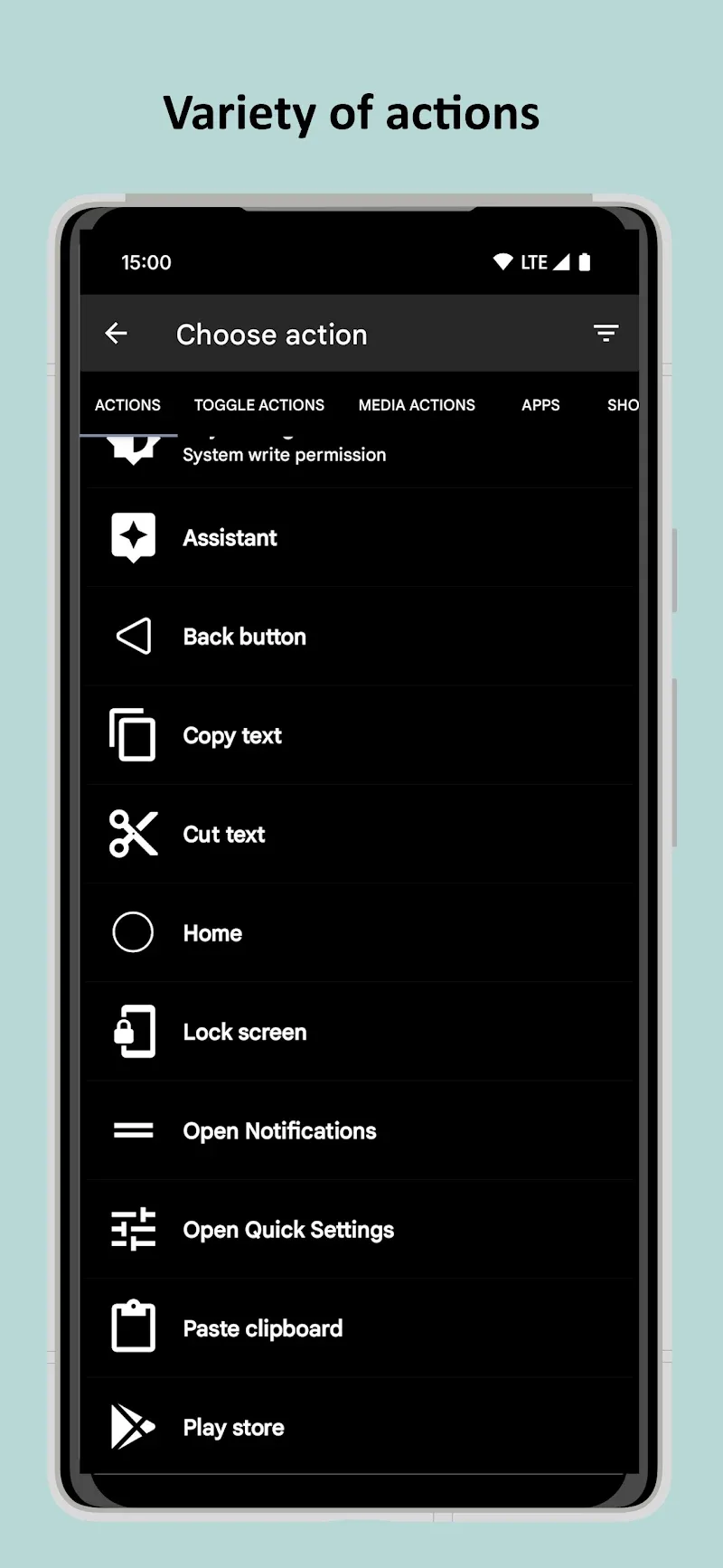
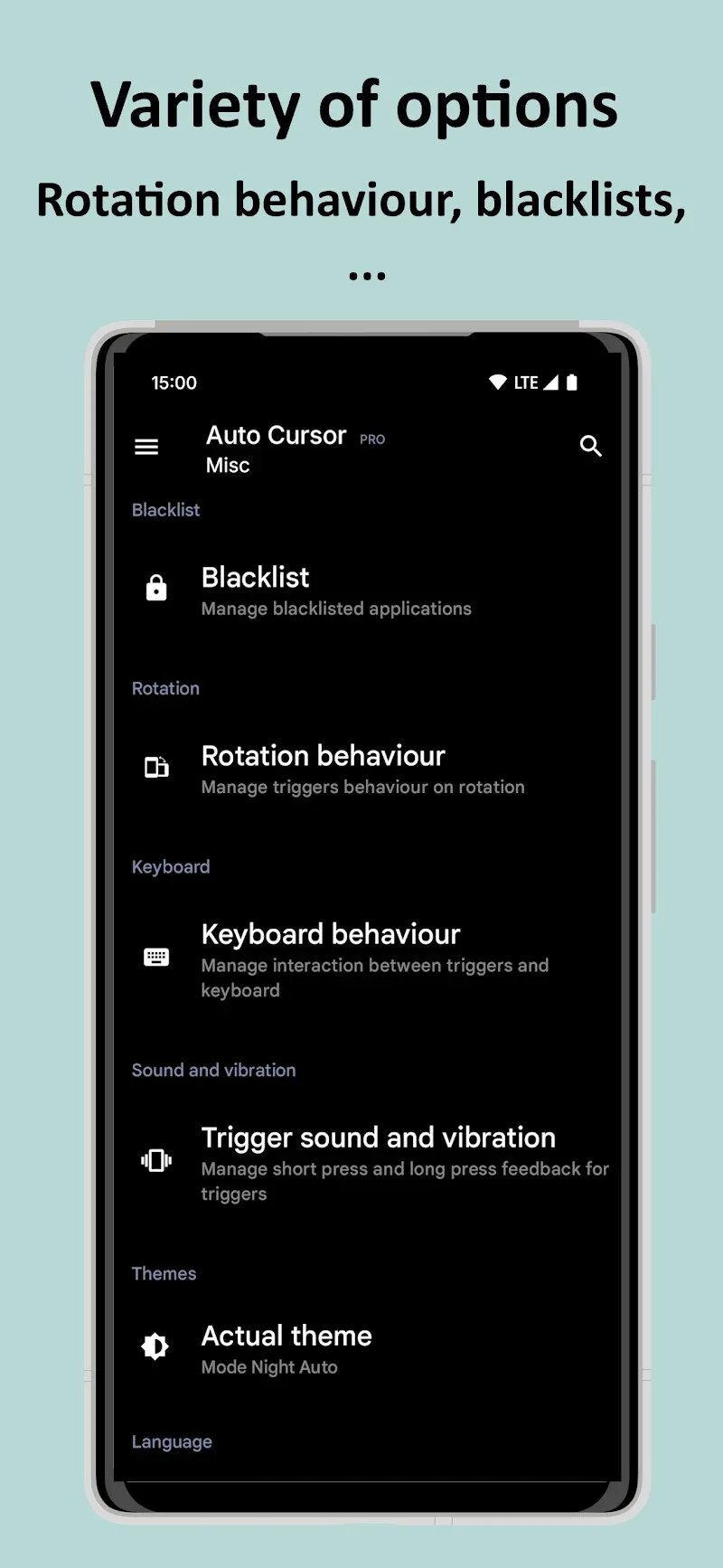
Although the app offers a broad range of features, it still allows full customization of the cursor's size, color, and visual effects to match user preferences. The ability to differentiate between tap and hold interactions on each trigger point enables precise command assignments, such as returning to the Home screen or accessing Quick Settings. Lightly swiping from the edges to activate the cursor ensures a smooth and responsive experience.
- Edge activation: Swipe corner to open cursor
- Dual command assignment: Distinguish tap and hold
- Personalization: Customize color and size
EXPAND FEATURES AND ABSOLUTE SECURITY
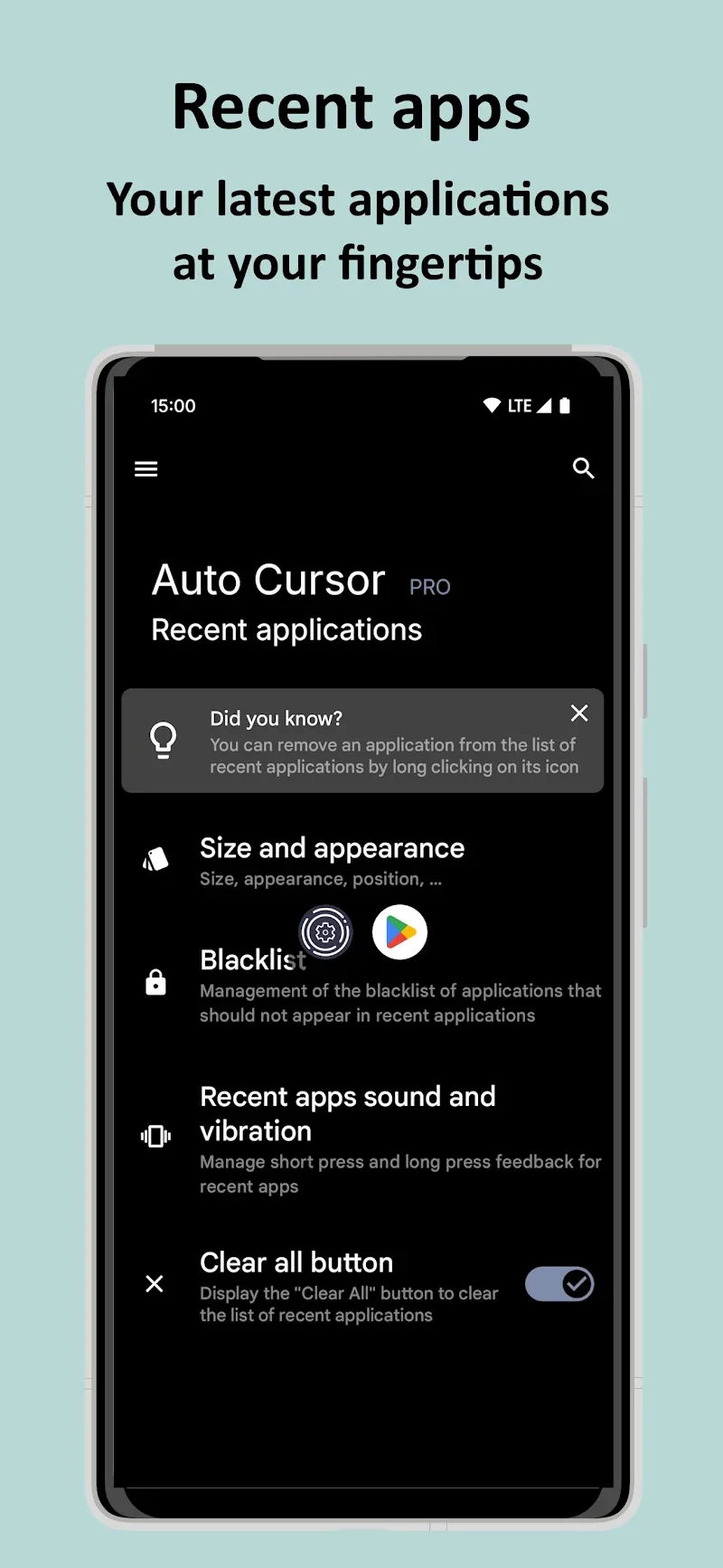
This functionality also lets users adjust volume quickly while enhancing one-handed usability. Additionally, the app does not collect or transmit personal data, ensuring complete privacy. The Pro version unlocks advanced capabilities like drag-and-drop operations and instant app launching for greater control.
- Pro version: Expanded drag-and-drop operations
- High security: No external network connection
- Quick control: Customize brightness and speaker
Auto Cursor: One-Handed Control for Big Screens
Auto Cursor is a productivity tool designed to simplify navigation on large-screen smartphones. By enabling one-handed operation through a flexible edge cursor, it addresses the challenge of accessing all screen areas with a single hand. Users can customize the cursor's size, color, and visual effects to suit their preferences, while tap-and-hold differentiation allows precise actions like returning to the Home screen or accessing Quick Settings. This app is ideal for users with bigger phones who seek efficient, personalized control without compromising convenience.
- One-handed control via edge-activated cursor
- Customizable cursor size, color, and visual effects
- Tap-and-hold differentiation for precise commands
Key Features of Auto Cursor
The app prioritizes security and usability, offering no data collection or network connections. Its Pro version unlocks advanced functions like drag-and-drop operations and instant app launching, enhancing control over device interactions. Users can also adjust brightness and speaker settings through quick controls, making it a versatile tool for both casual and power users. These features ensure a seamless, privacy-focused experience tailored to modern smartphone usage.
- No data collection or network connections
- Pro version unlocks drag-and-drop and instant app launching
- Customize brightness and speaker settings
MOD Features: Premium Unlocked
- Unlocks drag-and-drop operations for enhanced control
- Enables instant app launching for faster access
- Allows customization of brightness and speaker settings











