
Button Mapper MOD APK 4.12 (Premium Unlocked)
v4.12
Button Mapper
flar2 · Personalization
Default hardware key configurations set by smartphone makers often restrict how you navigate your device, ignoring the fact that everyone interacts with mobile technology differently. Going through multiple menus…
Information
| Version | 4.12 |
| Size | 6.2 MB |
| Requires | Android+ |
| Category | Personalization |
| Updated | Oct 14, 2026 |
| MOD info | Premium Unlocked |
| Google Play | Google Play |
How to install
- Download the APK file above to your phone.
- Allow “Install unknown apps” when prompted.
- Open the downloaded APK and tap Install.
- If the package includes OBB/XAPK data, follow the bundled instructions.
MOD APKs are modified builds, so Play Protect may show a warning. Install only if you trust the file; use at your own risk.
Description
Default hardware key configurations set by smartphone makers often restrict how you navigate your device, ignoring the fact that everyone interacts with mobile technology differently. Going through multiple menus simply to toggle the torch or launch a favorite application can quickly become frustrating, leading many users to seek out personalization tools. Button Mapper solves this dilemma by granting complete freedom to reprogram every physical key on your phone. Through this flexible customization, you can unlock your hardware's full potential and discover versatile new shortcuts.
Button Customization
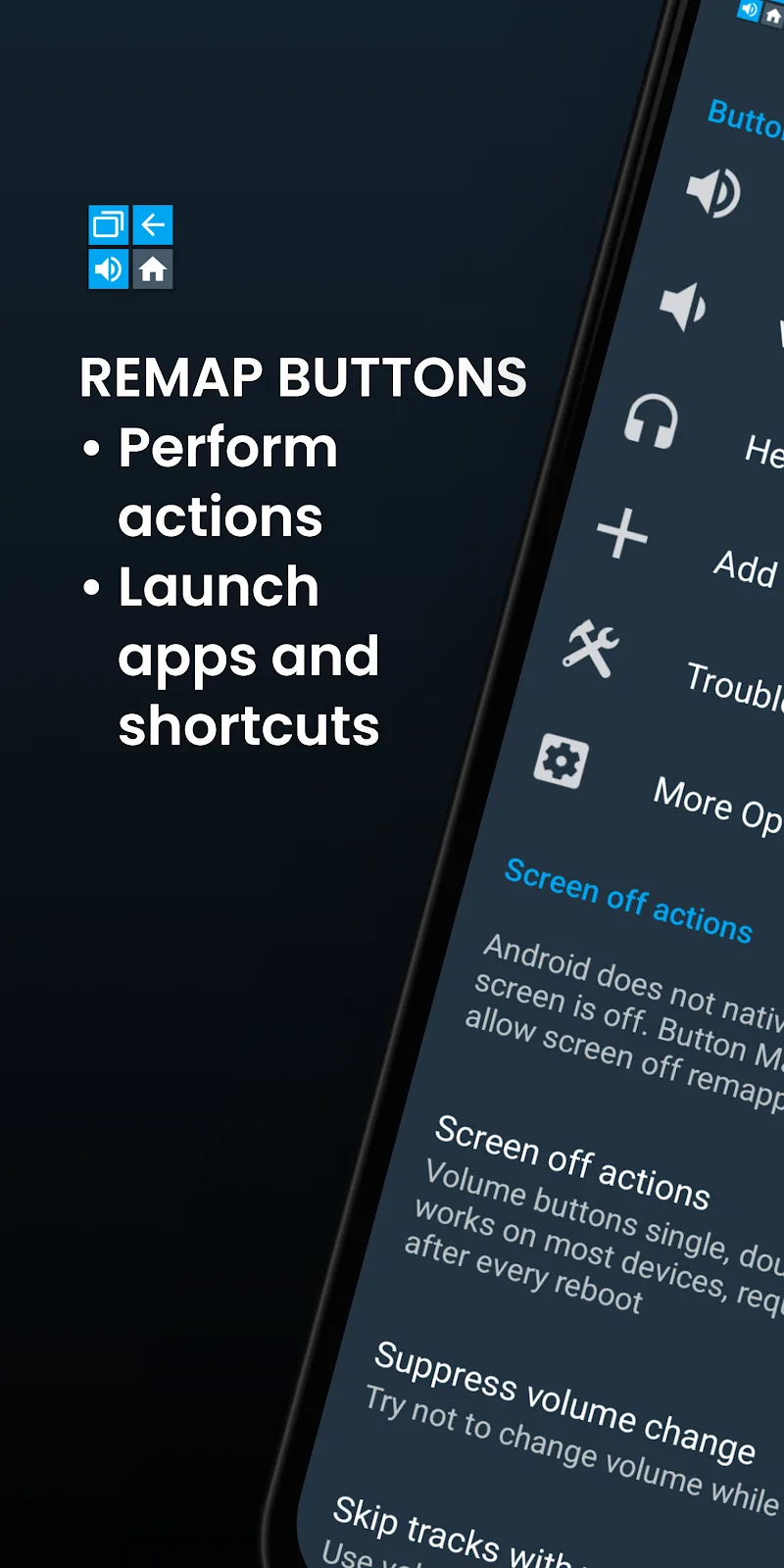
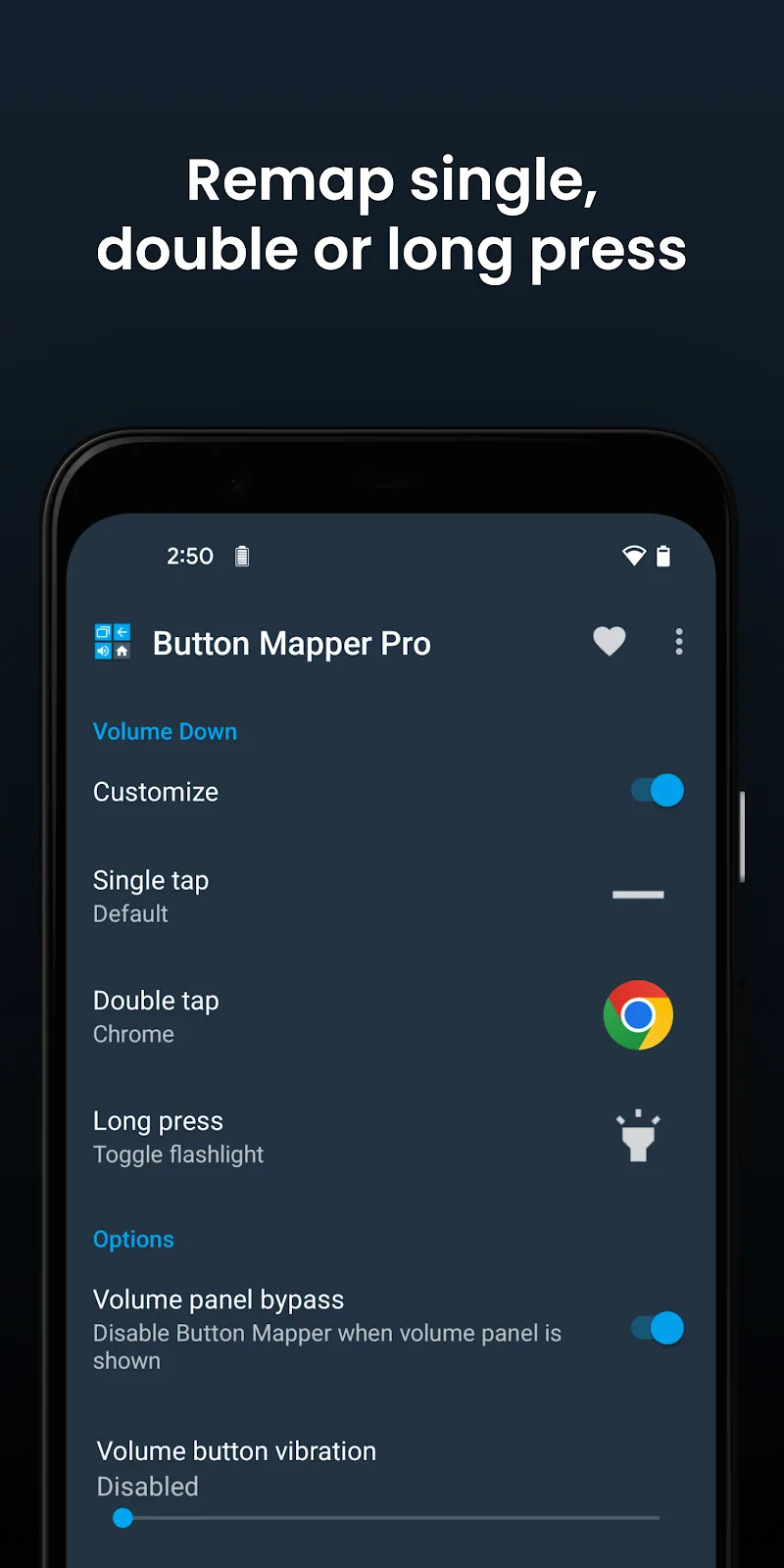
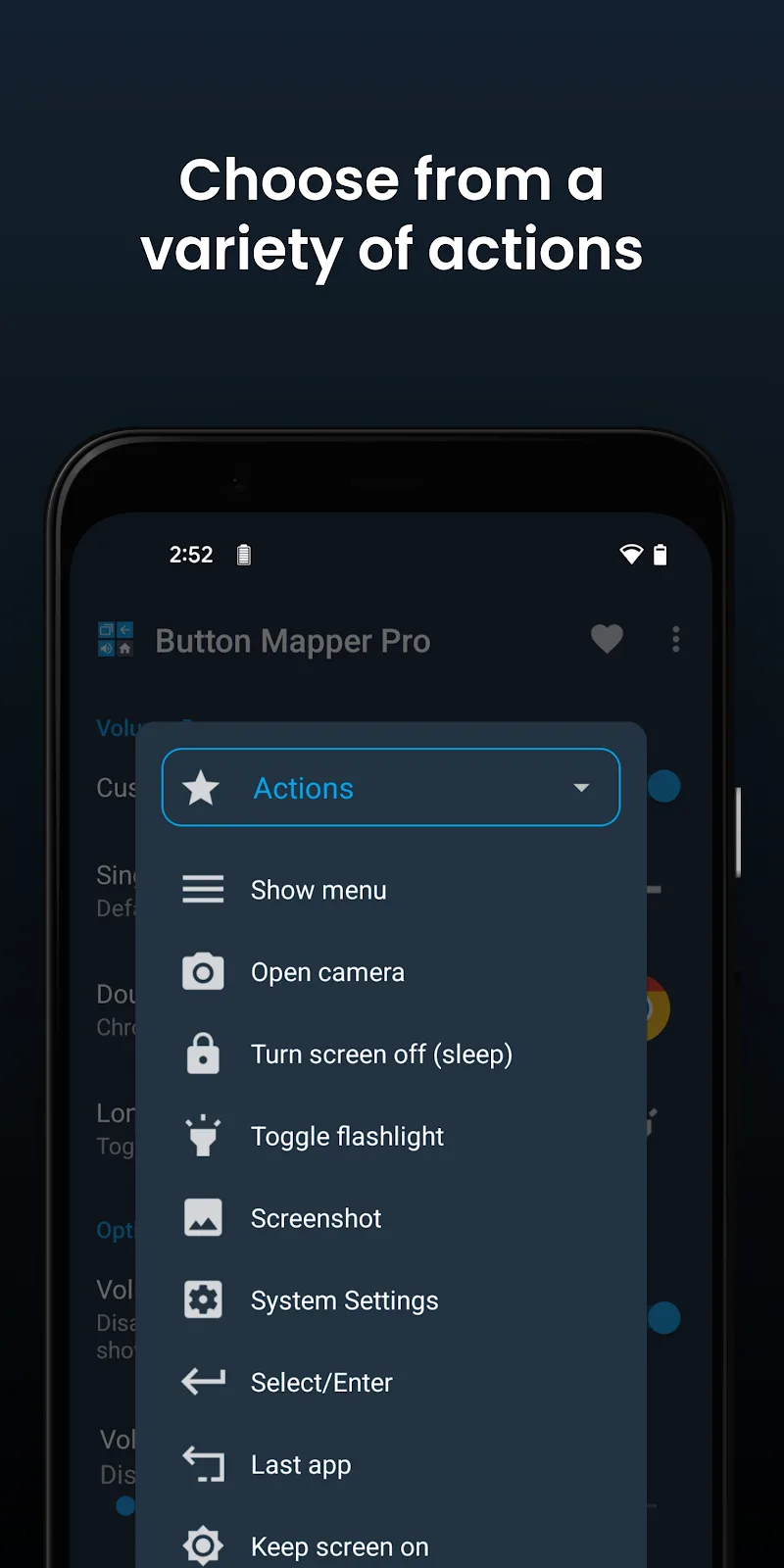
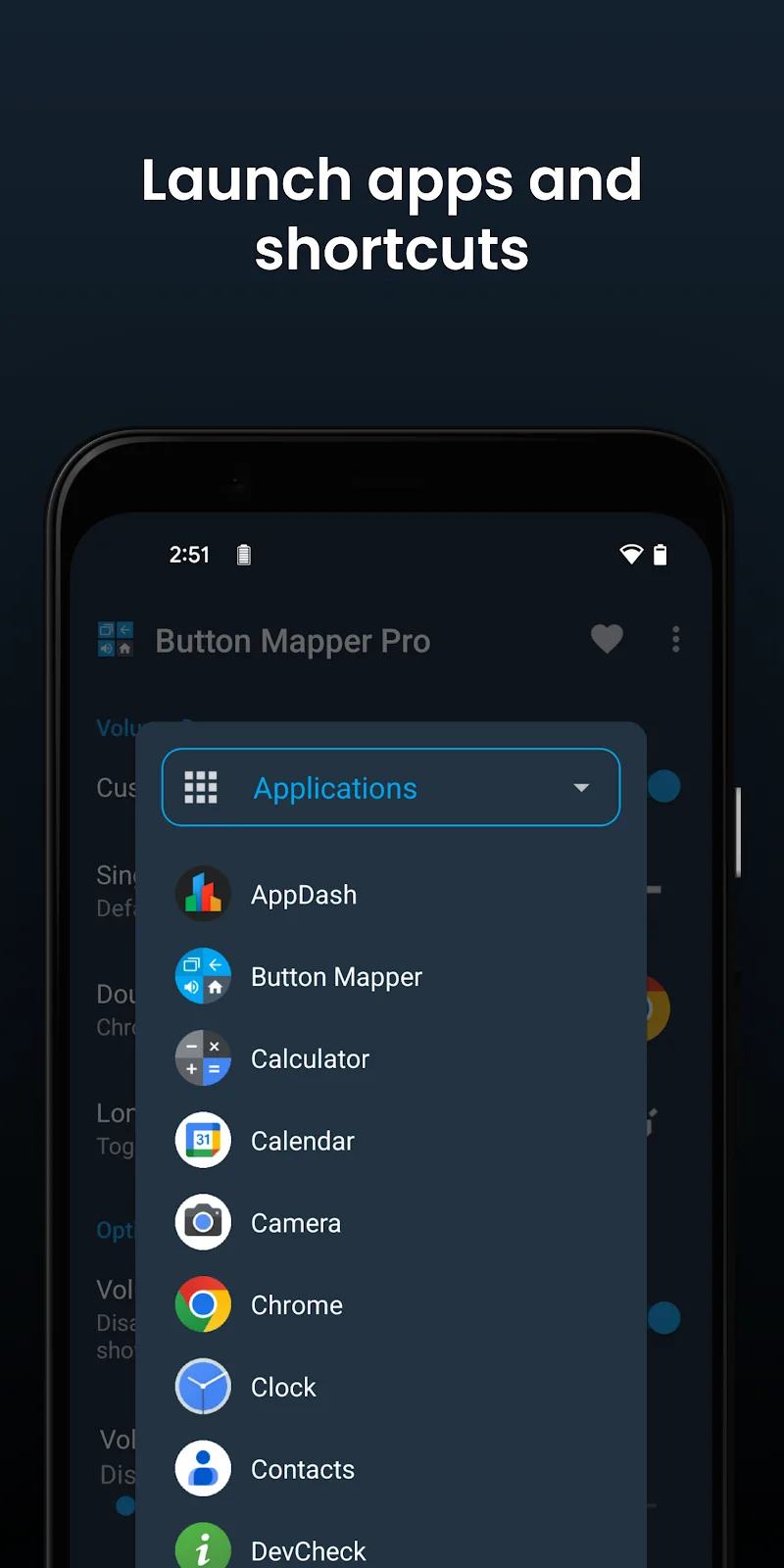
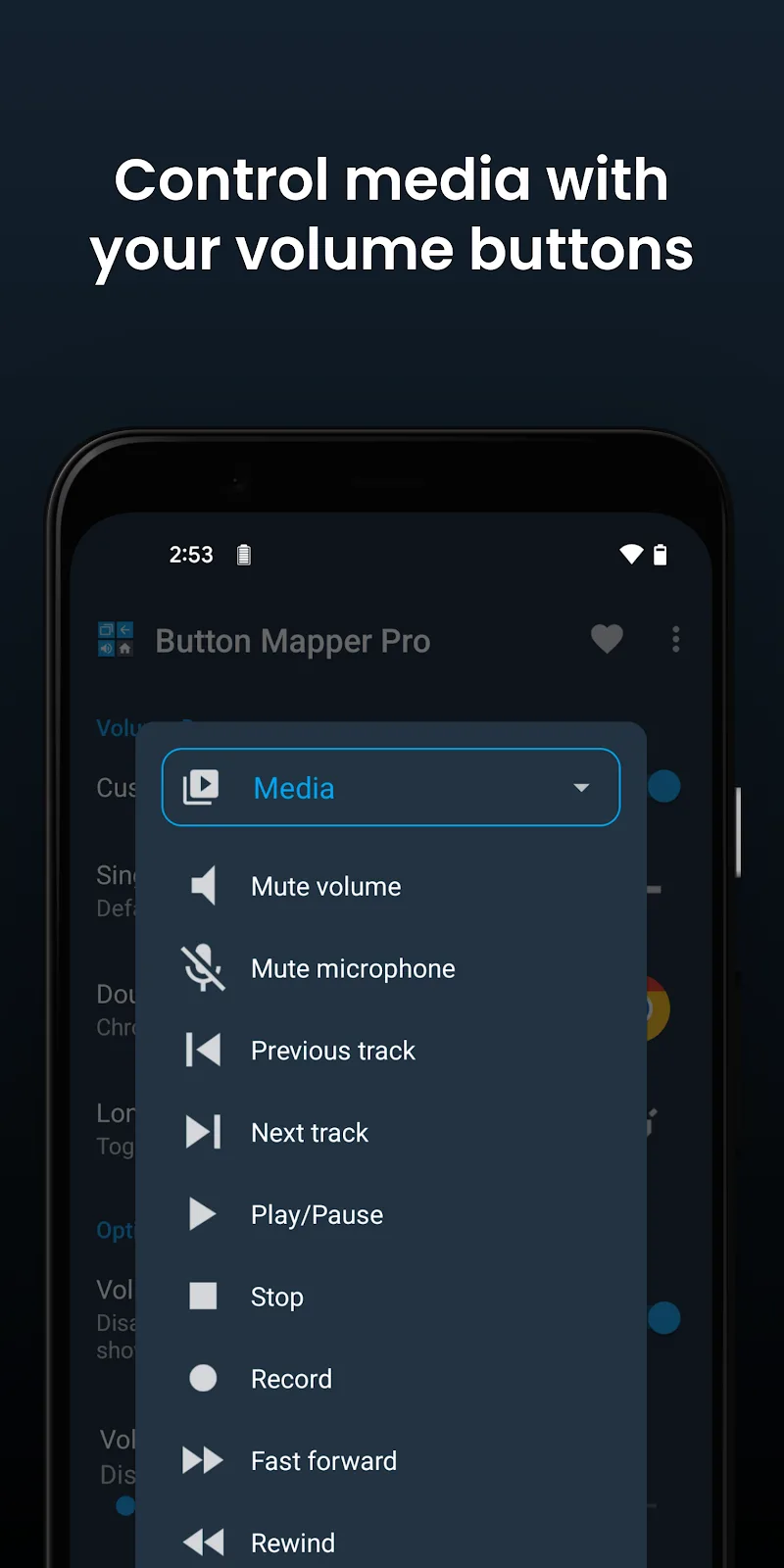
This versatile utility empowers you to reprogram volume rockers alongside various other hardware buttons. While a single tap can retain its default behavior, setting up new combinations opens up a whole world of shortcuts. You can effortlessly execute specific tasks through single taps, quick double presses, or sustained long presses. Whether you want to toggle the flashlight instantly, snap a quick screenshot, or adjust media playback on the fly, the app lets you bind custom commands and multi-tap routines without hassle.
- Button Remapping: Easily modify hardware key assignments.
- Diverse Actions: Trigger shortcuts using single presses or long holds.
- Quick Shortcuts: Launch the camera or flashlight in a flash.
Advanced Control
External accessories can also be mapped seamlessly to work in harmony with your Android setup. You can adjust buttons on connected game controllers and Android TV remotes with ease. Additionally, the tool allows you to fine-tune trigger delays and haptic vibration feedback. All configured shortcuts remain entirely private to your device, ensuring total peace of mind regarding personal data safety.
- Peripheral Support: Seamless integration with external gamepads and remotes.
- Response Customization: Adjust press sensitivity and long-press duration.
- Safe Security: Complete protection and respect for personal privacy.











