GMSCore (MicroG) APK 7.2.1
v7.2.1
GMSCore (MicroG)
ReVanced · Video Players & Editors
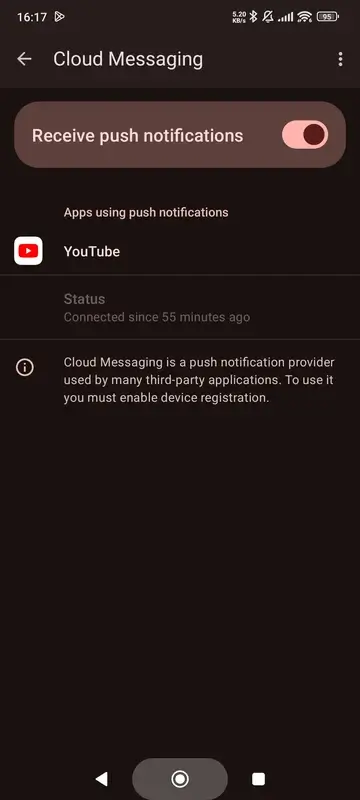
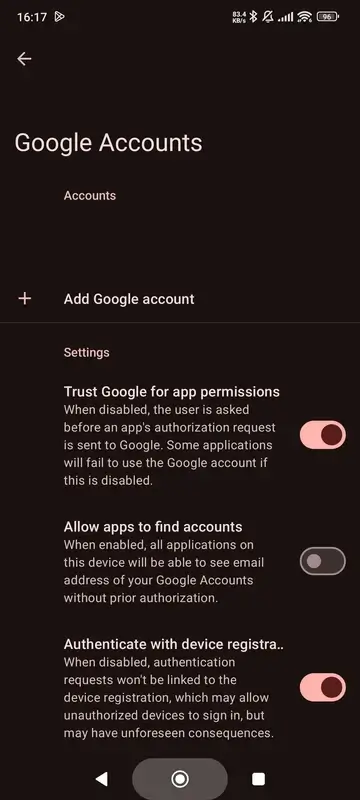
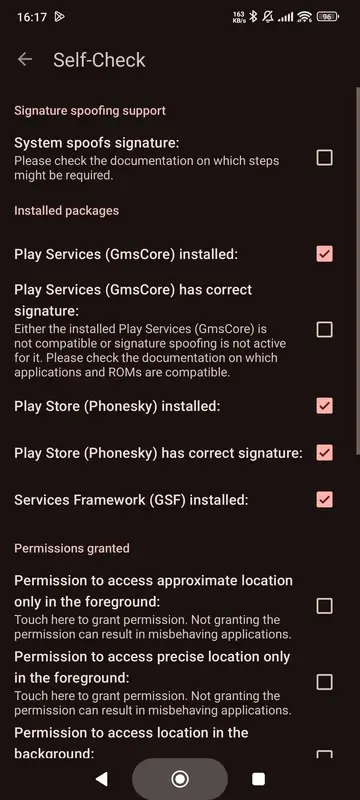
GMSCore (MicroG) is an essential companion utility for YouTube Vanced and ReVanced users. It allows you to sign in to your Google account, manage your personal channel, and stream high-definition videos with No Ads.

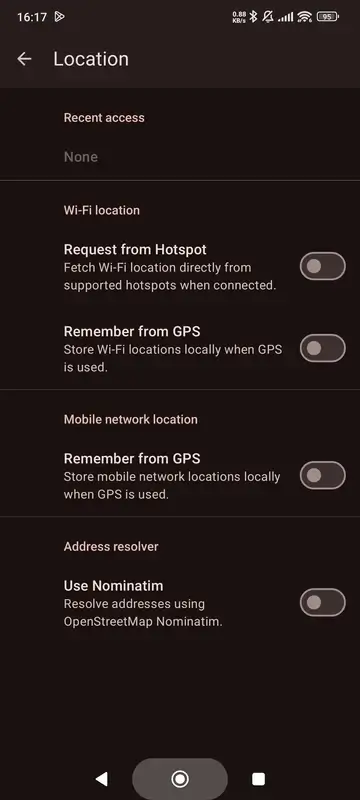
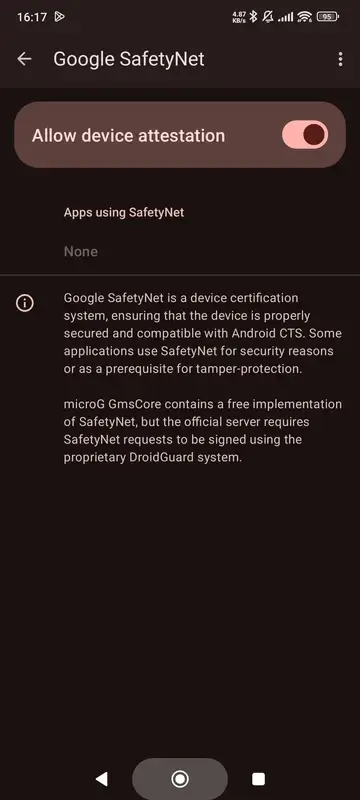
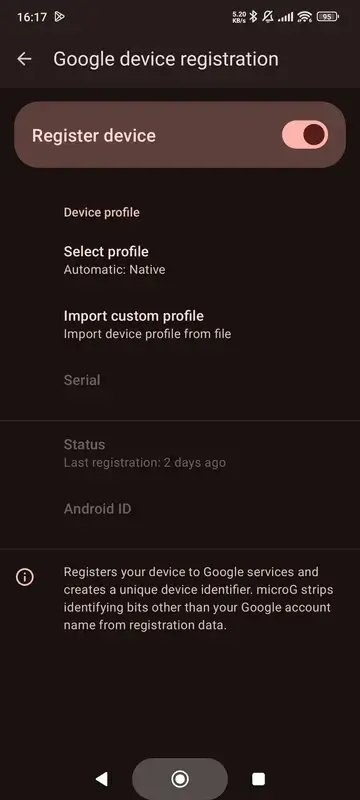
Information
| Version | 7.2.1 |
| Size | 107.2 MB |
| Category | Video Players & Editors |
| Updated | Oct 19, 2026 |
| Google Play | Google Play |
How to install
- Download the APK file above to your phone.
- Allow “Install unknown apps” when prompted.
- Open the downloaded APK and tap Install.
- If the package includes OBB/XAPK data, follow the bundled instructions.
MOD APKs are modified builds, so Play Protect may show a warning. Install only if you trust the file; use at your own risk.
Description
Installing GMSCore (MicroG) is required to run YouTube ReVanced.
GMSCore (MicroG) is an essential companion utility for YouTube Vanced and ReVanced users. It allows you to sign in to your Google account, manage your personal channel, and stream high-definition videos with No Ads.
How to Fix YouTube Playback Errors:
- Step 1: Clear the app storage and cache for both the YouTube MOD and MicroG, then uninstall both applications.
- Step 2: Download and install the newest versions of the YouTube MOD and GMSCore (MicroG).
- Step 3: You are all set! For the best and safest experience, using the MOD without signing in is recommended.
- Step 4: If you prefer to log in, simply sign in via MicroG (ApkUnlocked always suggests using a secondary Google account for MOD apps).
Fix Buffering: Navigate to Settings > ReVanced Settings > Miscellaneous, enable Spoof Player Parameters, and restart the app.
Overview of GMSCore (MicroG)
GMSCore (MicroG) is an essential companion utility developed by ReVanced specifically for Android users who rely on custom streaming clients like YouTube Vanced and YouTube ReVanced. This compact 38 MB application serves as the necessary foundation required to run YouTube ReVanced properly on your device. By handling essential background services for supported apps, it enables smooth connectivity with Google servers so you can access key platform features without relying on standard system services.
This utility is ideal for anyone seeking an uninterrupted, high-quality video playback experience on mobile devices. If you want to sign in to your personal Google profile, manage your subscriptions and channels, and enjoy high-definition videos with no ads, this tool is tailored for you. It also allows viewers to resolve playback errors and eliminate buffering issues using specialized settings, making it an indispensable component for an upgraded media setup.
Key Highlights
- Mandatory companion utility required to run YouTube ReVanced
- Enables Google account login and personal channel management
- Supports seamless streaming of high-definition videos with no ads
- Designed by ReVanced for both YouTube Vanced and ReVanced platforms
- Assists in resolving video playback errors and buffering via player spoofing