
Horux - Icon Pack MOD APK 9.1 (Full Version)
v9.1
Horux - Icon Pack
Eatos · Personalization
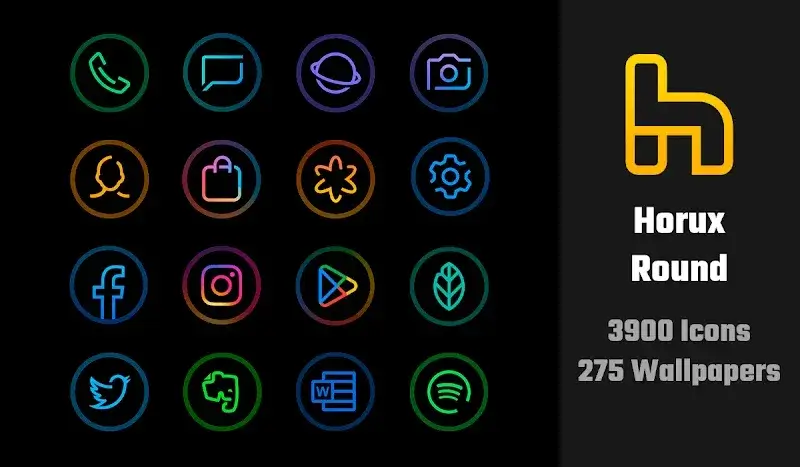
Horux – Icon Pack is a sleek personalization tool that lets you effortlessly transform your Android app icons. As the first visual element greeting you whenever you unlock your device, app icons define the entire look…
Information
| Version | 9.1 |
| Size | 25 MB |
| Requires | Android 5.0+ |
| Category | Personalization |
| Updated | Oct 16, 2026 |
| MOD info | Full Version |
| Google Play | Google Play |
How to install
- Download the APK file above to your phone.
- Allow “Install unknown apps” when prompted.
- Open the downloaded APK and tap Install.
- If the package includes OBB/XAPK data, follow the bundled instructions.
MOD APKs are modified builds, so Play Protect may show a warning. Install only if you trust the file; use at your own risk.
Description
Horux – Icon Pack is a sleek personalization tool that lets you effortlessly transform your Android app icons. As the first visual element greeting you whenever you unlock your device, app icons define the entire look and feel of your phone. Upgrading them with elegant, bespoke designs is an absolute must for any customization enthusiast.
Extensive Collection
This app delivers an immense library of versatile icons ready for seamless swapping whenever you want a fresh setup. Customization sits at the core of the experience, giving you total freedom to tailor individual icons to your liking. Alongside the icon set, you also get access to hundreds of high-quality wallpapers to match your aesthetic.
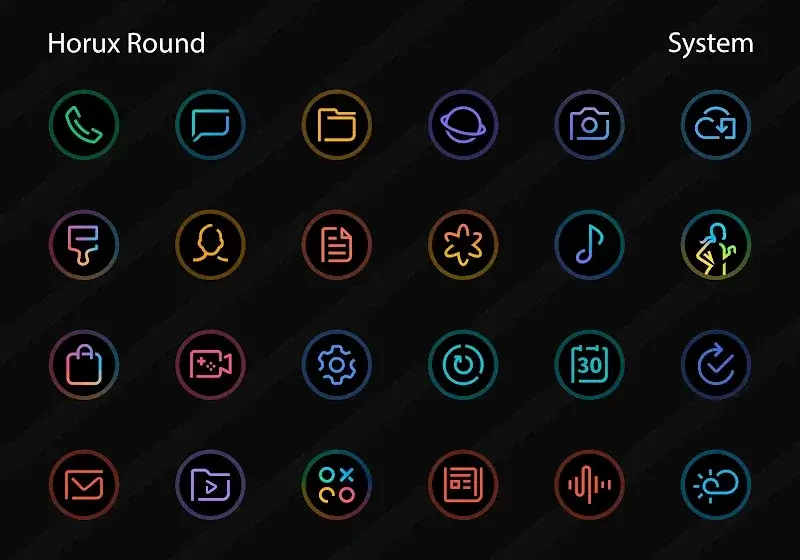
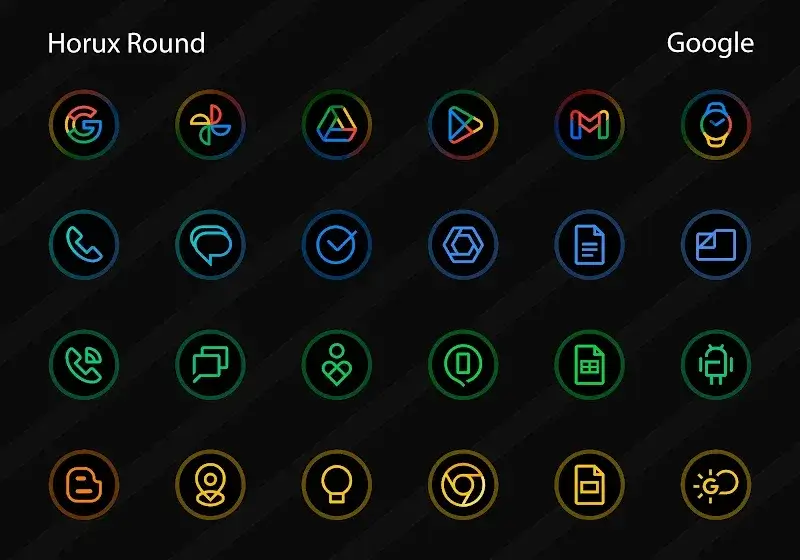
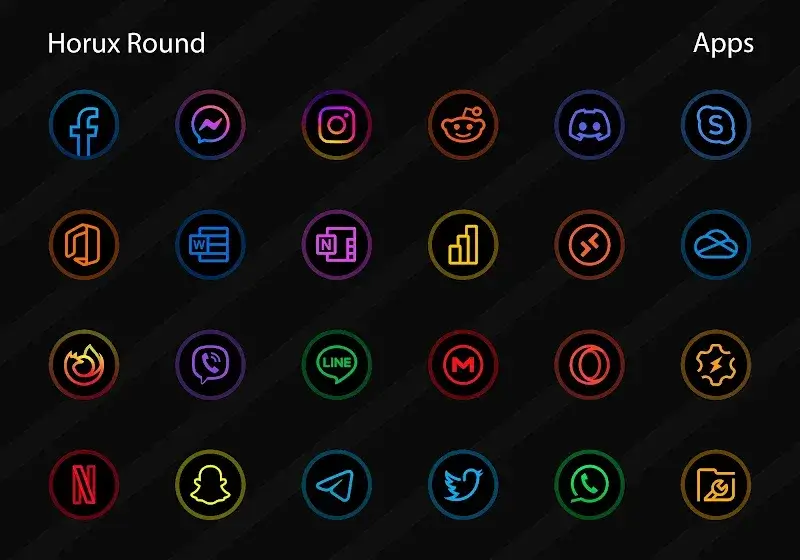
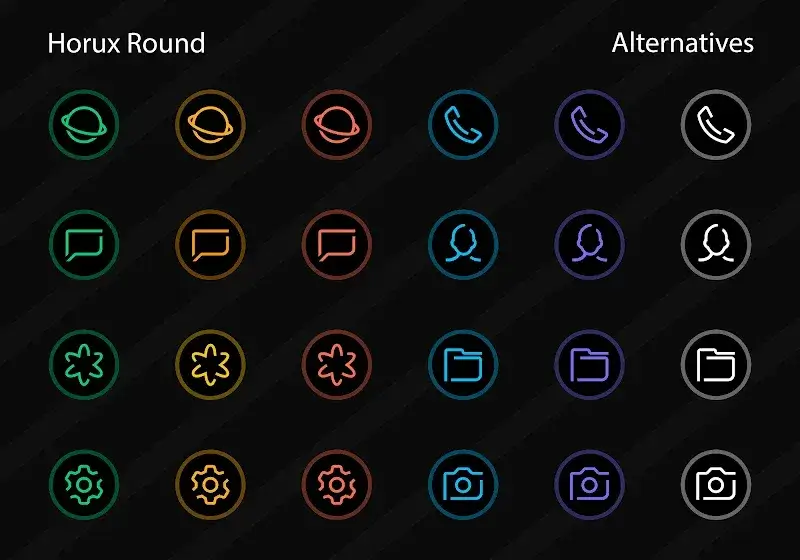
- Comprehensive App Coverage: Boasting nearly 4000 custom icons, this pack ensures that virtually every installed app on your device gets a tailored look. Many popular apps even feature multiple alternative styles, allowing you to discover the exact design that reflects your personal taste and switch it up daily.
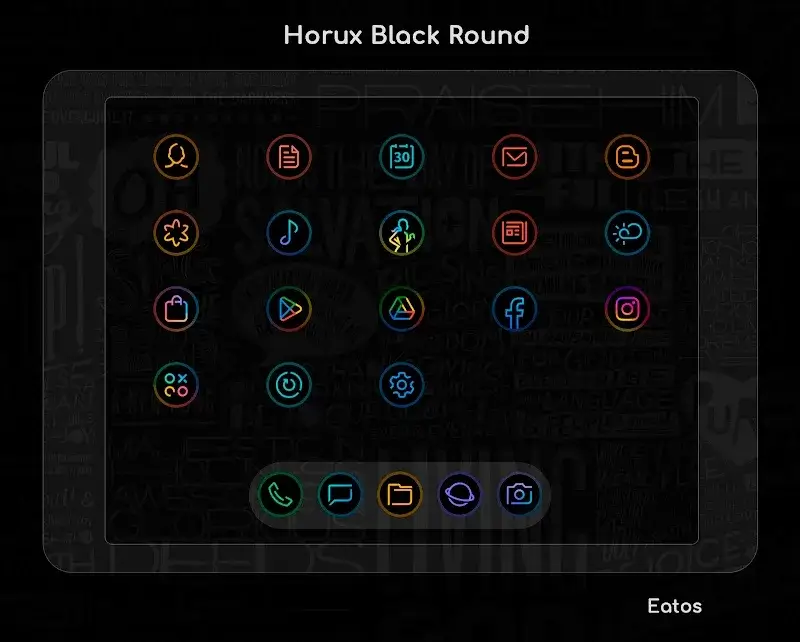
- Personalization Options Available: Clashing app colors like YouTube's bright red or Facebook's vivid blue can leave your home screen feeling cluttered and disorganized. Horux – Icon Pack resolves this by letting you apply harmonious icons from its extensive library, bringing a clean, unified, and aesthetically balanced theme to your device.
- Continuous Icon Updates: As Android aesthetics and apps evolve, ongoing support remains crucial. Horux – Icon Pack receives frequent updates that introduce new icon requests and refine existing graphics, keeping your home screen modern, polished, and fully aligned with the latest design trends.
Launcher Support
Every Android enthusiast prefers a distinct home screen launcher, but many icon packs suffer from poor compatibility and clunky setup processes. Horux – Icon Pack eliminates these hassles by offering broad support for nearly every major Android launcher, delivering a smooth, hassle-free theming experience.
- Wide Compatibility Range: Horux – Icon Pack runs effortlessly across the most popular custom launchers on the market. Users can enjoy seamless integration with top launcher options, ensuring reliable icon masking, consistent rendering, and stable everyday performance.
- Dynamic Calendar Integration: Among its most appealing touches is support for dynamic calendar icons, which update automatically as dates change throughout the month. This neat functionality keeps your schedule visually engaging without sacrificing clarity, blending useful daily information with stunning visual craft.
- Versatile Home Screens: Serving as the central hub of your smartphone, your home screen should combine both elegance and convenience. This pack integrates smoothly into diverse layout configurations and widget setups, providing the flexibility to build a clean, functional workspace exactly the way you envision.











