
Mock Locations MOD APK 1.37.4 (Pro Unlocked)
v1.37.4
Mock Locations
Dvaoru · Tools
Spoofing your GPS coordinates takes just a couple of simple steps, making location spoofing accessible to everyone. The app tracks your simulated movement with high precision to calculate realistic distances, offering…
Information
| Version | 1.37.4 |
| Size | 30 MB |
| Requires | Android 5.0+ |
| Category | Tools |
| Updated | Oct 16, 2026 |
| MOD info | Pro Unlocked |
| Google Play | Google Play |
How to install
- Download the APK file above to your phone.
- Allow “Install unknown apps” when prompted.
- Open the downloaded APK and tap Install.
- If the package includes OBB/XAPK data, follow the bundled instructions.
MOD APKs are modified builds, so Play Protect may show a warning. Install only if you trust the file; use at your own risk.
Description
Spoofing your GPS coordinates takes just a couple of simple steps, making location spoofing accessible to everyone. The app tracks your simulated movement with high precision to calculate realistic distances, offering an ideal setup for exploring unfamiliar areas or testing location-based features.
Fake GPS Route Mode
Mocking your location serves a wide range of practical purposes, and this tool stands out by delivering exceptionally stable, glitch-free movement simulations.
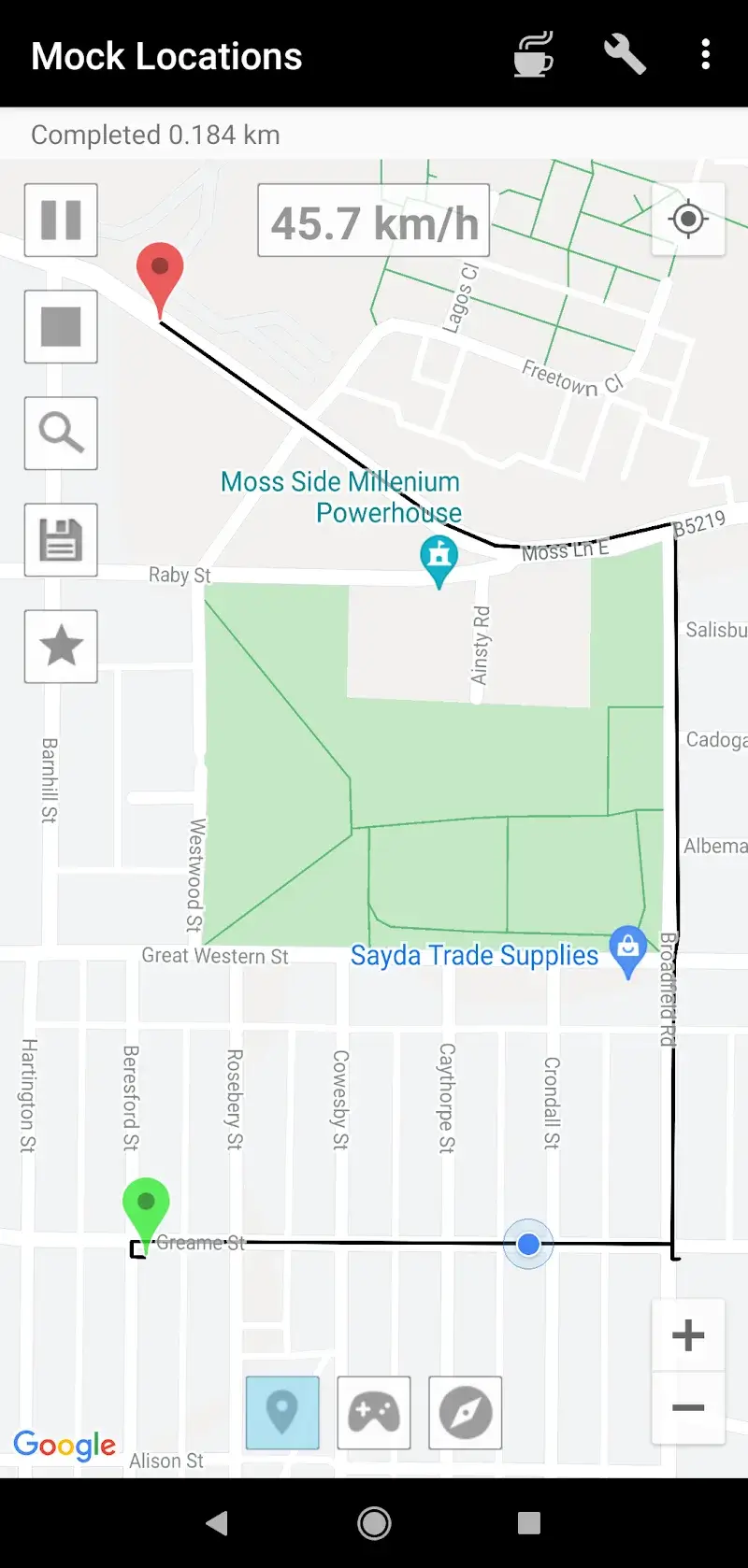
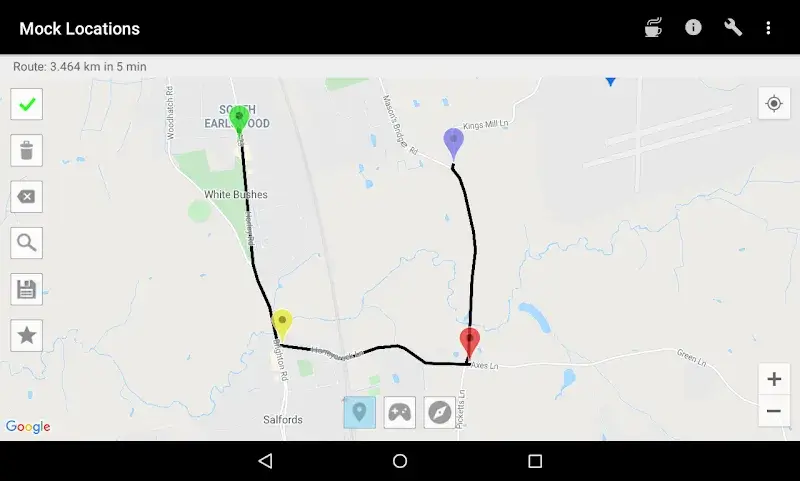
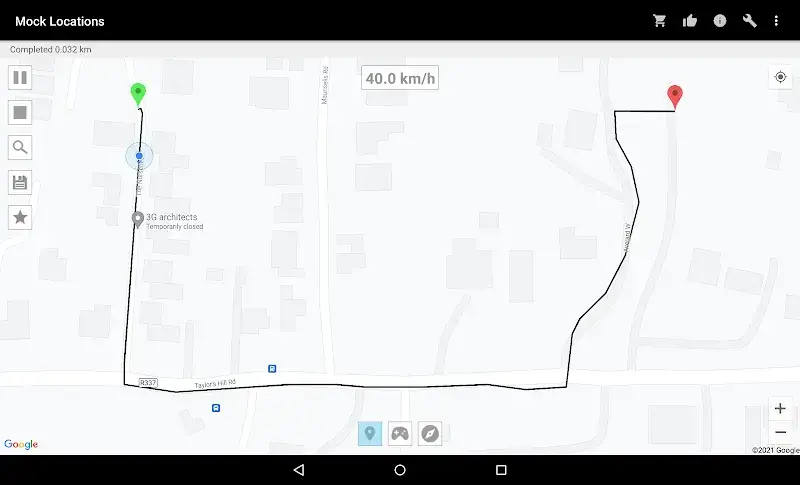
- Dynamic Route Creation: Simply set your starting point and destination to map out a custom path. The app then automatically simulates travel along the route and logs your movement history for future use.
- Customizable Details: Fine-tune your journey by adjusting travel speed and adding planned pauses along the way. This gives you a clear preview of the terrain and route before you physically visit a new location.
- Flexible Options: Packed with navigation capabilities found in standard mapping tools, it lets you select the optimal path tailored to your specific mode of transportation.
Fake GPS Joystick Mode
Beyond automated navigation, you have direct control over your heading at any moment. The intuitive interface makes manual steering effortless, providing a hassle-free testing environment.
- Manual Control: An on-screen virtual joystick gives you real-time steering over your virtual coordinates, ensuring highly precise and responsive location simulation during tests.
- Seamless Integration: A handy floating overlay allows you to access controls on top of other running apps, making cross-app location mocking both smooth and versatile.
- Debugging Support: If you are developing or troubleshooting location-dependent software, this utility is a must-have. It delivers comprehensive tracking parameters and robust movement emulation to streamline your development workflow.











