
Nova Dark Icon Pack MOD APK 7.3.7 (Full Version)
v7.3.7
Nova Dark Icon Pack
One4Studio · Personalization
Are you a fan of vibrant or sleek icon designs? Nova Dark Icon Pack offers a vast collection of icons with diverse, eye-catching styles to suit your taste. Alongside the icons, you'll also find exclusive wallpapers and…
Information
| Version | 7.3.7 |
| Size | 60 MB |
| Requires | Android 7.0+ |
| Category | Personalization |
| Updated | Oct 13, 2026 |
| MOD info | Full Version |
| Google Play | Google Play |
How to install
- Download the APK file above to your phone.
- Allow “Install unknown apps” when prompted.
- Open the downloaded APK and tap Install.
- If the package includes OBB/XAPK data, follow the bundled instructions.
MOD APKs are modified builds, so Play Protect may show a warning. Install only if you trust the file; use at your own risk.
Description
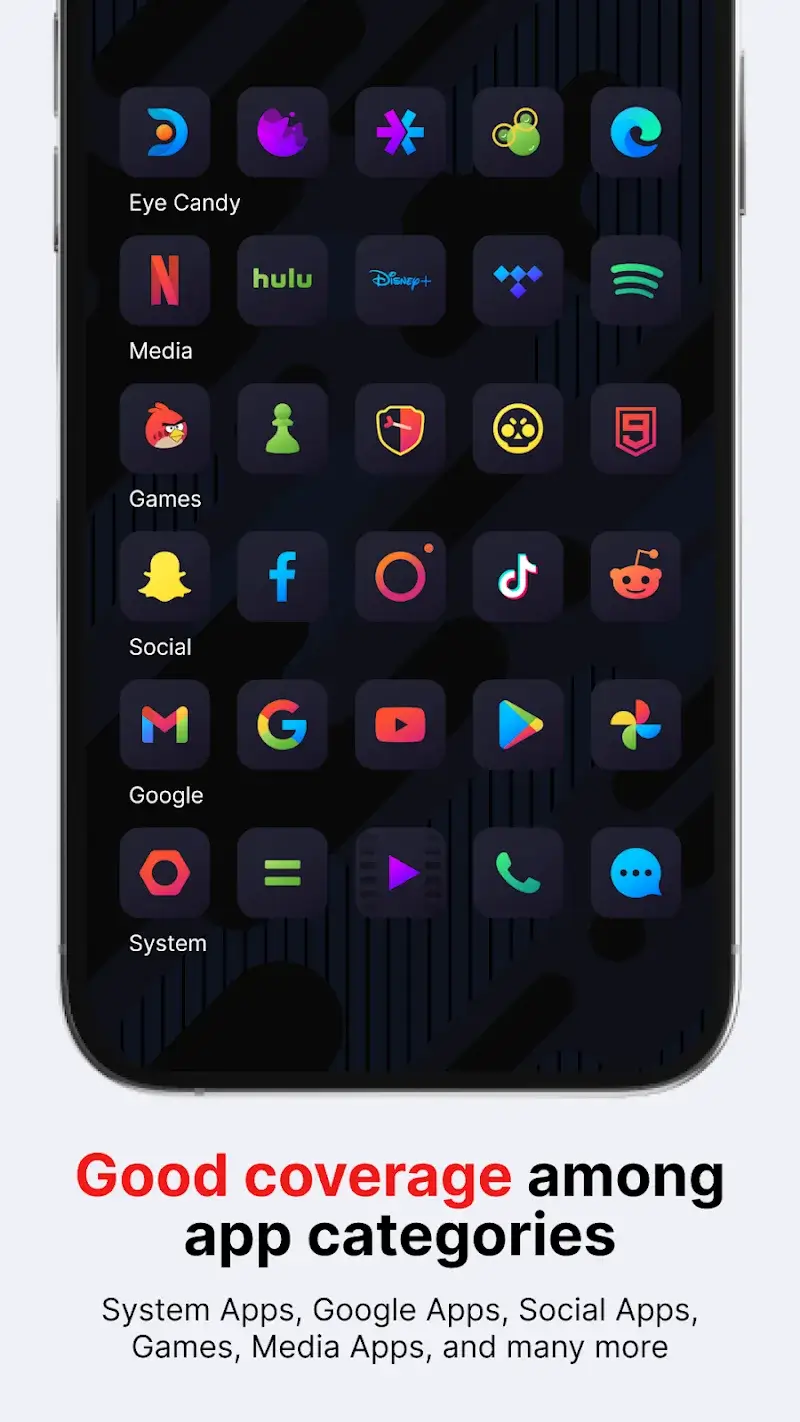
Are you a fan of vibrant or sleek icon designs? Nova Dark Icon Pack offers a vast collection of icons with diverse, eye-catching styles to suit your taste. Alongside the icons, you'll also find exclusive wallpapers and customizable settings. The app continues to expand its features, allowing users to tweak and enhance their setup for a more personalized experience.
Comprehensive Customization Options
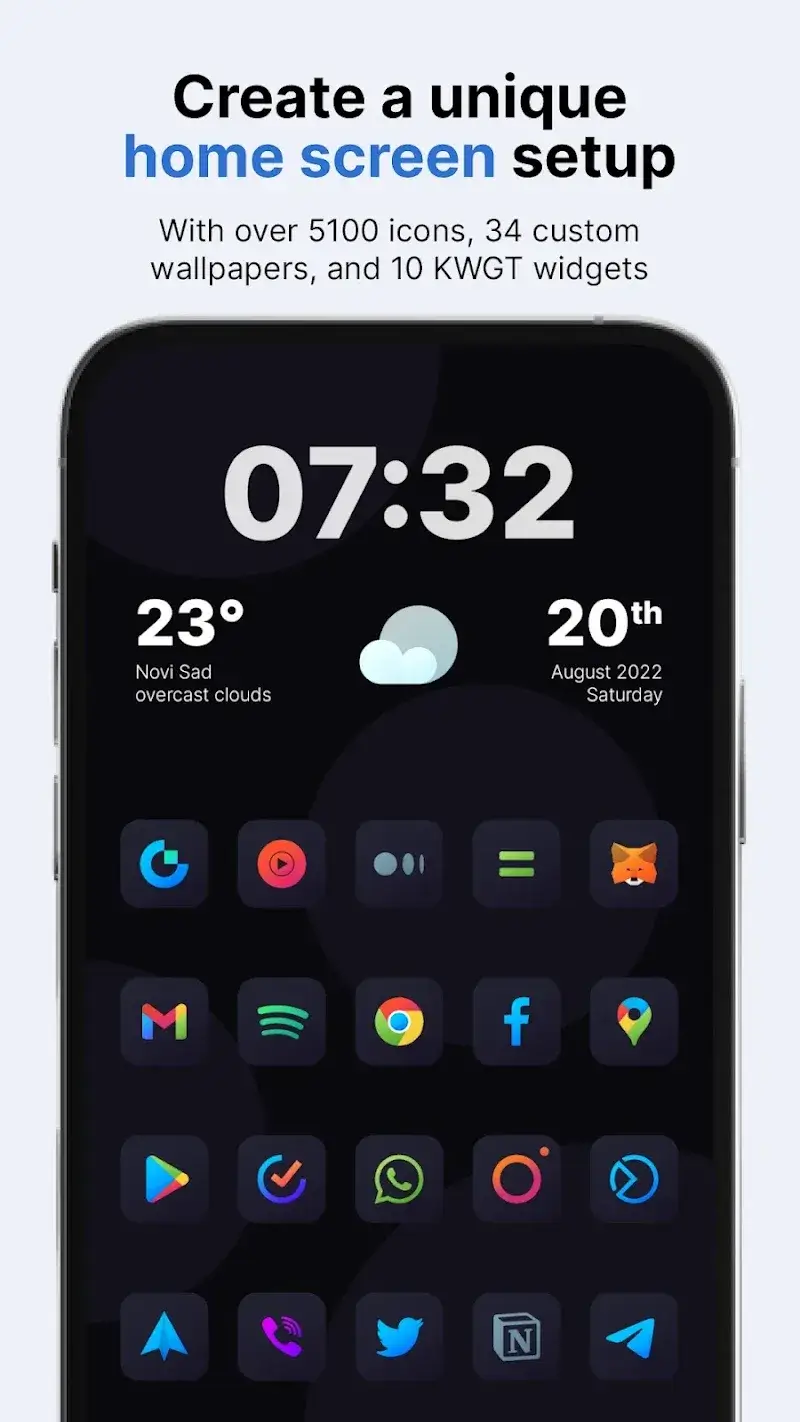
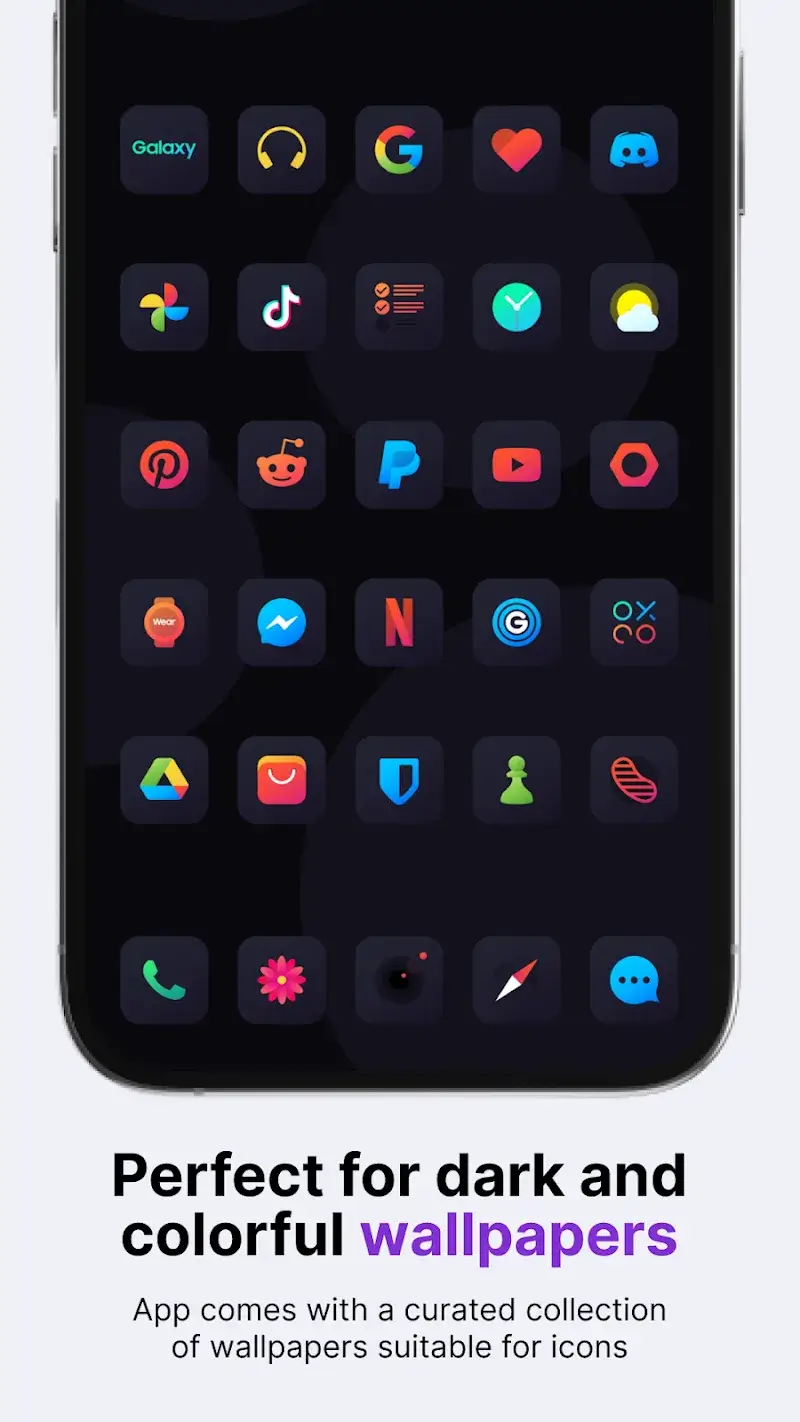
The app delivers a wide range of distinctive icons, featuring elegant square designs with rounded edges that offer a unique aesthetic not found in other apps. Pair these with the app's modern background templates to streamline your device's appearance and functionality.
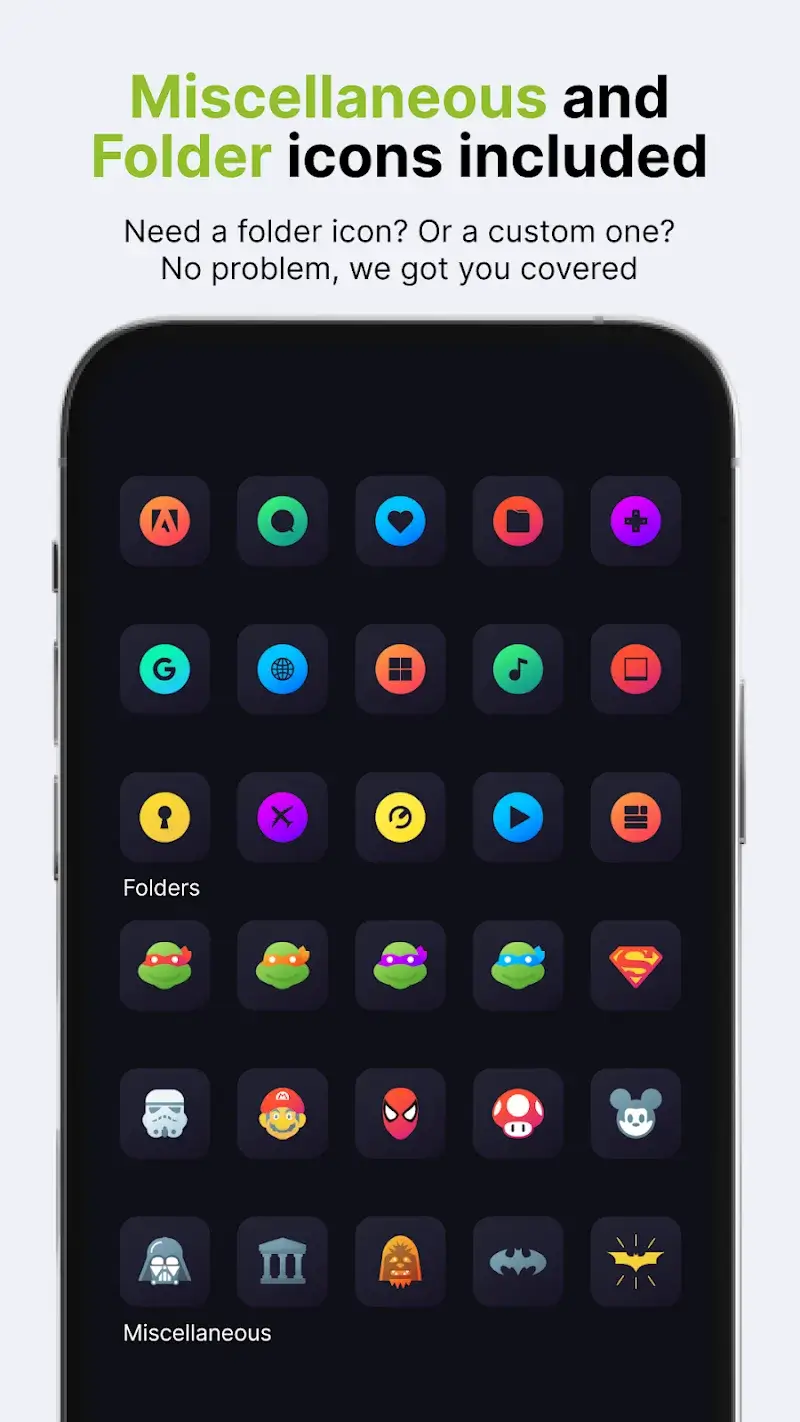
- Extensive Icon Collection: This app boasts over 5,817 unique icons, each crafted with distinct characteristics. Users can seamlessly integrate them to create a cohesive, unified look across their device.
- Matching Wallpaper Set: The app also includes a curated selection of 34 stylish wallpapers. These background patterns adapt to your needs, providing a fresh visual experience with every use.
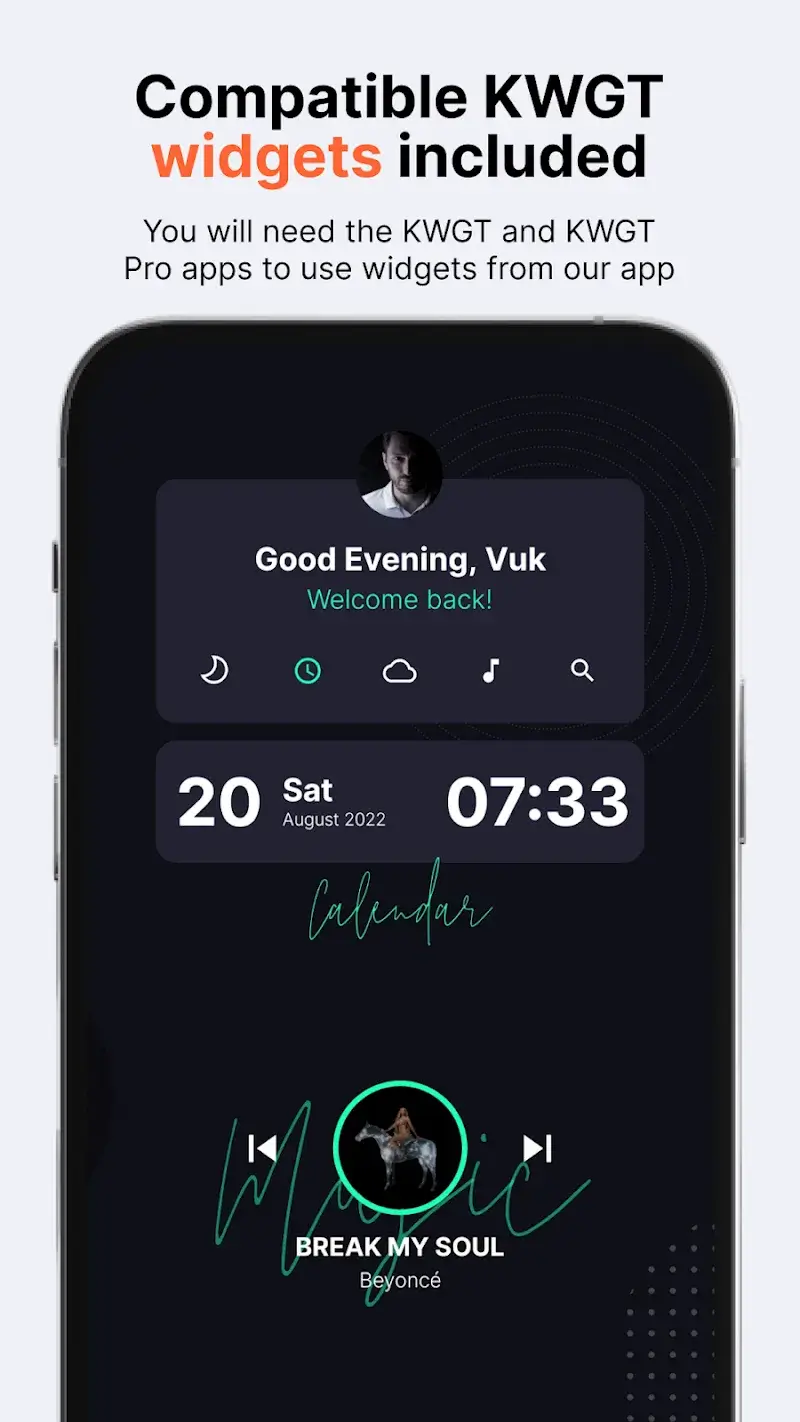
- Additional Widget Options: Beyond icons and wallpapers, the app provides 10 KWGT widgets, enabling you to add custom touches to your device's interface.
User-Friendly Experience
The app supports automatic updates, minimizing the need for manual oversight. It also includes error prevention and convenience-focused features to enhance usability. With broad device compatibility, it ensures a consistently positive experience.
- Wide Launcher Support: Compatible with numerous specialized launchers, this app removes barriers to accessing advanced device features.
- Auto-Updating Calendar Icon: Schedule automatic icon updates to maintain consistency and save time during setup.
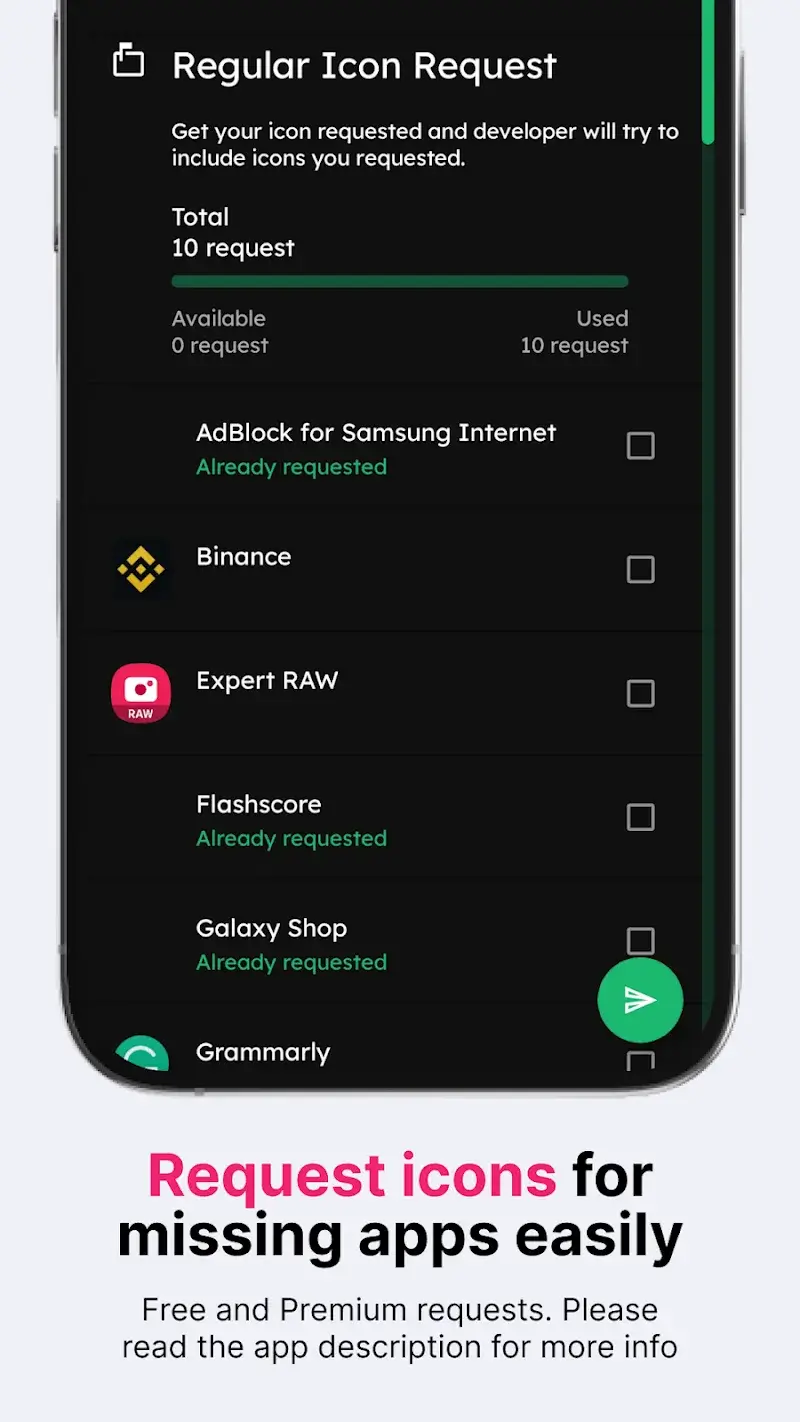
- Responsive Icon Requests: For missing settings or icon suggestions, rely on the app's update schedule to address needs proactively.











