
Pastel Light Icon Pack MOD APK 7.0 (Full Version)
v7.0
Pastel Light Icon Pack
PizzApp Design · Personalization
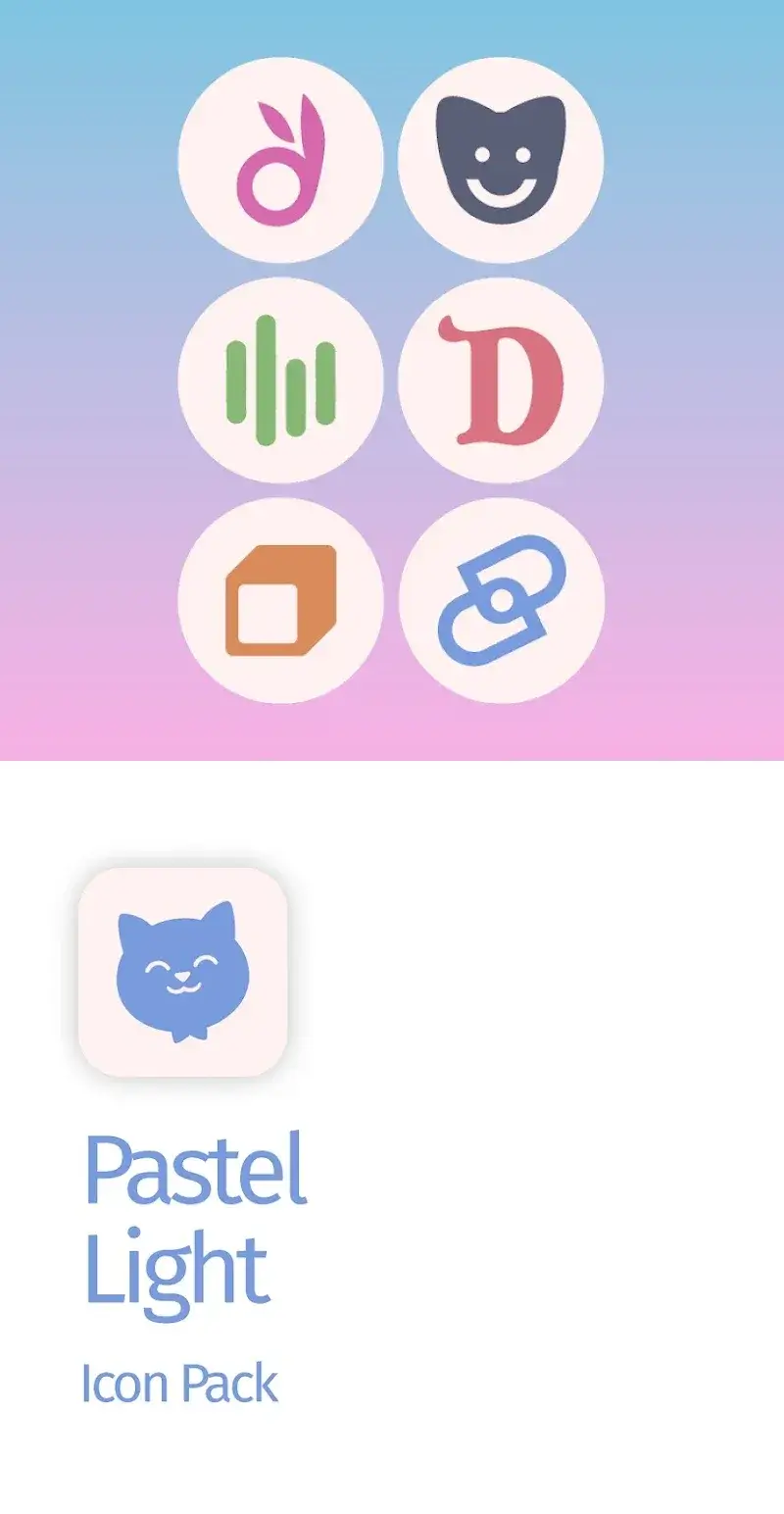
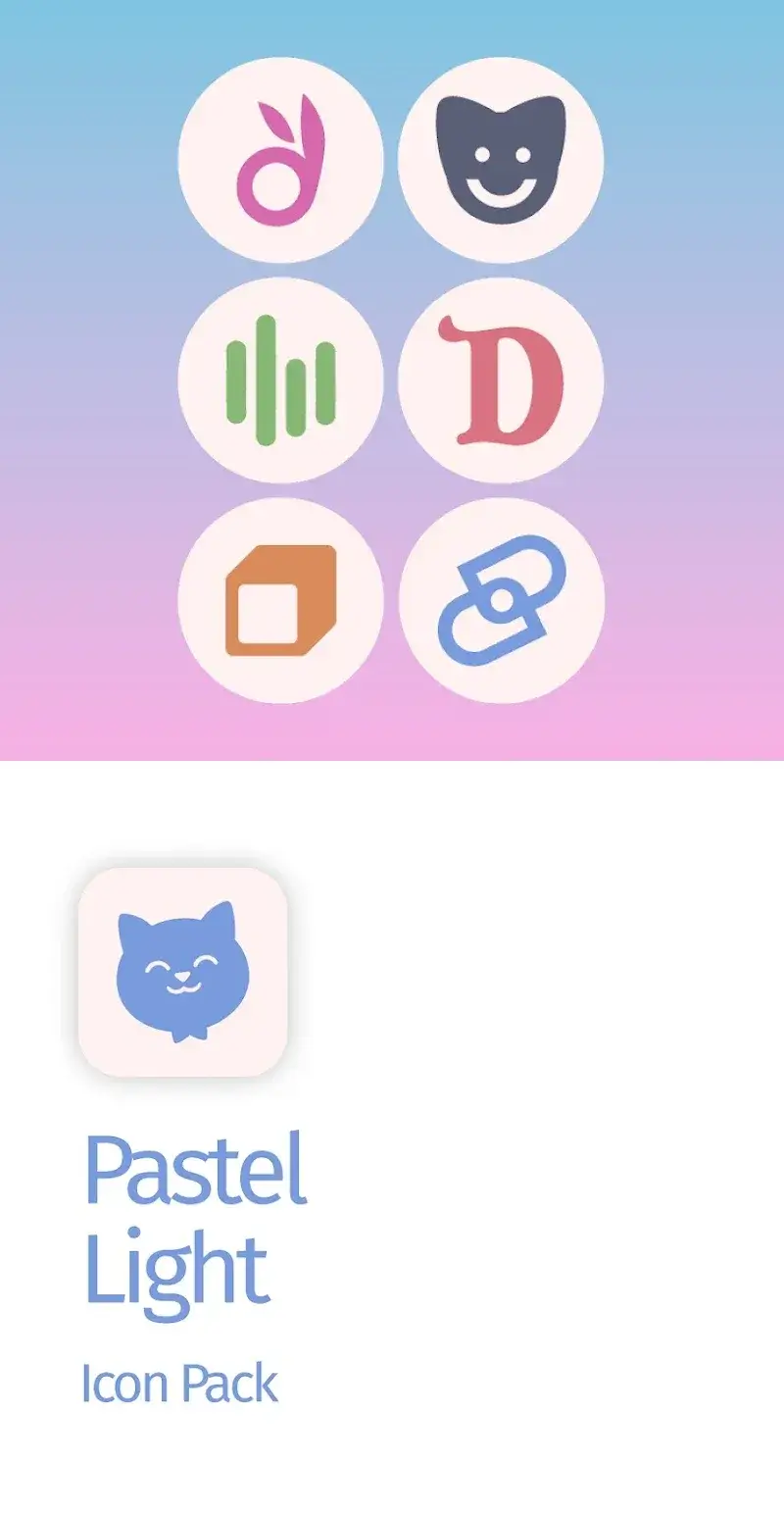
Experience a fresh visual style with the Pastel Light Icon Pack, designed to enhance your device with soft, pastel-themed icons. The clean white background serves as a standout feature, making each design visually…
Information
| Version | 7.0 |
| Size | 71 MB |
| Requires | Android 5.0+ |
| Category | Personalization |
| Updated | Oct 12, 2026 |
| MOD info | Full Version |
| Google Play | Google Play |
How to install
- Download the APK file above to your phone.
- Allow “Install unknown apps” when prompted.
- Open the downloaded APK and tap Install.
- If the package includes OBB/XAPK data, follow the bundled instructions.
MOD APKs are modified builds, so Play Protect may show a warning. Install only if you trust the file; use at your own risk.
Description
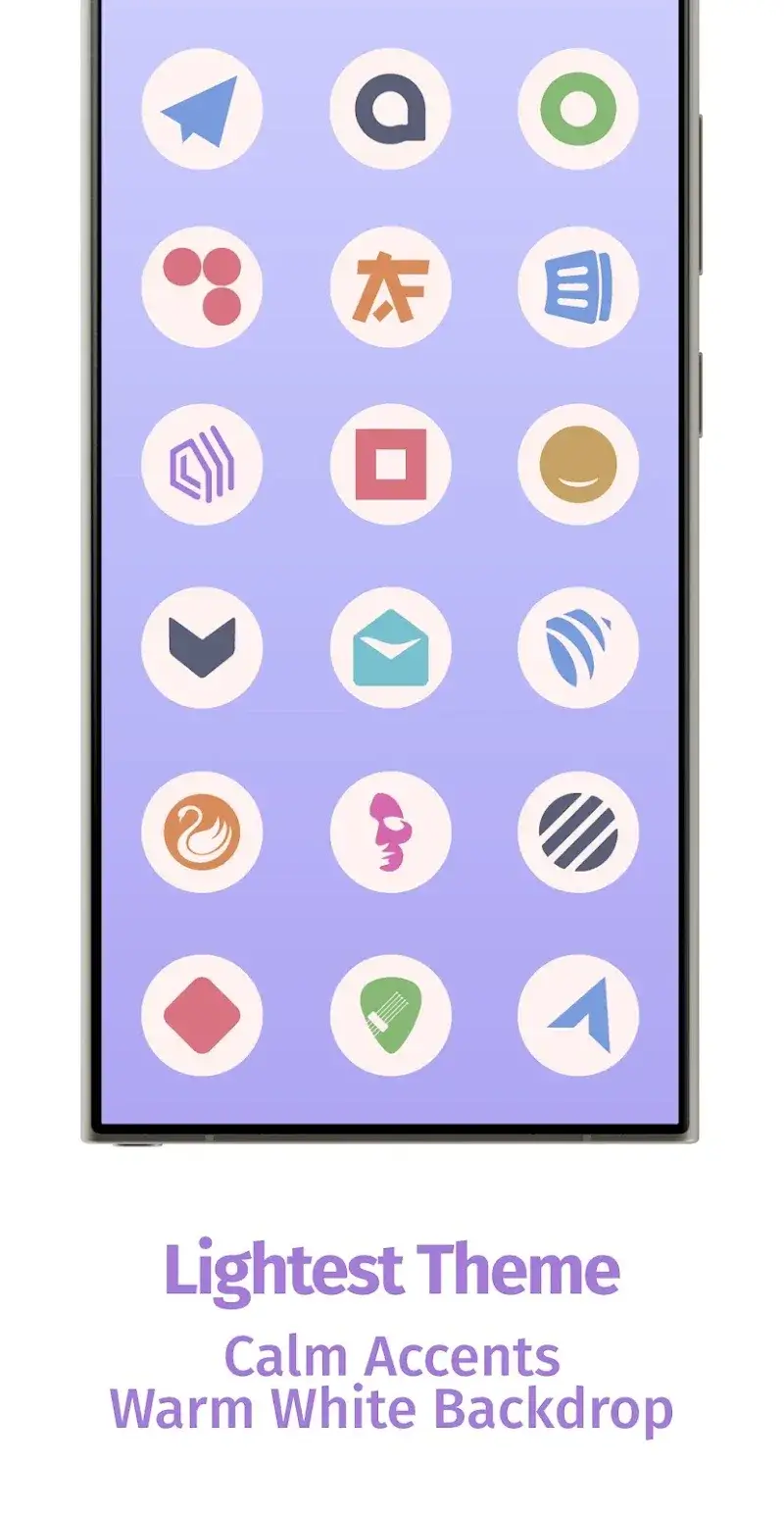
Experience a fresh visual style with the Pastel Light Icon Pack, designed to enhance your device with soft, pastel-themed icons. The clean white background serves as a standout feature, making each design visually striking and easy to appreciate.
EXTENSIVE PERSONALIZATION
Users will notice a vibrant, modern feel when adopting the pastel theme. Customization options allow for varied experiences, depending on how you tailor the interface to your preferences.
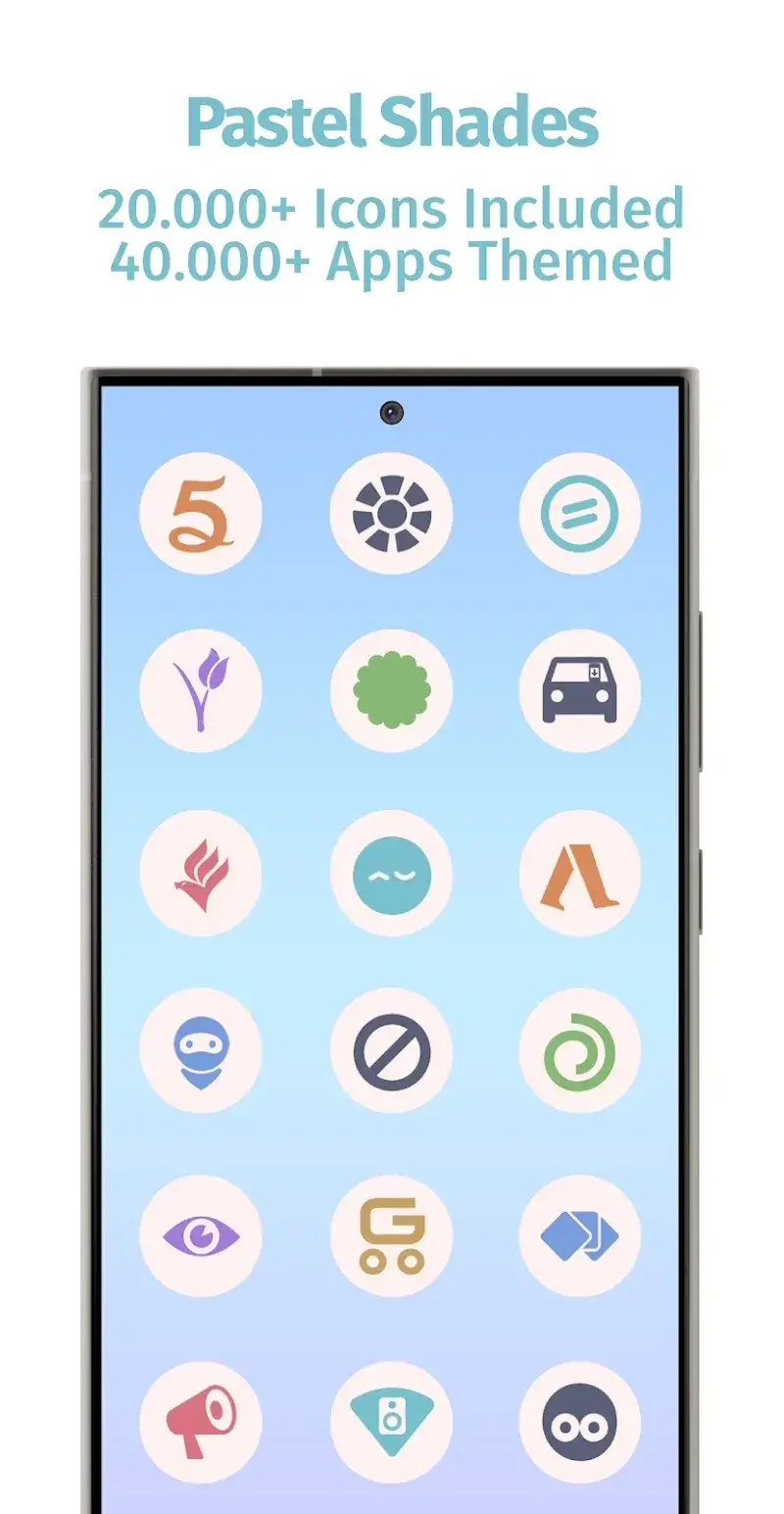
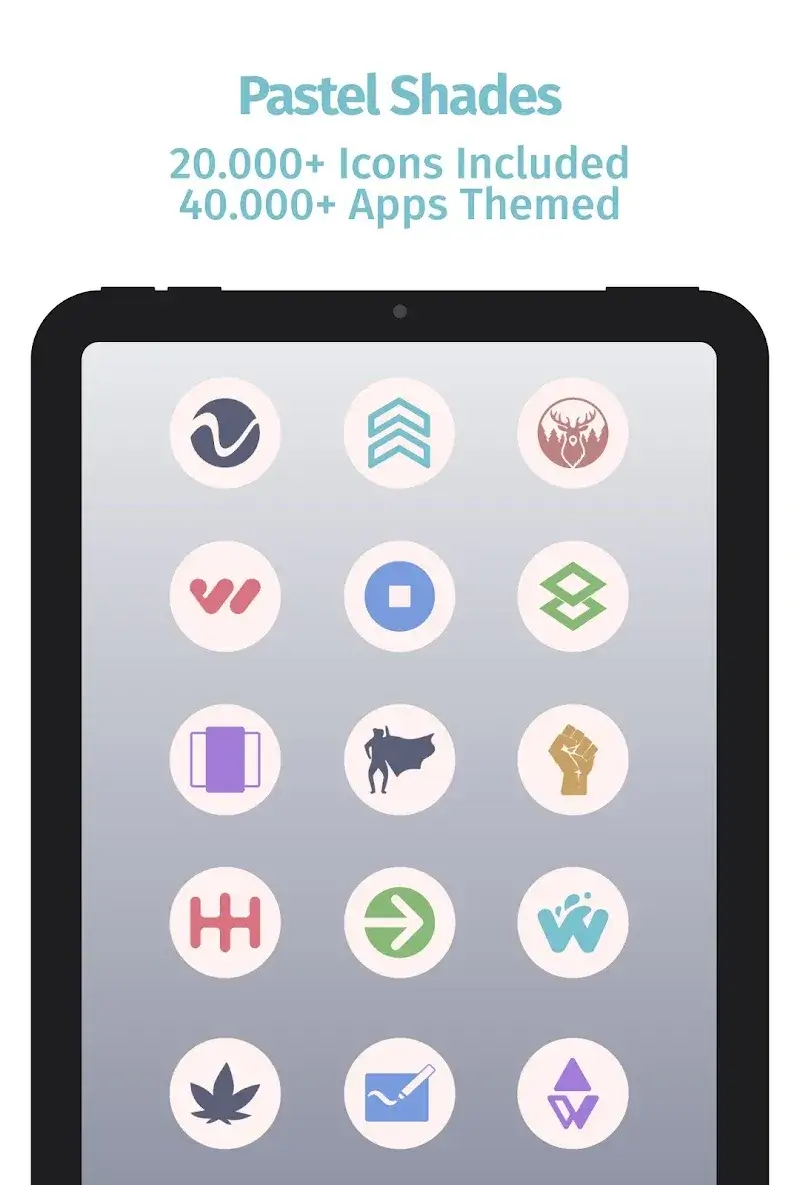
- Vast Icon Library: This icon pack delivers over 25,000 distinctive icons, offering extensive options for personalization. Its compatibility with multiple apps ensures a cohesive, updated look across your device.
- Aesthetic Consistency: Uniform white backgrounds across apps create a harmonious base, allowing icons to pop and maintain visual alignment throughout your interface.
- Unthemed App Support: Even unsupported apps benefit from the white backdrop, resulting in a polished, unified appearance that feels modern and cohesive.
CONVENIENT FEATURES
The calendar functionality remains intuitive, as users often prioritize both usability and visual appeal in their design choices.
- Dynamic Calendar Integration: Icons adapt to app-specific features, such as monthly date displays, ensuring the interface remains functional and visually consistent.
- Request System: Over time, the icon collection grows based on user feedback and requests for previously unsupported apps, ensuring continuous improvement.
- Regular Updates: Keep your favorite apps fresh with frequent interface updates that refresh their appearance while maintaining their original functionality.











