
PDF Editor & Converter Pro MOD APK 10.0.2 (Full Version)
v10.0.2
PDF Editor & Converter Pro
PDF Converter & PDF Editor Pro · Tools
Are you looking for a comprehensive tool that allows direct interaction with PDF files on your mobile device? The PDF Editor & Converter Pro is an essential addition to your app collection, offering powerful features…
Information
| Version | 10.0.2 |
| Size | 15 MB |
| Requires | Android 7.0+ |
| Category | Tools |
| Updated | Oct 15, 2026 |
| MOD info | Full Version |
| Google Play | Google Play |
How to install
- Download the APK file above to your phone.
- Allow “Install unknown apps” when prompted.
- Open the downloaded APK and tap Install.
- If the package includes OBB/XAPK data, follow the bundled instructions.
MOD APKs are modified builds, so Play Protect may show a warning. Install only if you trust the file; use at your own risk.
Description
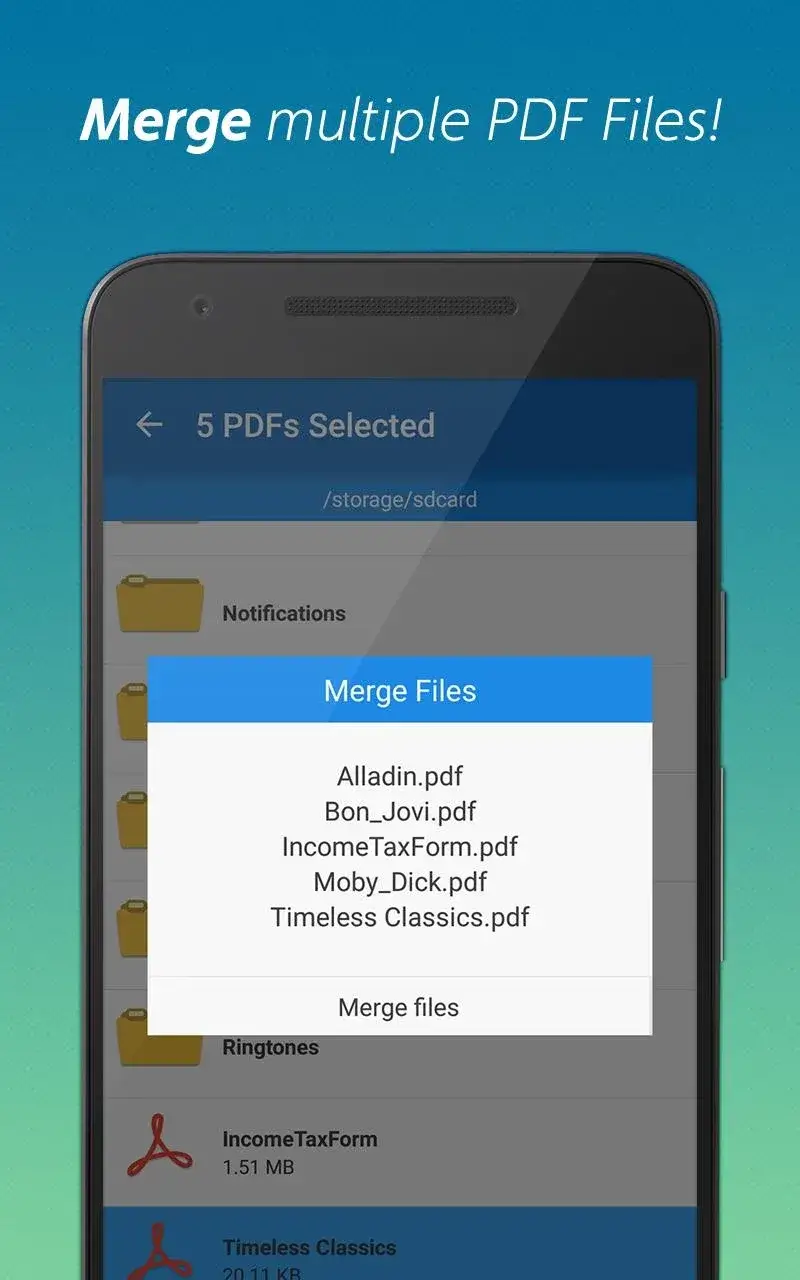
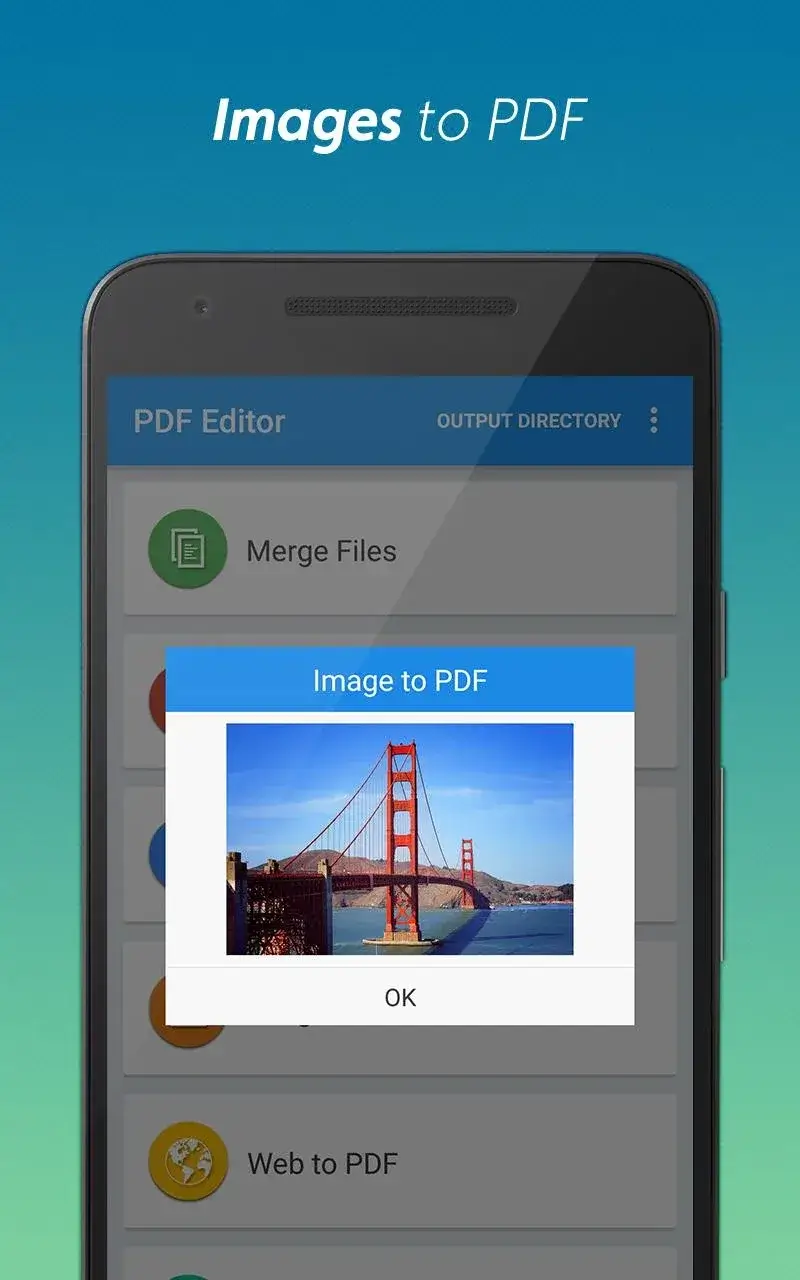
Are you looking for a comprehensive tool that allows direct interaction with PDF files on your mobile device? The PDF Editor & Converter Pro is an essential addition to your app collection, offering powerful features for managing PDF documents efficiently. This app enables users to edit or convert files swiftly, providing a seamless experience for handling various PDF-related tasks.
PDF TO WORD
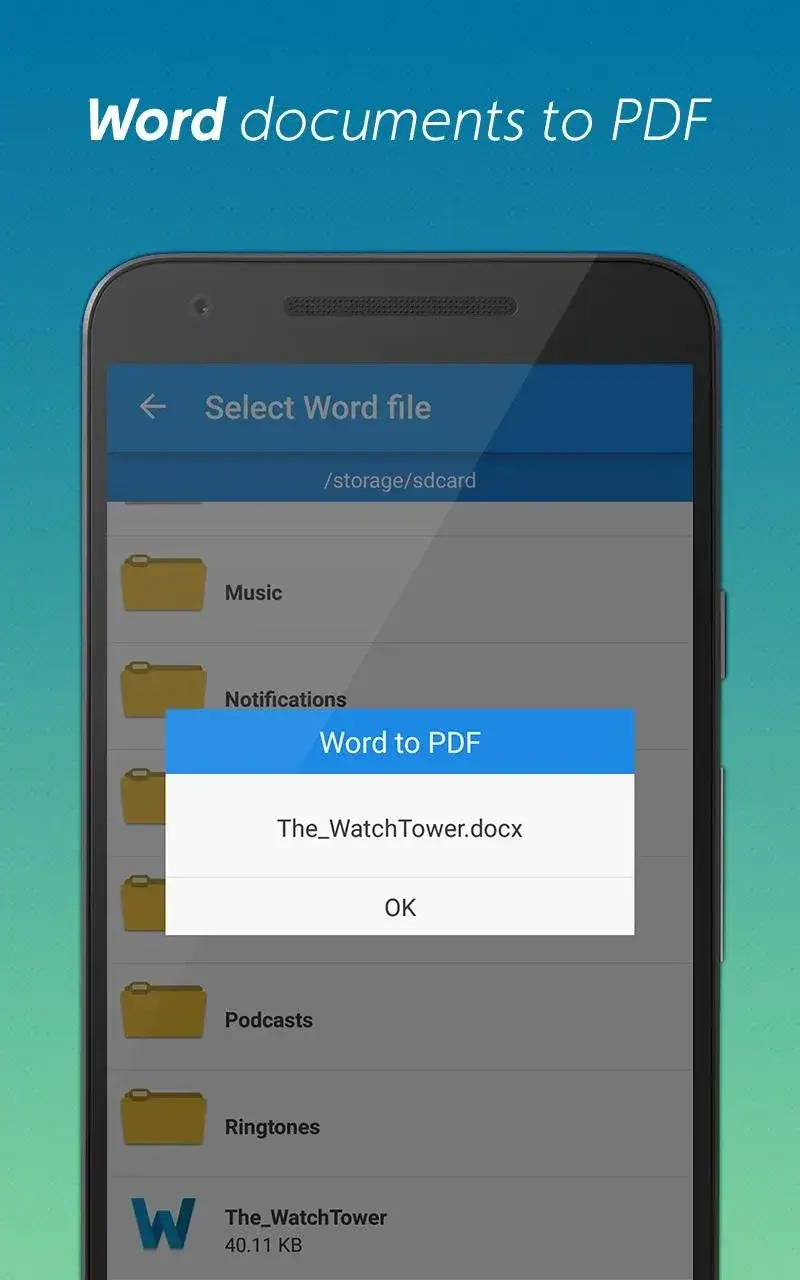
An essential function of this app is its ability to convert file formats, streamlining workflow for users. It effortlessly transforms PDFs into Word documents, making text editing more convenient. Conversely, users can also convert Word files into PDFs, ensuring flexibility in document management.
- Preserves Original Formatting: The app ensures that formatting and layout remain intact during conversions, delivering a polished and professional appearance to your documents.
- Handles Complex Documents: The system efficiently processes intricate files containing tables, images, and charts, retaining their structure and clarity without any loss of detail.
- Supports Large Files: Users can convert files up to 100MB in size, making it ideal for handling extensive business reports and detailed documents.
PDF COMPRESSION
Beyond conversion, this app also offers PDF compression tools to reduce file sizes significantly. This feature helps users shrink large files by approximately 70%, enhancing ease of sharing and storage.
- Optimized Size Reduction: The app reduces file sizes by up to 70% while preserving document quality and readability, ensuring content remains clear and professional.
- Intelligent Compression: Advanced algorithms automatically adjust compression settings based on the content type, delivering optimal results without manual intervention.
- Batch Processing Efficiency: Users can compress multiple files simultaneously using the batch mode, saving time and effort during file management.











