
PDF Scanner - Document Scanner MOD APK 2.0.8 (Premium Unlocked)
v2.0.8
PDF Scanner - Document Scanner
Simple Design Ltd. · Productivity
The PDF Scanner APP – Scan to PDF offers a streamlined scanner for converting documents and images into PDF/JPG formats. Users can customize the output format, ensuring the final files are watermark-free and of optimal…
Information
| Version | 2.0.8 |
| Size | 110 MB |
| Requires | Android 5.0+ |
| Category | Productivity |
| Updated | Oct 15, 2026 |
| MOD info | Premium Unlocked |
| Google Play | Google Play |
How to install
- Download the APK file above to your phone.
- Allow “Install unknown apps” when prompted.
- Open the downloaded APK and tap Install.
- If the package includes OBB/XAPK data, follow the bundled instructions.
MOD APKs are modified builds, so Play Protect may show a warning. Install only if you trust the file; use at your own risk.
Description
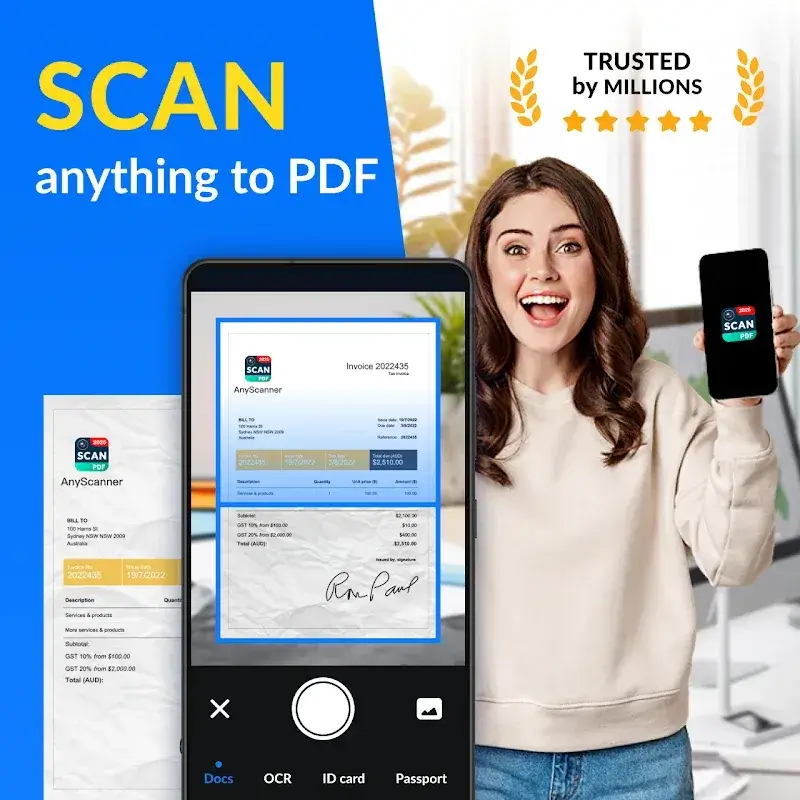
The PDF Scanner APP – Scan to PDF offers a streamlined scanner for converting documents and images into PDF/JPG formats. Users can customize the output format, ensuring the final files are watermark-free and of optimal quality.
CONVERT DOCUMENTS INSTANTLY
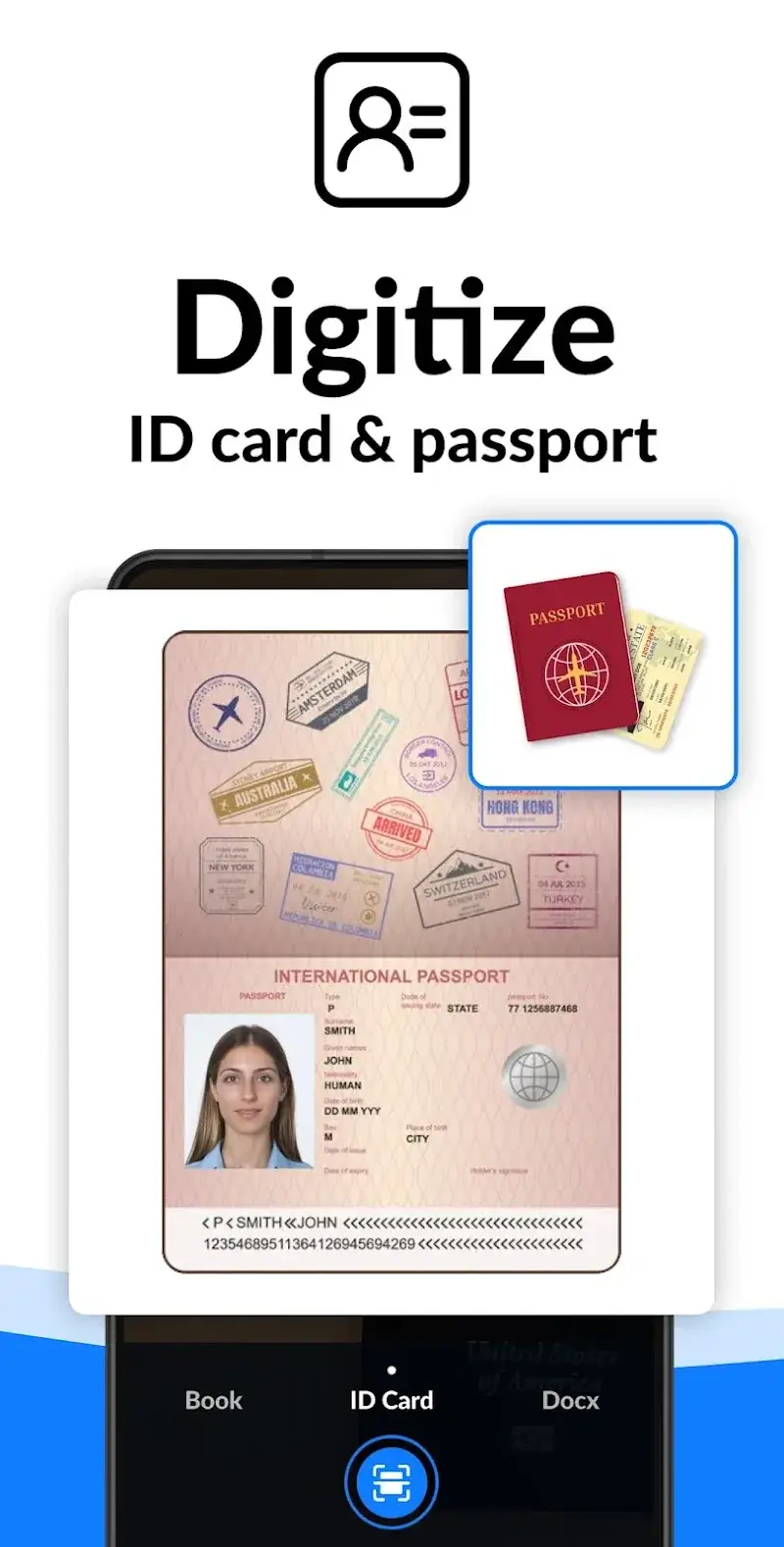
The app simplifies document conversion with a quick camera-based scanning process. Users can import any file type and convert it to PDF format, with cloud storage for easy access and immediate printing.
- One-Tap Conversion: The app executes the conversion process through a straightforward, single-step interface. A single touch initiates the scan, allowing the device's camera to handle diverse document types efficiently.
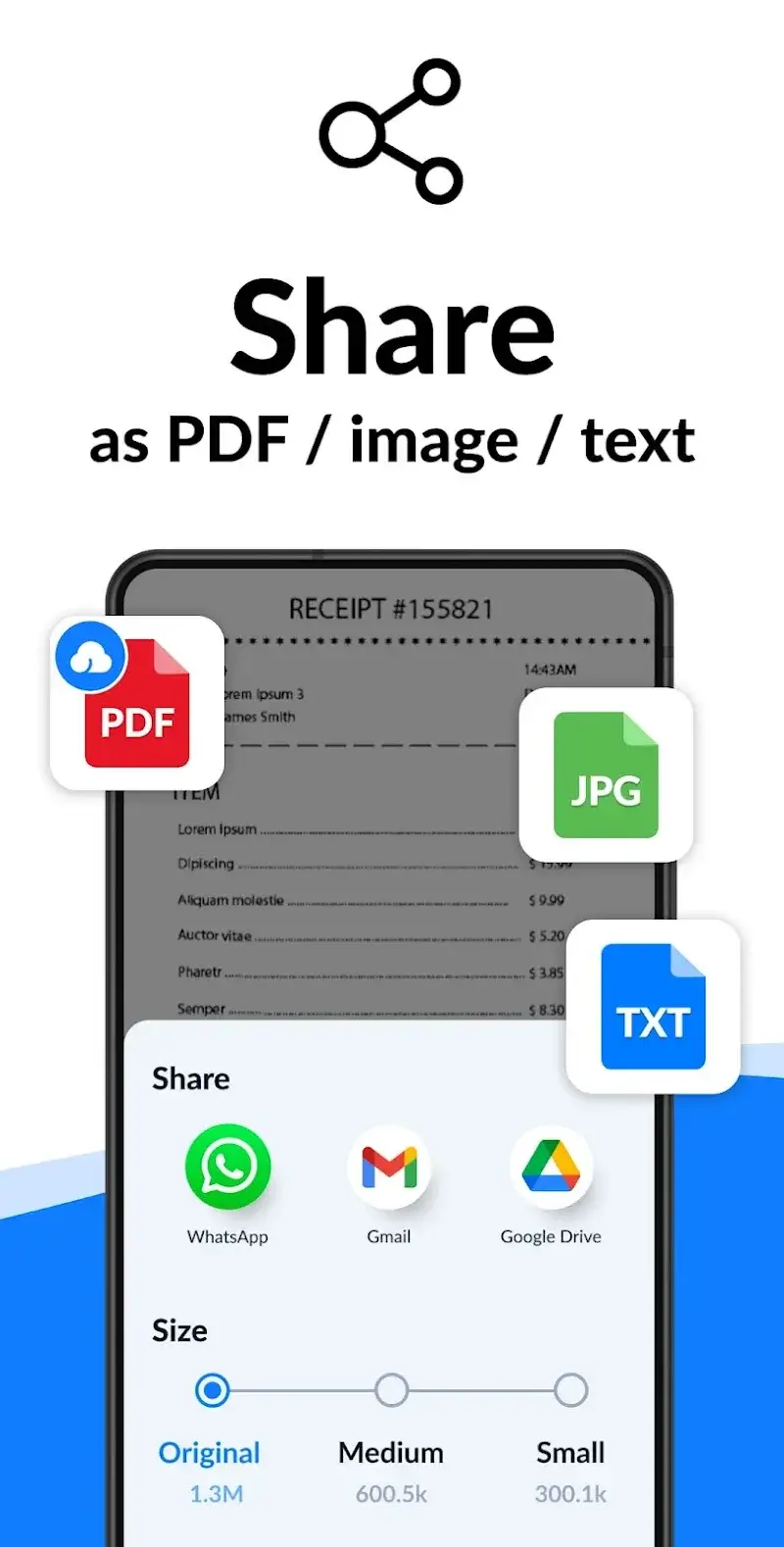
- All-in-One Format: The application supports multi-format conversion, transforming various file types into PDF/JPG. All content is converted to PDF for seamless sharing or editing, making it a versatile all-in-one solution.
- Cloud Print Ready: After scanning, users can instantly print results or download them in PDF format. Cloud Print integration ensures effortless printing and file management.
PROFESSIONAL SCAN QUALITY
The app's scanner delivers high-quality document and image processing. Users can extract text from scanned files and manage watermarks according to their preferences.
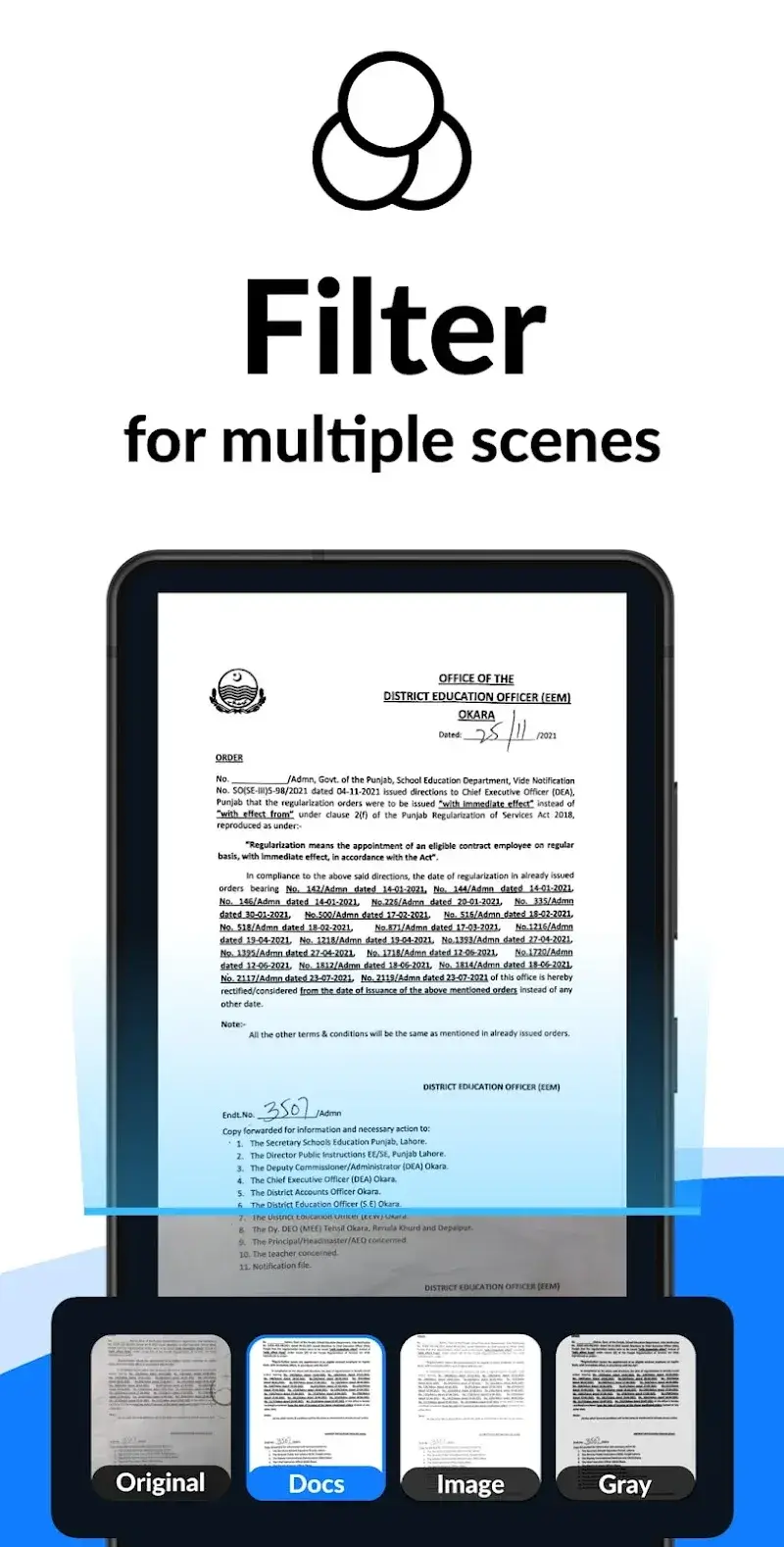
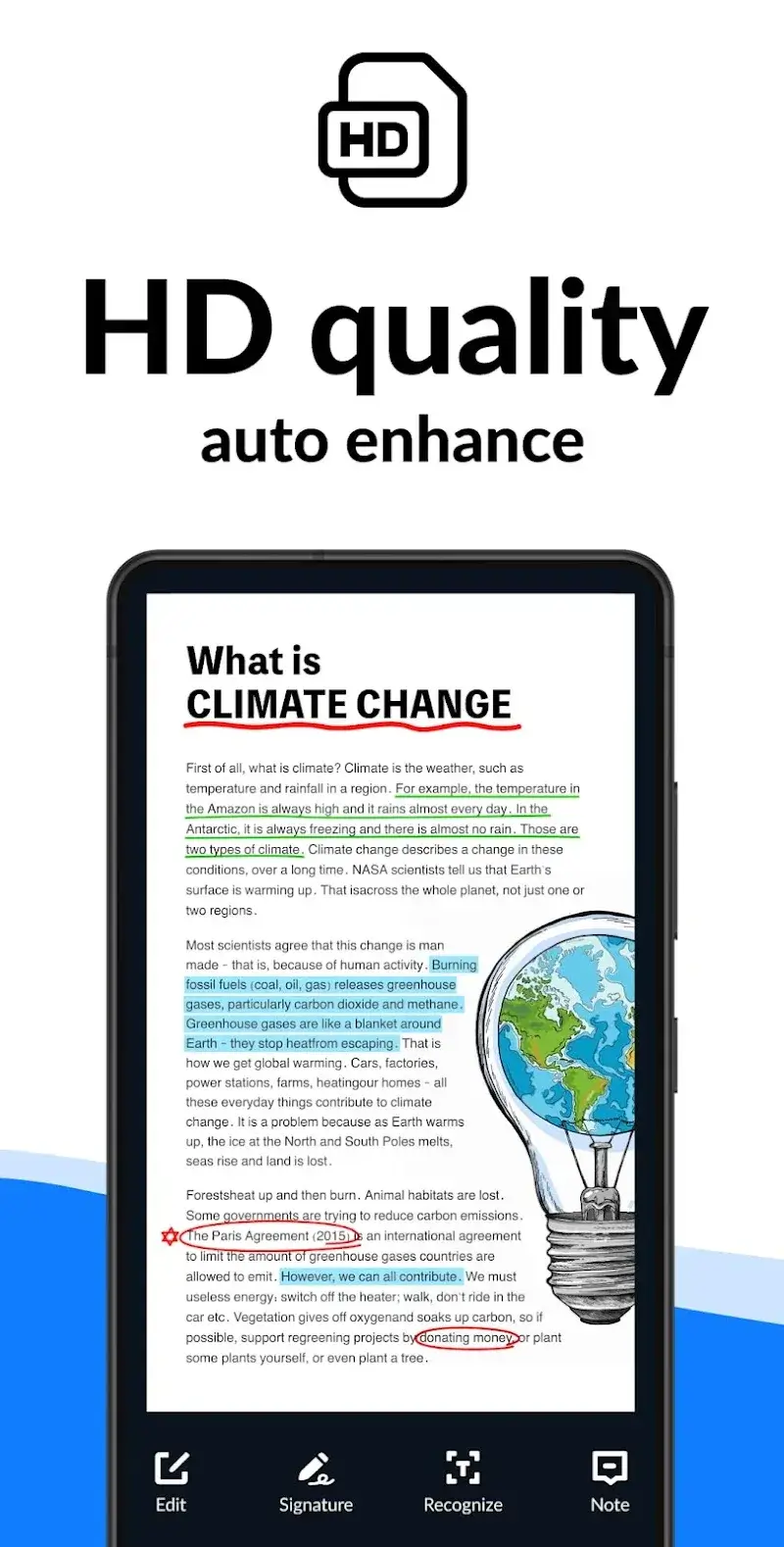
- Auto Enhancing: The app automatically optimizes text quality during scanning without manual adjustments. Carefully selected resolution and filters enhance the scanned content's clarity.
- OCR Text Extraction: Optical Character Recognition enables efficient text import and extraction. Extracted text can be copied, searched, or shared as needed.
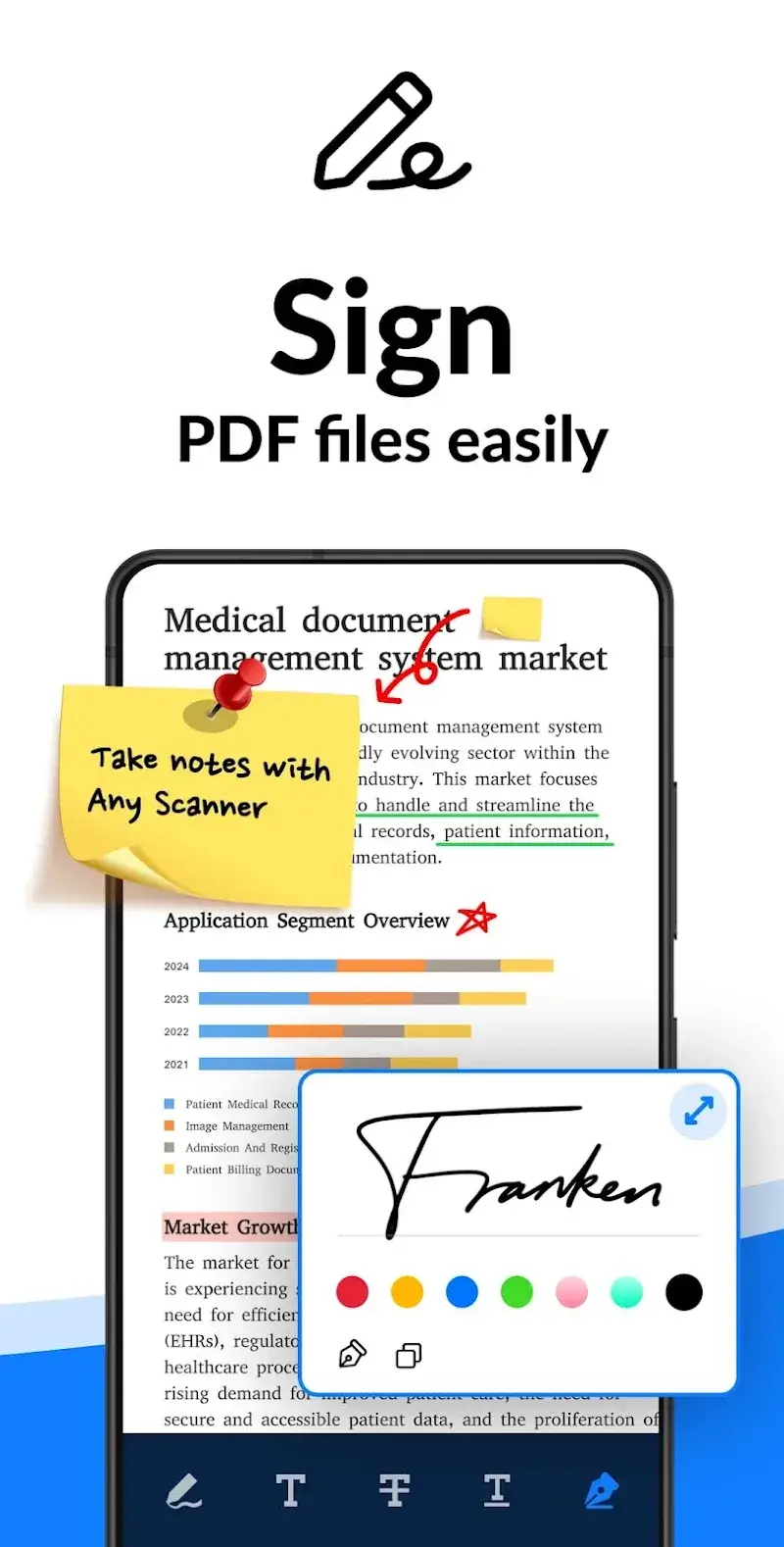
- E-Sign & Watermark: Users can add digital signatures to documents post-scanning and export. Customizable watermark options allow users to add or remove them as required.











