
Screen Color Filter MOD APK 6.16.0 (Premium Unlocked)
v6.16.0
Screen Color Filter
Hardy-infinity · Personalization
For those who prioritize eye health, especially when dealing with digital device fatigue, blue light exposure from screens can be a major concern. It can lead to discomfort, reduced focus, and disrupted sleep patterns.…
Information
| Version | 6.16.0 |
| Size | 15 MB |
| Requires | Android 7.0+ |
| Category | Personalization |
| Updated | Oct 16, 2026 |
| MOD info | Premium Unlocked |
| Google Play | Google Play |
How to install
- Download the APK file above to your phone.
- Allow “Install unknown apps” when prompted.
- Open the downloaded APK and tap Install.
- If the package includes OBB/XAPK data, follow the bundled instructions.
MOD APKs are modified builds, so Play Protect may show a warning. Install only if you trust the file; use at your own risk.
Description
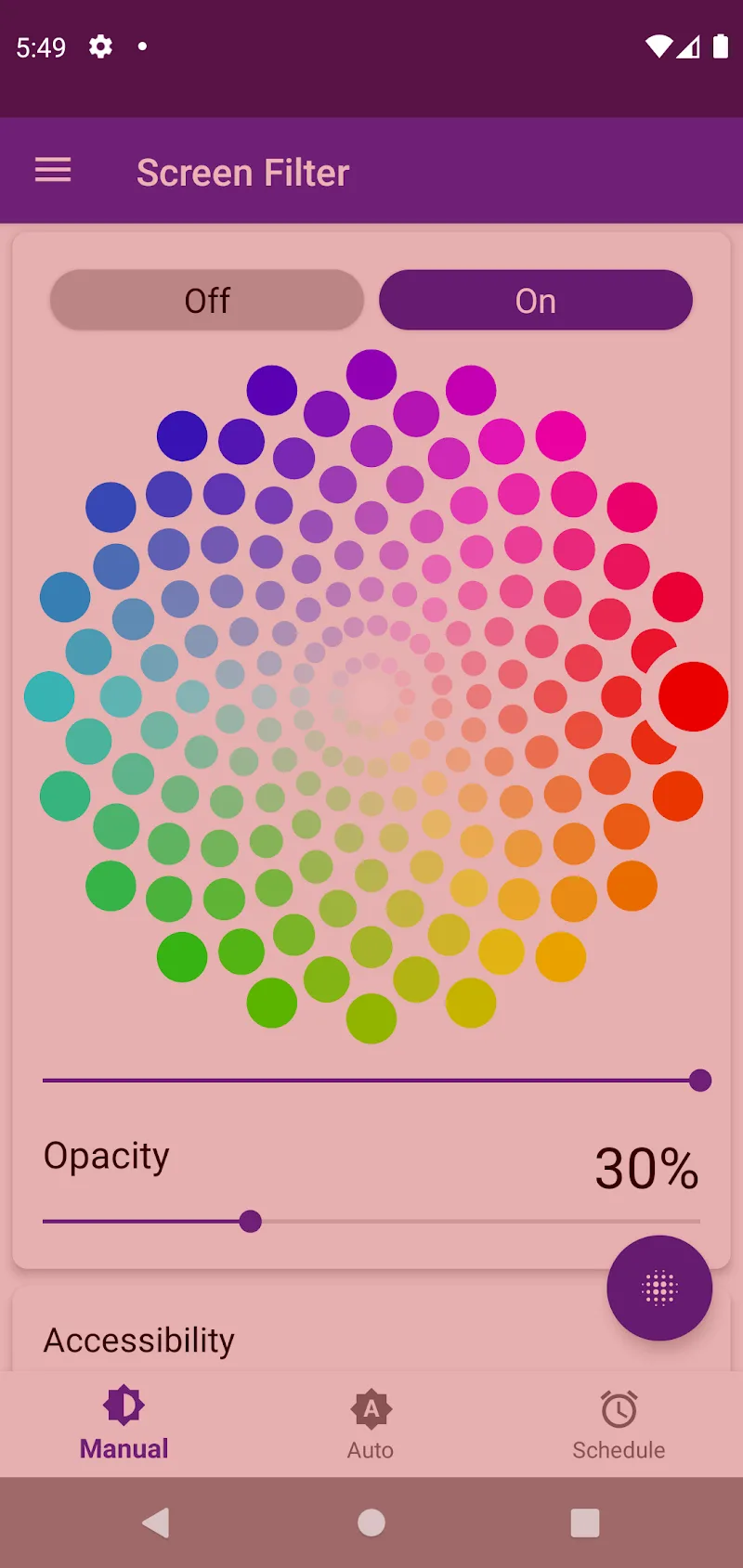
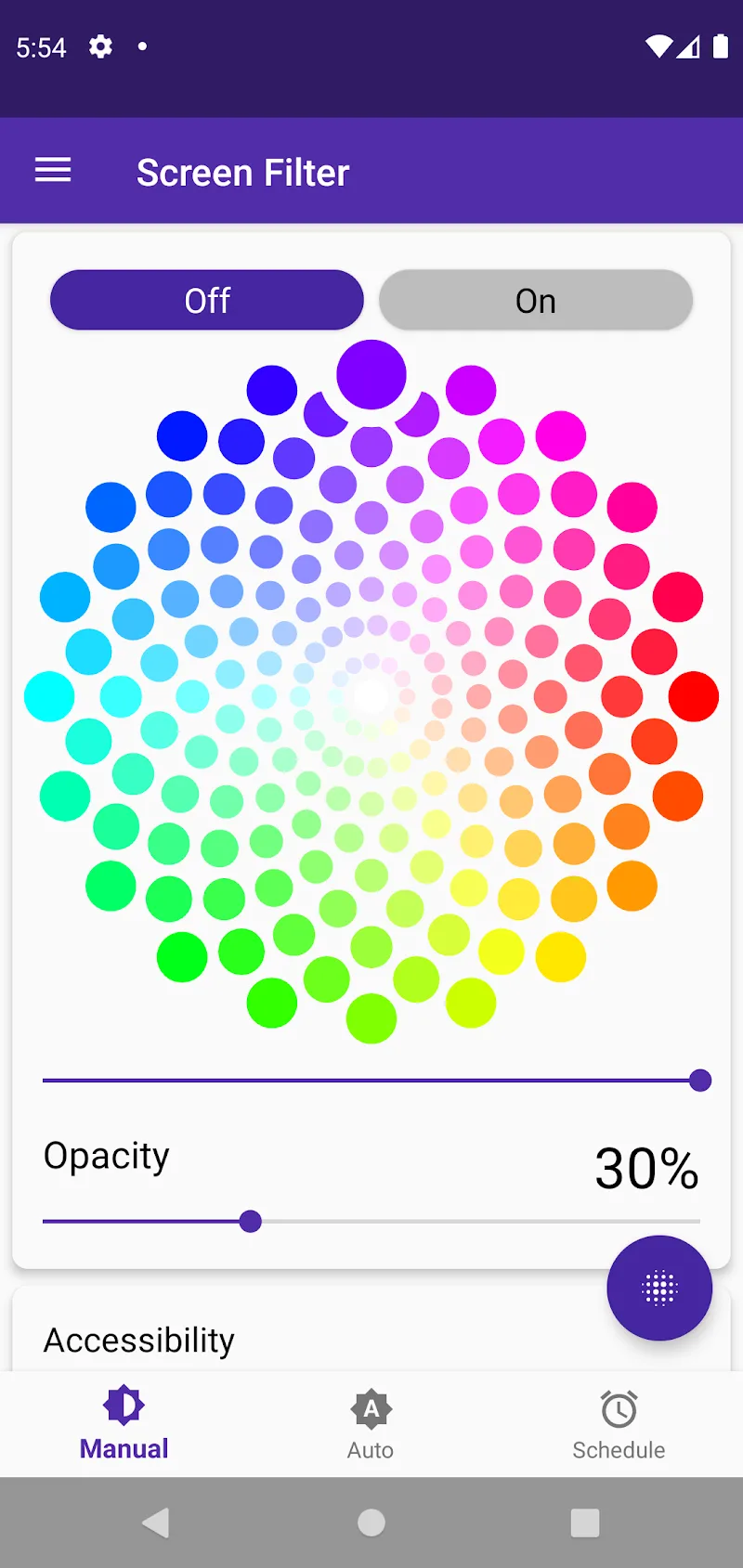
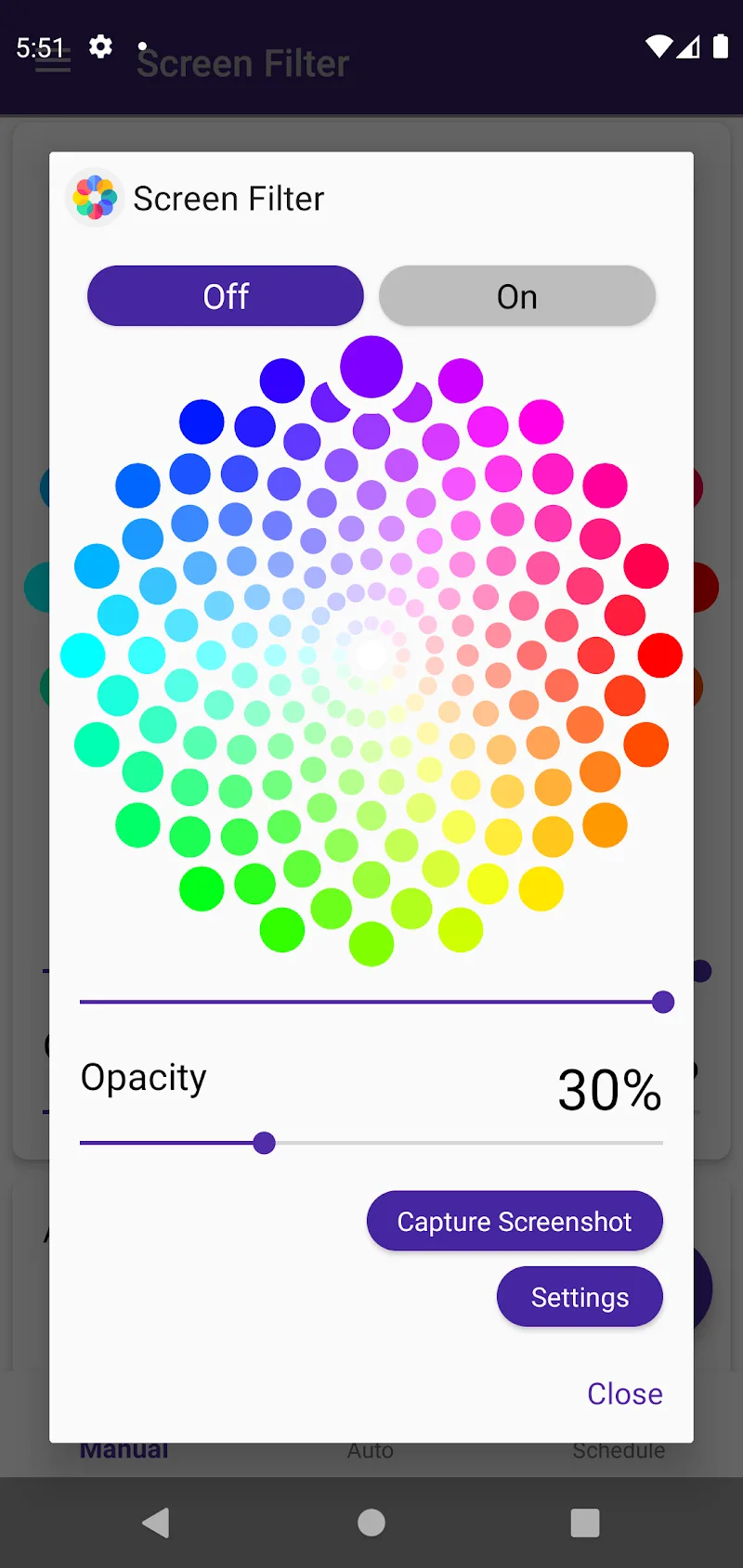
For those who prioritize eye health, especially when dealing with digital device fatigue, blue light exposure from screens can be a major concern. It can lead to discomfort, reduced focus, and disrupted sleep patterns. Our smart application offers customizable screen color options to minimize blue light exposure, allowing users to shift to warmer tones like orange or yellow, enable dark mode for lower nighttime brightness, or opt for a blue tint to boost productivity during study or work sessions.
HIGHLIGHT APP FEATURES
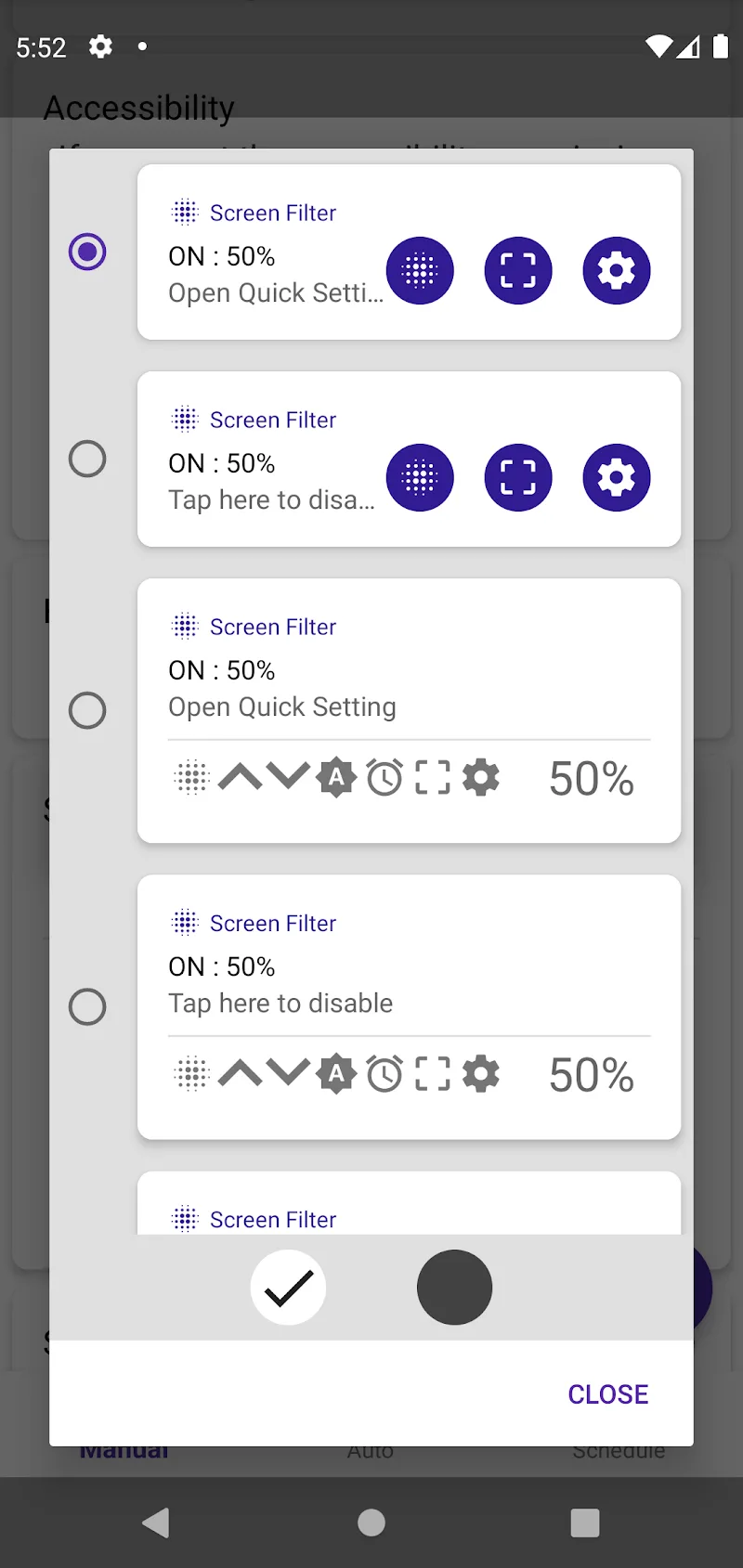
- Universal Light Filter Compatibility: This app delivers seamless screen color customization across all device interfaces, including notification bars, lock screens, and navigation bars, ensuring consistent performance wherever you use it.
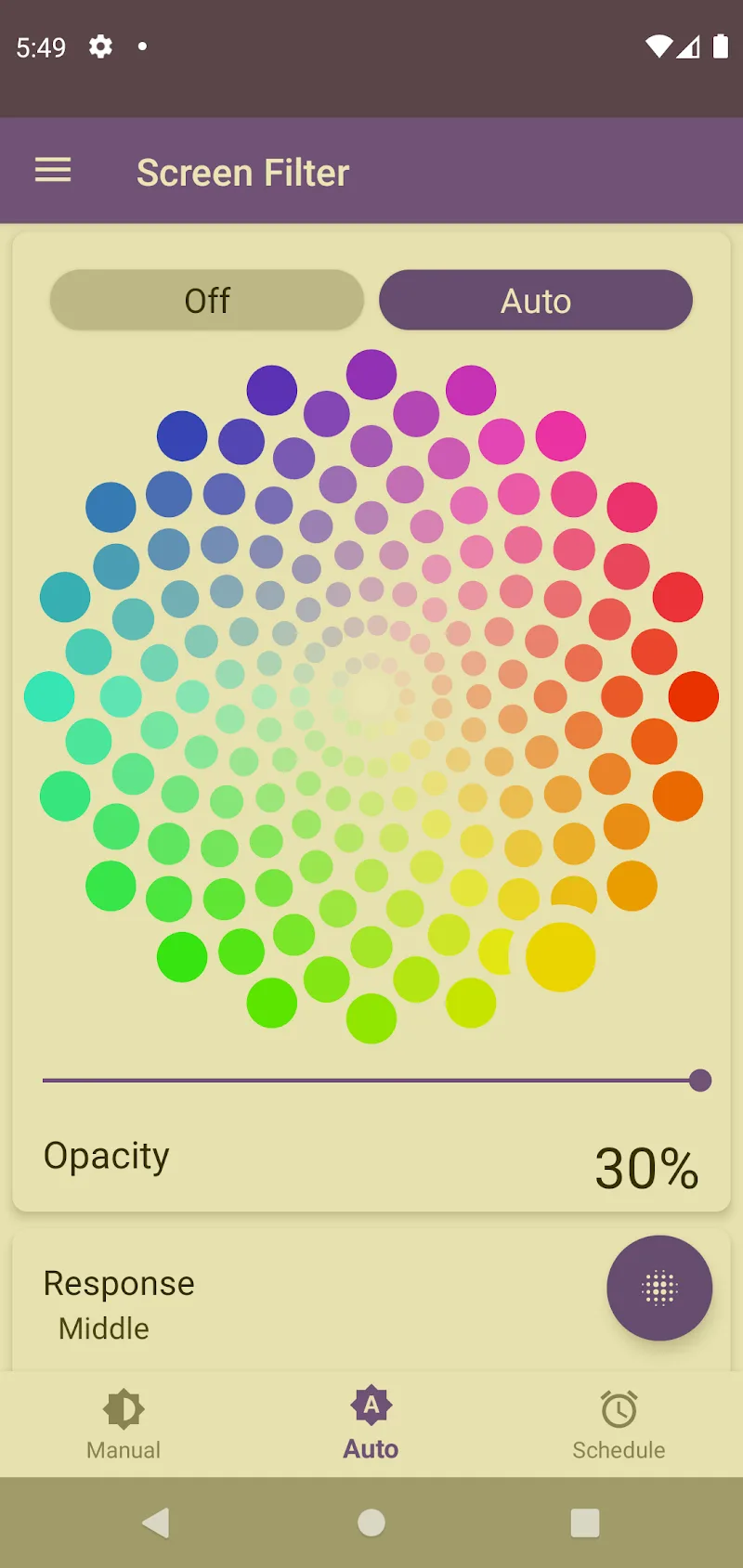
- Adaptive Light Adjustment: The app intelligently adjusts screen colors based on ambient light conditions, ensuring optimal visibility without straining your eyes in varying environments.
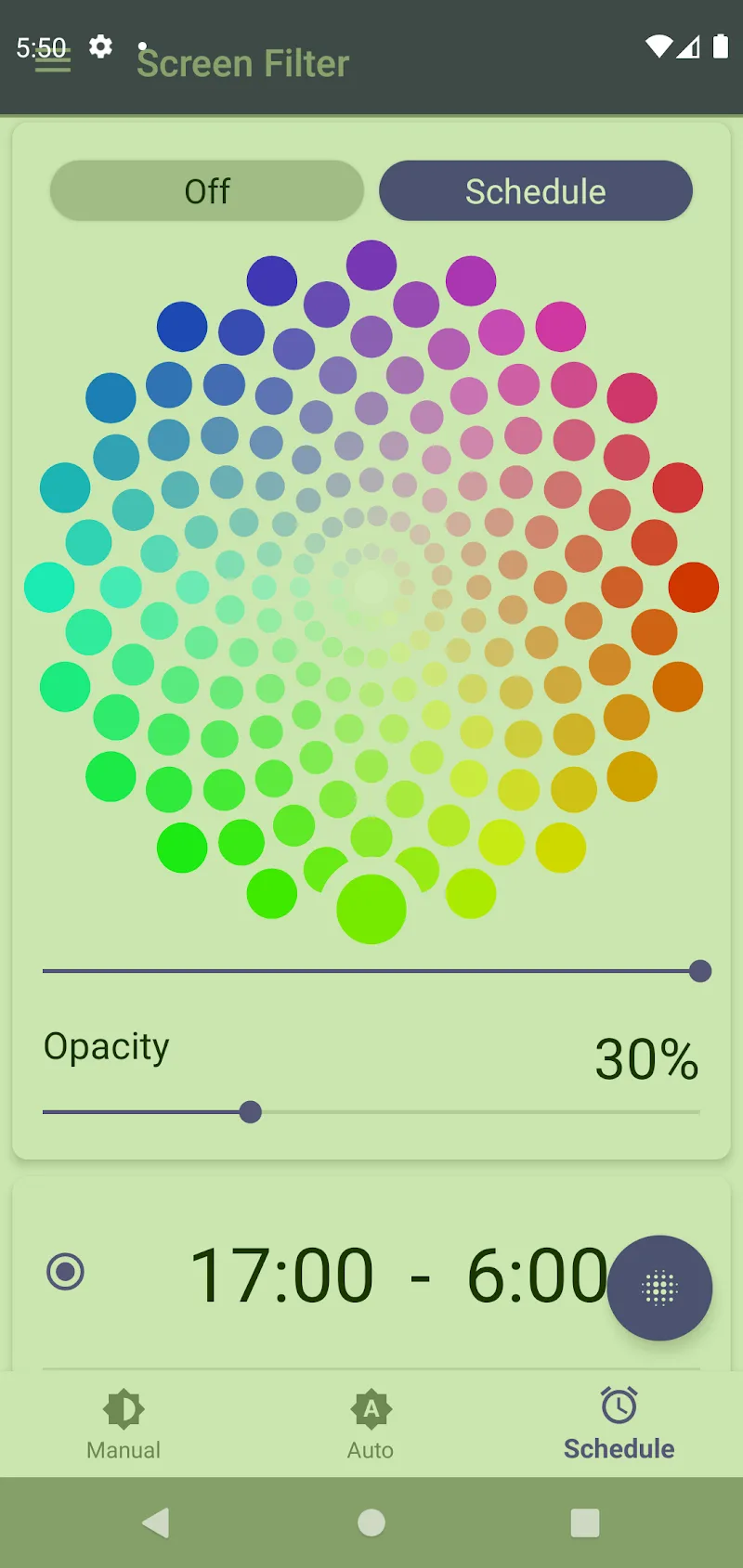
- Smart Timer Scheduling: Set personalized brightness and color settings for specific timeframes—like daylight with balanced color gamut, evening with reduced blue light and warm tones, or nighttime with maximum brightness reduction to safeguard your vision.
Screen Color Filter: Eye Health Customization
Screen Color Filter is a personalization app designed to protect eye health by reducing blue light exposure from digital devices. It offers customizable color filters to shift screen tones toward warm hues like orange or yellow, enabling dark mode for nighttime use, or a blue tint for enhanced focus during work or study. Ideal for users experiencing digital fatigue, this app prioritizes comfort and visibility across all device interfaces.
The app’s adaptive features ensure optimal screen performance in varying environments, adjusting colors based on ambient light conditions. Its smart timer scheduling allows users to set personalized brightness and color settings for specific timeframes, such as daylight, evening, or nighttime, to align with daily routines and safeguard vision.
Key Highlights
- Universal Light Filter Compatibility: Applies color customization to all device interfaces, including lock screens and navigation bars.
- Adaptive Light Adjustment: Automatically optimizes screen colors based on surrounding light conditions for eye comfort.
- Smart Timer Scheduling: Set time-based brightness and color preferences to match daily activities and sleep patterns.











