
Shift Work Schedule Calendar MOD APK 5.1.1 (Premium Unlocked)
v5.1.1
Shift Work Schedule Calendar
4th floor apps · Productivity
Keeping track of time is rarely straightforward, particularly when your job doesn't follow a standard 9 am to 5 pm routine. Missing an important meeting after mixing up day and night shifts is an easy mistake to make,…
Information
| Version | 5.1.1 |
| Size | 18 MB |
| Requires | Android 8.0+ |
| Category | Productivity |
| Updated | Oct 12, 2026 |
| MOD info | Premium Unlocked |
| Google Play | Google Play |
How to install
- Download the APK file above to your phone.
- Allow “Install unknown apps” when prompted.
- Open the downloaded APK and tap Install.
- If the package includes OBB/XAPK data, follow the bundled instructions.
MOD APKs are modified builds, so Play Protect may show a warning. Install only if you trust the file; use at your own risk.
Description
Keeping track of time is rarely straightforward, particularly when your job doesn't follow a standard 9 am to 5 pm routine. Missing an important meeting after mixing up day and night shifts is an easy mistake to make, which is why Shift Work Schedule Calendar proves to be such an indispensable tool. Rather than overloading you with unnecessary bells and whistles, it tackles the core challenge head-on: letting healthcare workers, firefighters, and retail staff at chains like Walmart check their work rosters in an instant.
Flexible Shift Management
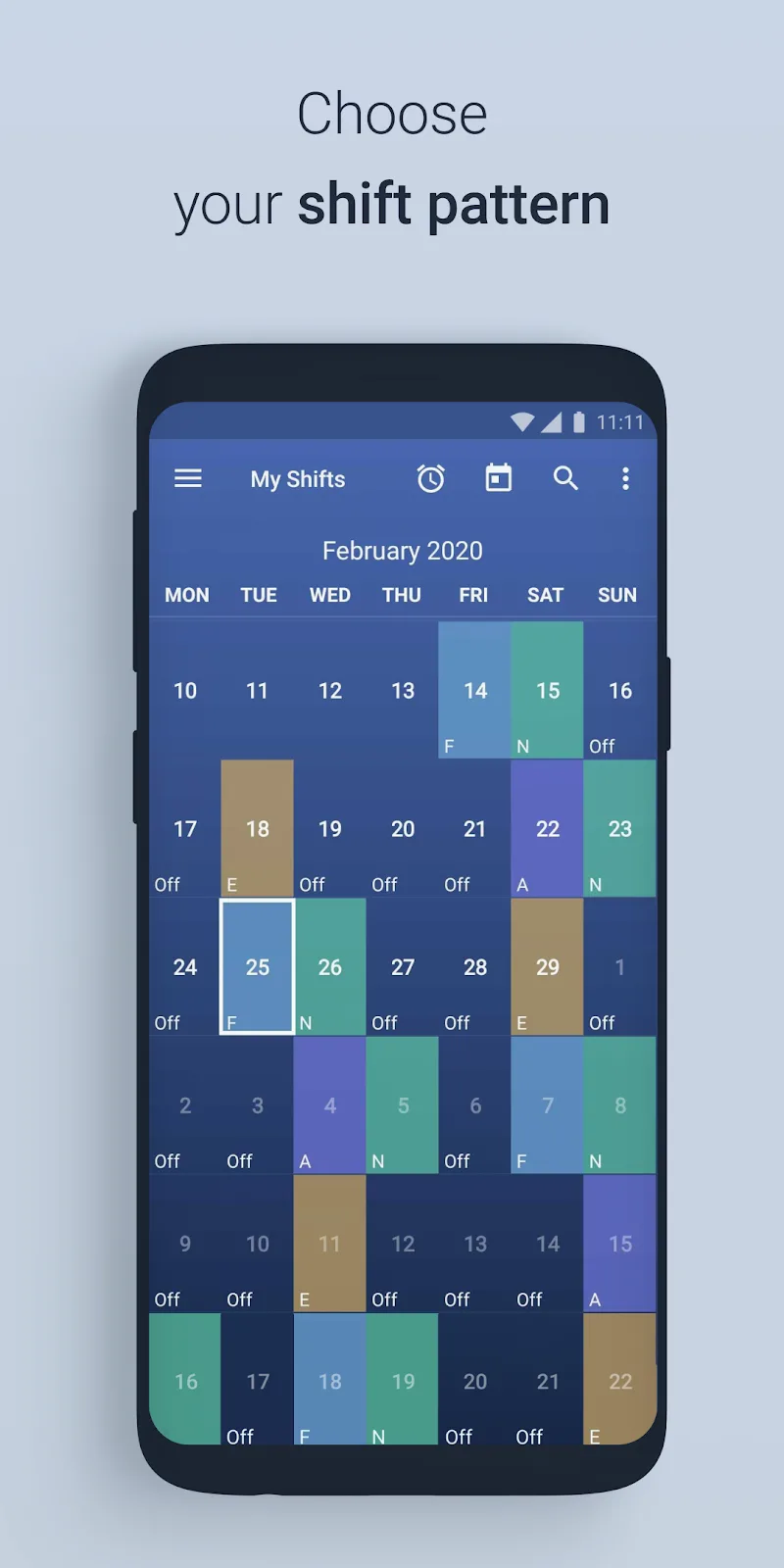
What stands out most is the app's capability to automatically repeat recurring shift patterns according to your custom preferences. Rather than spending tedious hours entering shifts day by day, you can apply built-in presets to map out your working hours across future months effortlessly.
- Preset shift templates: Comes loaded with 25 widely used roster presets, allowing newcomers to hit the ground running without complicated configurations.
- Custom rotation patterns: Enables you to design tailored shift rotations and save up to 8 unique personalized setups for varying needs.
- Automated date highlighting: Flags all relevant shifts throughout the week automatically, making it easy to spot upcoming days off and schedule vacations.
Personalized Visual Interface
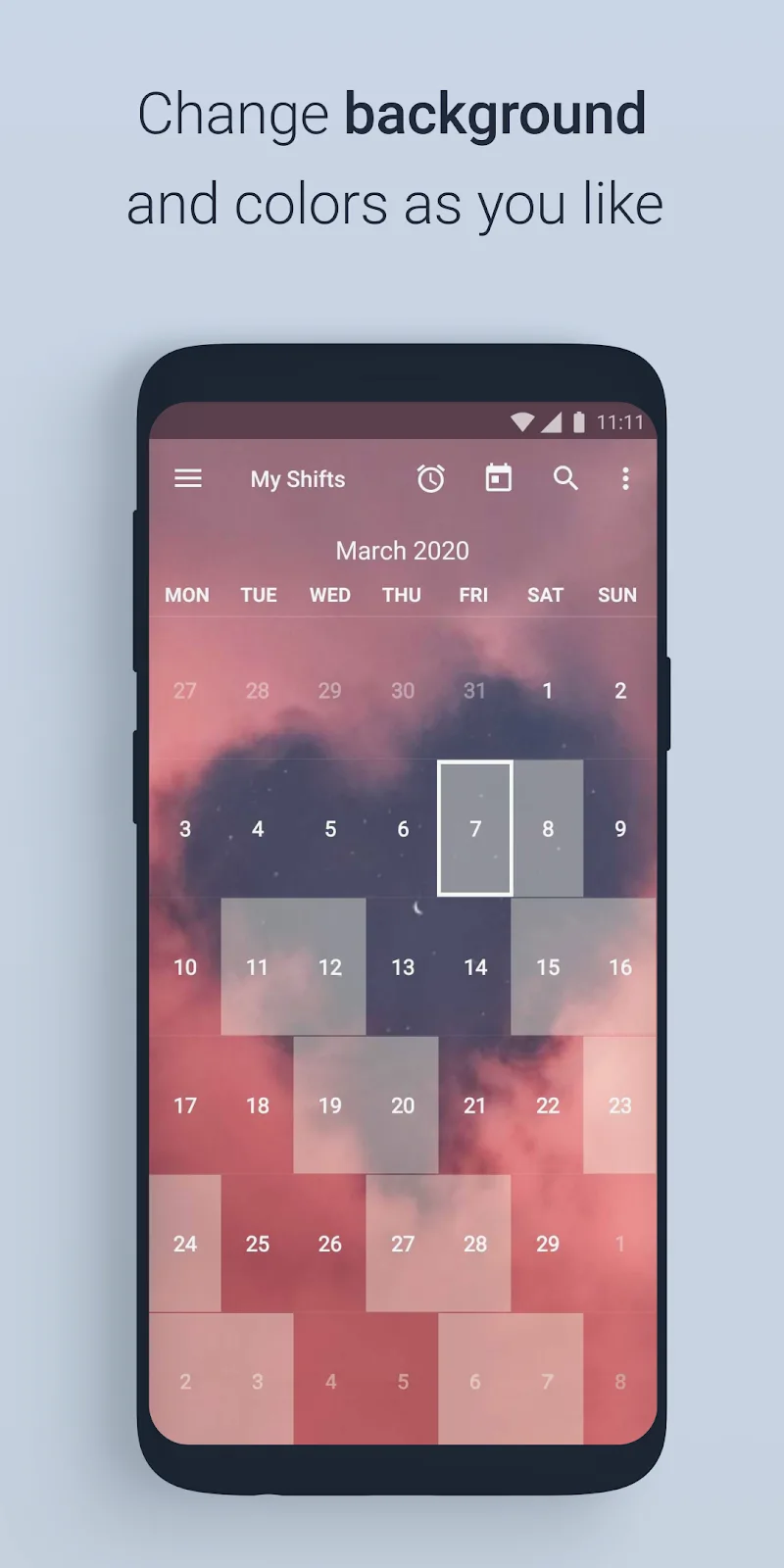
Far from being a rigid scheduling utility, this app lets you customize its appearance to match your aesthetic tastes or enhance home screen visibility. The ability to blend your work schedule seamlessly into your device background using transparency settings is especially convenient.
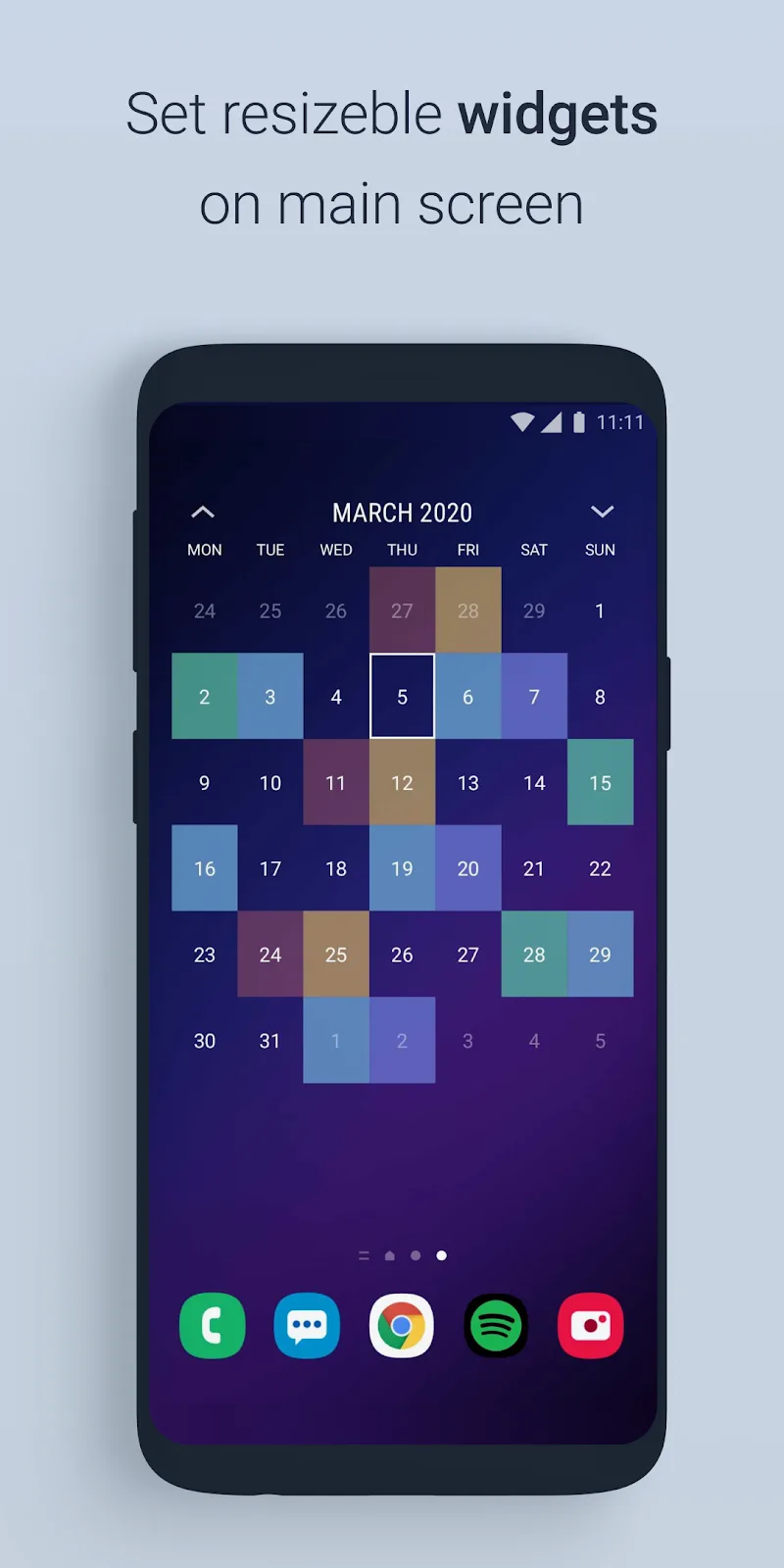
- Versatile widget sizes: Offers a variety of home screen widget layouts ranging from 4×1 to 4×4, keeping your timetable accessible at a glance without launching the app.
- Customizable background gallery: Set pictures from your own photo gallery as your calendar backdrop, giving your daily planner a pleasant, stress-free touch.
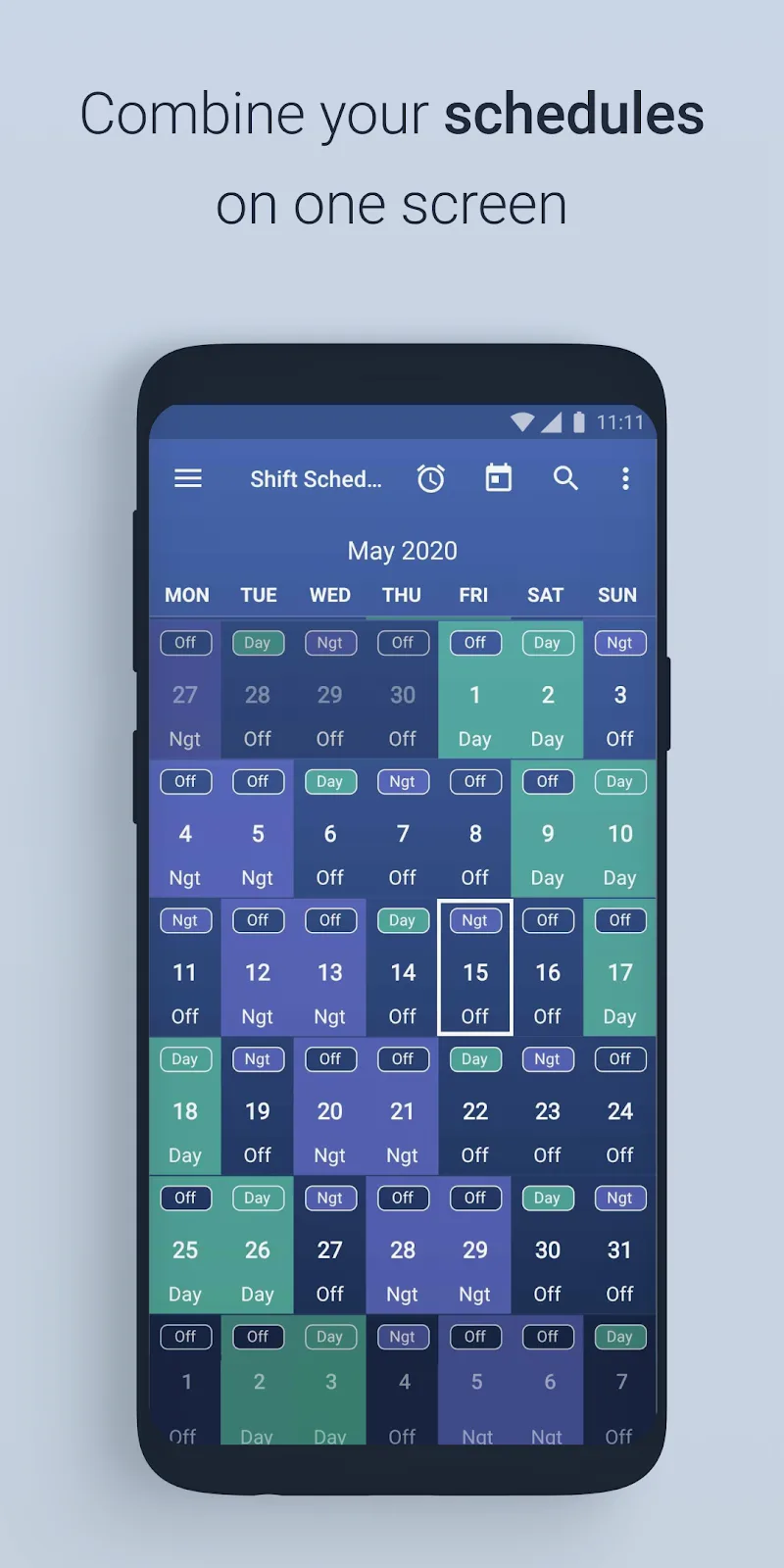
- Dual calendar view: A standout capability that presents 2 distinct shift routines side by side on a single screen, making schedule comparisons effortless.
Shift Work Schedule Calendar Overview
Shift Work Schedule Calendar is a dedicated productivity app created by 4th floor apps for Android users managing irregular working hours. Designed specifically for people whose jobs do not follow a typical nine-to-five routine, it eliminates the confusion of alternating day and night shifts. Professionals such as healthcare staff, emergency responders, firefighters, and retail workers will find it especially valuable. Instead of forcing manual entries every single week, the application simplifies timetable tracking by automating recurring schedules and highlighting important upcoming dates directly on your mobile device.
Anyone needing an adaptable planning tool will appreciate the app's clean organization and visual flexibility. It allows users to quickly map out rotations months ahead, making it ideal for individuals balancing multi-shift responsibilities or coordinating with family members. Workers who prefer quick glances over opening full applications can place resizable widgets right on their home screens. By pairing practical roster automation with personalized backdrops and dual-calendar comparisons, this utility delivers a stress-free scheduling solution for anyone dealing with demanding, non-traditional employment routines.
Key Features and Highlights
- Built-in Presets: Includes 25 standard roster templates to set up common shift schedules rapidly.
- Custom Rotation Setups: Lets you create and save up to 8 tailored shift rotations for flexible planning.
- Automated Highlighting: Automatically flags shifts across the calendar to spot free time and vacation windows.
- Home Screen Widgets: Provides customizable widget layouts ranging from 4×1 to 4×4 for quick viewing.
- Dual Calendar View: Displays two distinct shift rosters side by side on one screen for straightforward comparisons.
- Personalized Interface: Customize calendar backdrops with photos from your gallery and adjust transparency settings.
What the MOD Unlocks
- Premium Unlocked: Grants full access to all premium scheduling capabilities and advanced settings without extra purchases.











