
Super Status Bar MOD APK 2.13.1 (Premium Unlocked)
v2.13.1
Super Status Bar
Tom Bayley · Personalization
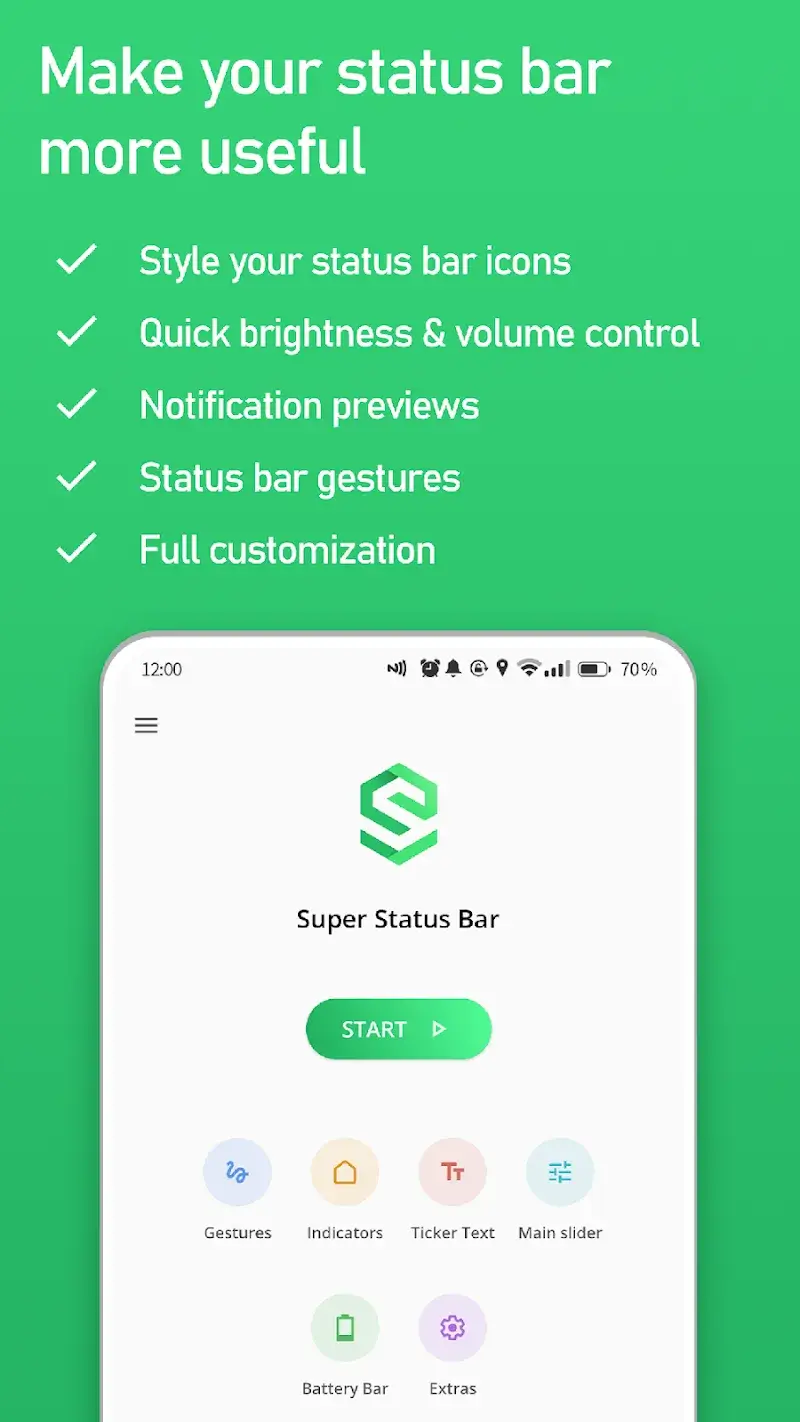
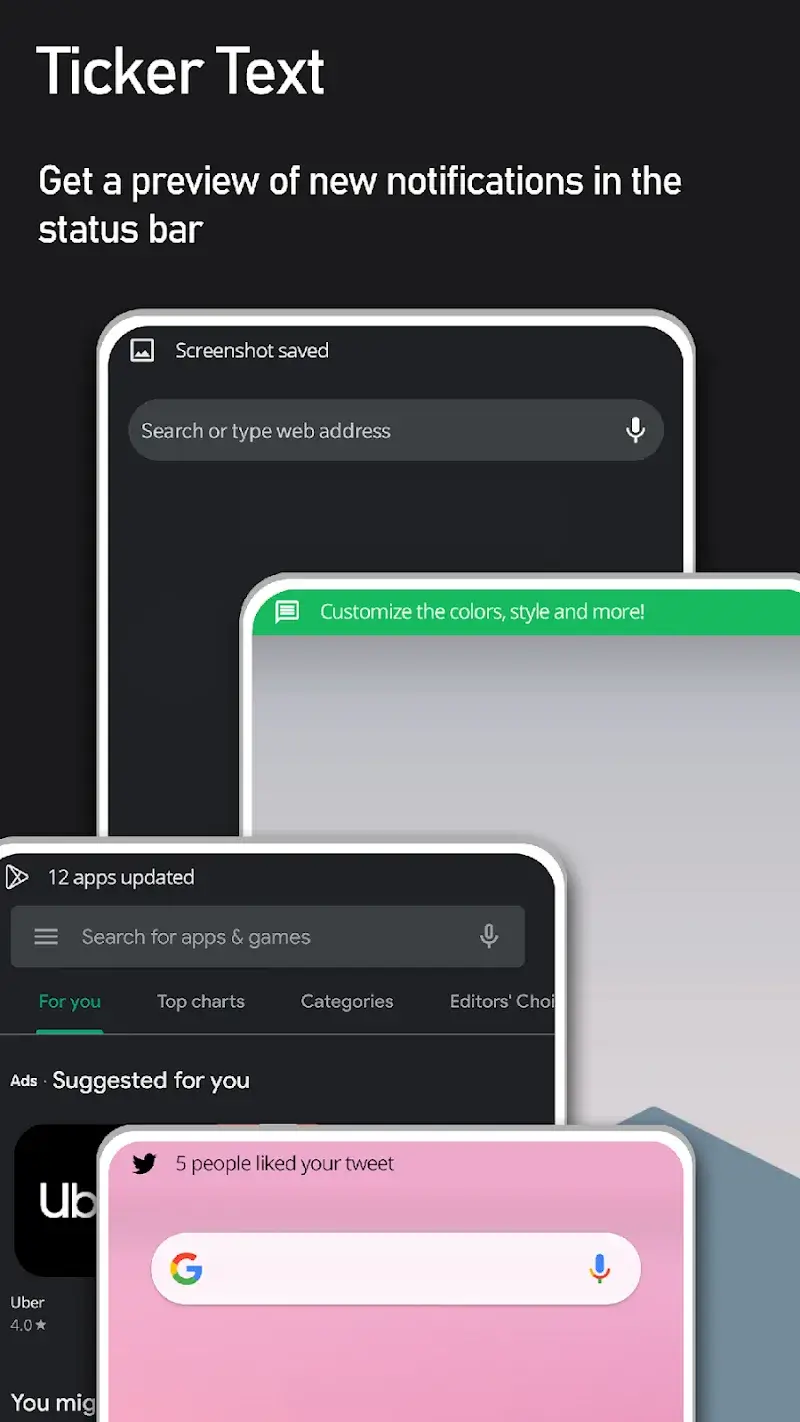
Super Status Bar – Customize is an app that enhances your status bar with additional tools and customizations, such as gesture controls, preview notifications, and quick adjustments for volume and brightness. It also…
Information
| Version | 2.13.1 |
| Size | 5 MB |
| Requires | Android 6.0+ |
| Category | Personalization |
| Updated | Oct 15, 2026 |
| MOD info | Premium Unlocked |
| Google Play | Google Play |
How to install
- Download the APK file above to your phone.
- Allow “Install unknown apps” when prompted.
- Open the downloaded APK and tap Install.
- If the package includes OBB/XAPK data, follow the bundled instructions.
MOD APKs are modified builds, so Play Protect may show a warning. Install only if you trust the file; use at your own risk.
Description
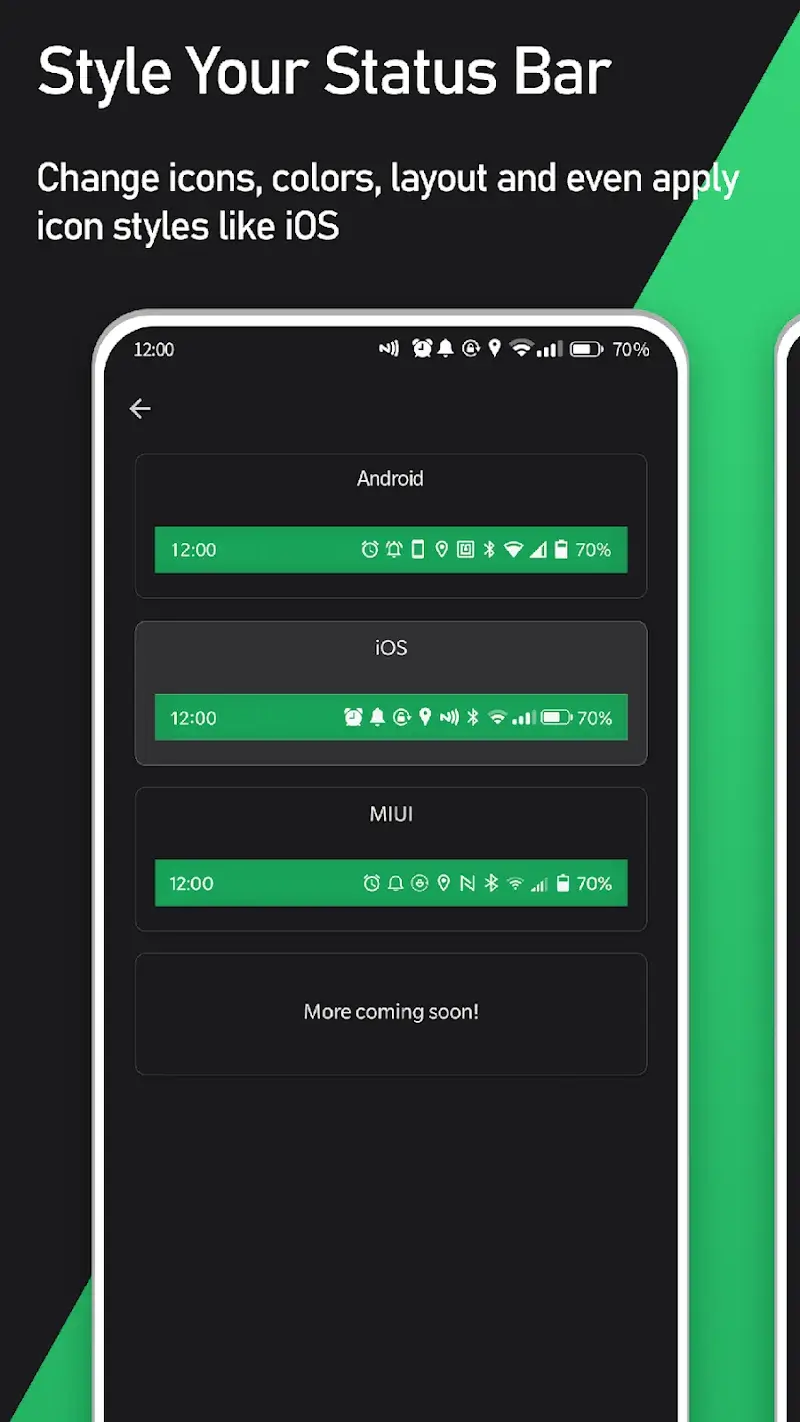
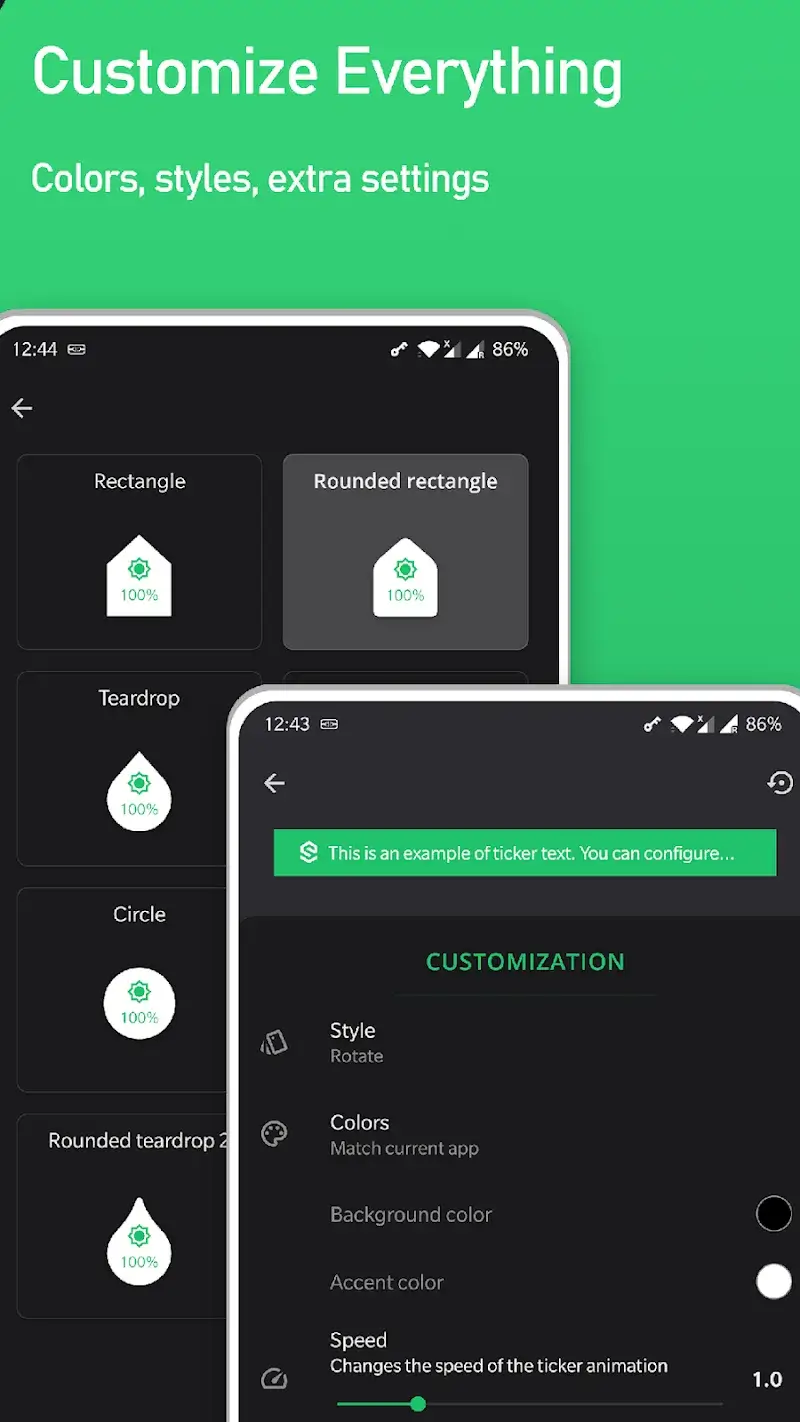
Super Status Bar – Customize is an app that enhances your status bar with additional tools and customizations, such as gesture controls, preview notifications, and quick adjustments for volume and brightness. It also offers advanced personalization options, like modifying the appearance of status bar icons to resemble iOS 14, MIUI 12, or Android R styles, hiding unwanted icons, and adjusting the color of both icons and the background.
STATUS BAR BRIGHTNESS & VOLUME CONTROL
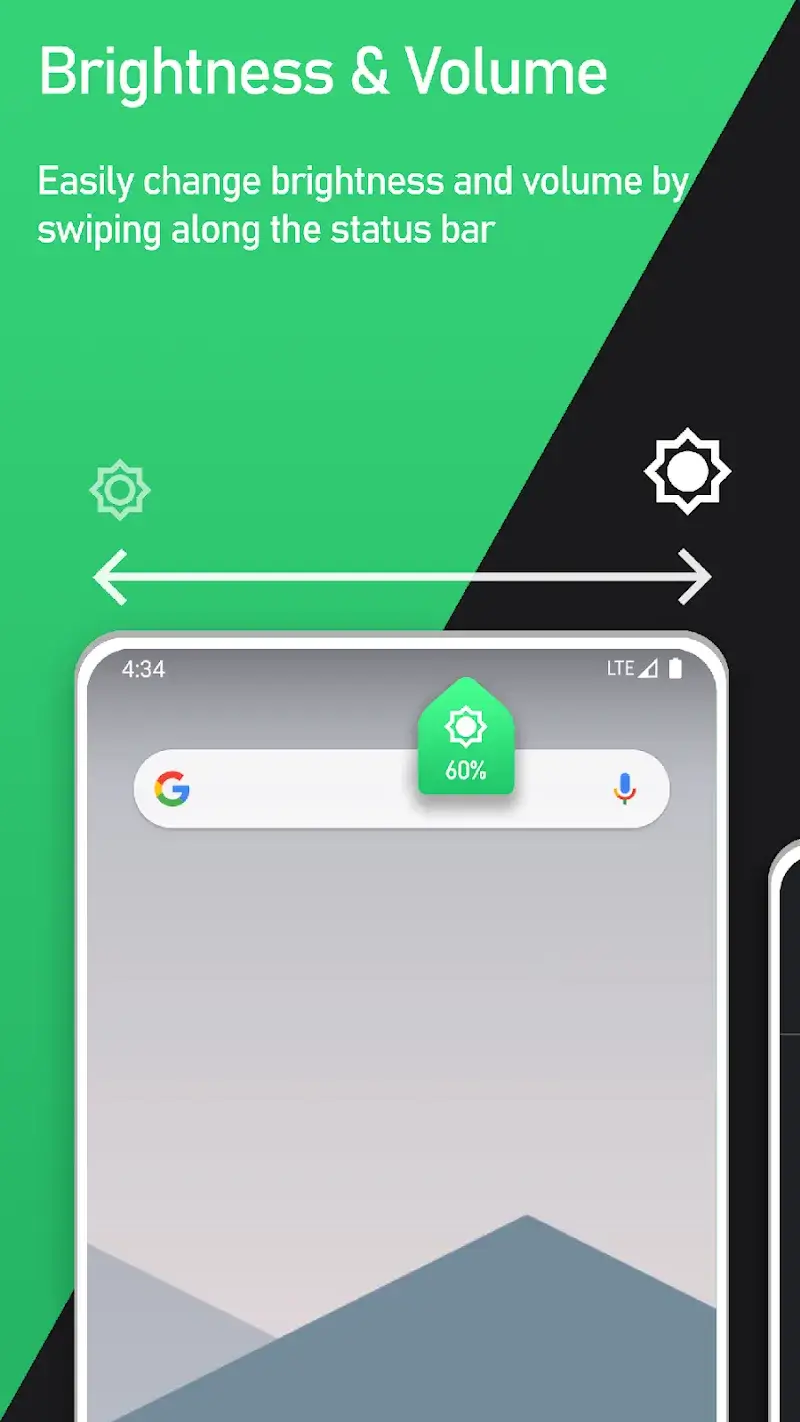
This app simplifies managing brightness and audio levels in your status bar through intuitive swipe gestures. It also identifies the sources of automatic sounds, allowing you to easily adjust specific volume settings.
- Swipe-based controls: Adjust sound and brightness effortlessly by swiping across your status bar, eliminating the need for complex interactions.
- Automatic sound detection: The app identifies active audio sources on your device, enabling precise volume control for specific sounds.
- Flexible volume settings: Beyond brightness, this app allows customization of various audio sources, including music, ringtones, notifications, calls, and alarms.
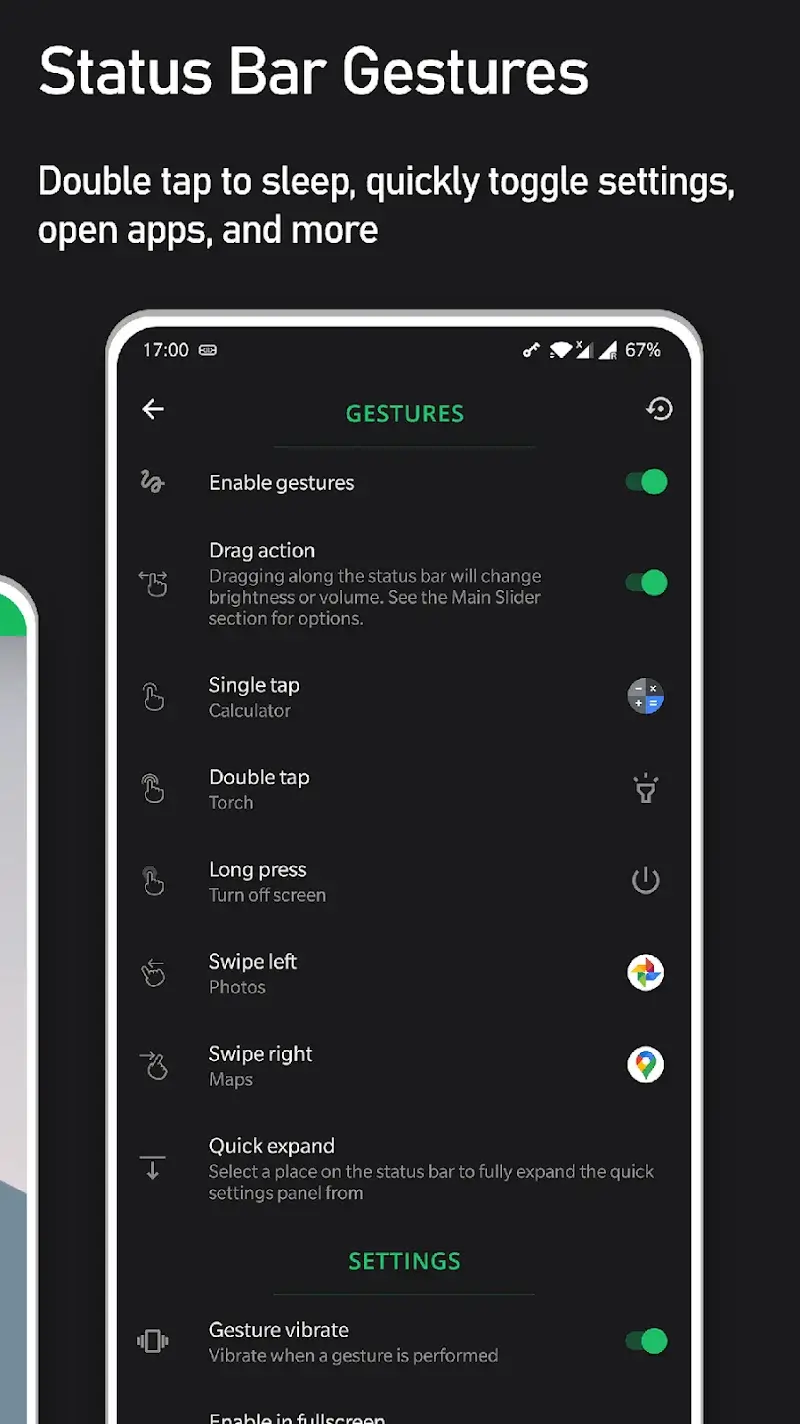
CUSTOMIZABLE GESTURES
Tailor gesture functions to streamline one-handed operation. This app lets you assign actions like taking screenshots, toggling flashlight, rotating the screen, or launching apps with minimal effort, boosting overall efficiency.
- Diverse action customization: Assign tasks such as capturing screenshots, activating the flashlight, or switching screen orientation with simple gestures.
- One-handed operation: The app improves usability on large devices by placing status bar buttons within easy reach for quick access.
- Streamlined workflow: Reduces menu navigation steps, making both productivity and entertainment experiences more seamless.











