
Action Notch MOD APK 1.7.3 (Premium Unlocked)
v1.7.3
Action Notch
Androxus · उपकरण
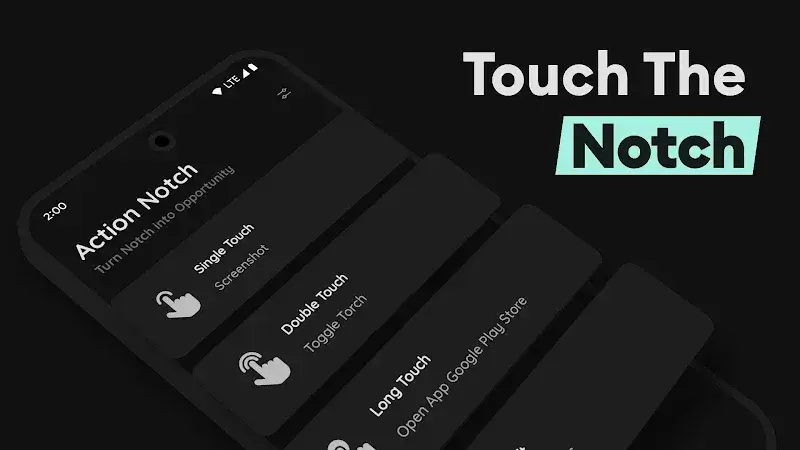
Eliminate the reliance on physical keys by taking full advantage of Action Notch. Every essential action is executed swiftly on-screen with custom tweaks, while the rich, multi-functional menu delivers a wealth of…
जानकारी
| संस्करण | 1.7.3 |
| आकार | 5 MB |
| आवश्यक | Android 7.0+ |
| श्रेणी | उपकरण |
| अपडेट | 14 अक्टू॰ 2026 |
| MOD जानकारी | Premium Unlocked |
| Google Play | Google Play |
इंस्टॉल कैसे करें
- ऊपर दी गई APK फ़ाइल फ़ोन में डाउनलोड करें।
- पूछे जाने पर “अज्ञात ऐप्स इंस्टॉल करें” की अनुमति दें।
- डाउनलोड की गई APK खोलें और इंस्टॉल दबाएँ।
- यदि OBB/XAPK डेटा है, तो साथ दिए निर्देशों का पालन करें।
MOD APK संशोधित बिल्ड होते हैं, इसलिए Play Protect चेतावनी दे सकता है। फ़ाइल पर भरोसा हो तभी इंस्टॉल करें; जोखिम आपका है।
विवरण
Eliminate the reliance on physical keys by taking full advantage of Action Notch. Every essential action is executed swiftly on-screen with custom tweaks, while the rich, multi-functional menu delivers a wealth of shortcuts waiting to be explored.
Smart Touch Shortcuts
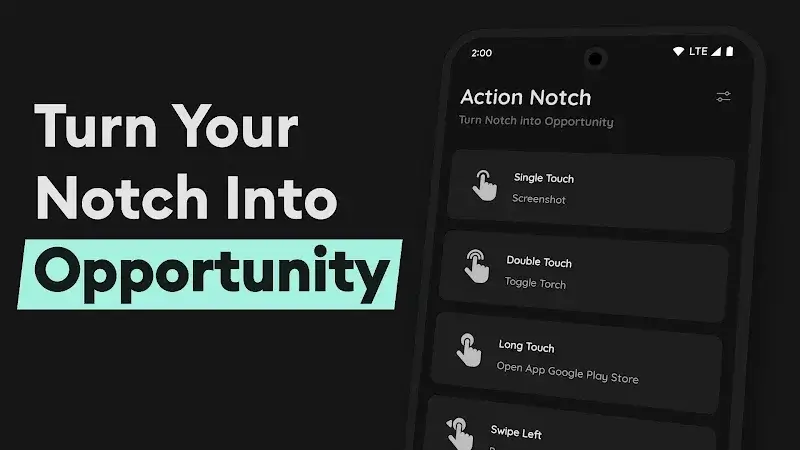
Action Notch delivers smart solutions that streamline your smartphone experience according to your preferences, offering noticeable day-to-day productivity gains from the moment you set it up.
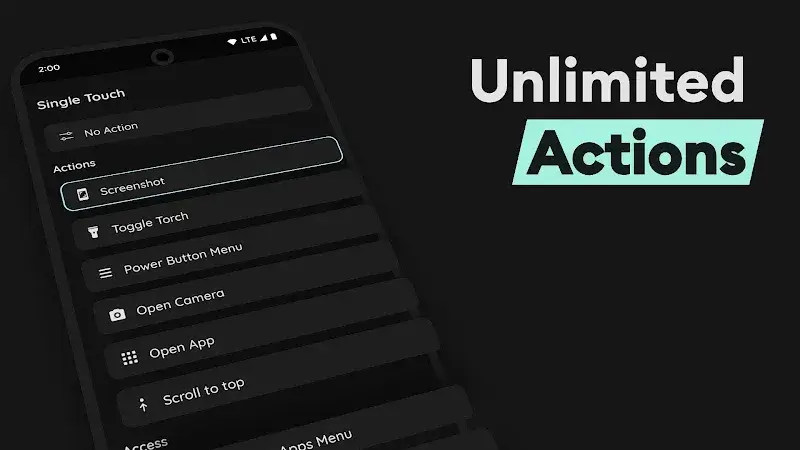
- Quick Actions: Effortlessly handle core system tasks and everyday activities through responsive touch gestures such as light taps, directional swipes, or sustained presses.
- Protect Buttons: Far beyond everyday utility, this tool helps reduce mechanical strain on hardware keys by replacing them with smooth, dependable display actions.
- Effortless Multitasking: Navigate between functions with a single gesture, cutting down search time and freeing you from pressing tricky multi-button combinations.
Instant Screen Controls
Drawing inspiration from iOS concepts like Dynamic Island and AssistiveTouch, Action Notch enhances device navigation to make accessing your favourite features faster than ever.
- One-Touch Lock: Hardware power buttons tend to suffer wear and tear over time, but you can easily secure and lock your display using handy on-screen shortcuts instead.
- Tap to Scroll: Navigating lengthy pages is no longer a hassle—simply tap your display to jump straight to relevant sections without exhausting your thumbs.
- Power Menu Access: A dedicated power control panel puts essential toggles at your fingertips, letting you perform restarts or check system controls effortlessly.











