
Location Changer MOD APK 3.50 (Pro Unlocked)
v3.50
Location Changer
Netlinkd · ツール
If you are concerned about intrusive apps constantly tracking your physical coordinates via GPS, Location Changer – Fake GPS is the ultimate utility for your Android device. Designed to tackle location privacy concerns…
情報
| バージョン | 3.50 |
| サイズ | 15 MB |
| 必要環境 | Android 6.0+ |
| カテゴリ | ツール |
| 更新日 | 2026年10月17日 |
| MOD情報 | Pro Unlocked |
| Google Play | Google Play |
インストール方法
- 上のAPKファイルをスマートフォンにダウンロードします。
- 確認が表示されたら「不明なアプリのインストール」を許可します。
- ダウンロードしたAPKを開き「インストール」をタップします。
- OBB/XAPKデータが含まれる場合は、同梱の手順に従ってください。
MOD APKは改変版のため、Play Protectが警告を表示することがあります。ファイルを信頼できる場合のみ、自己責任でインストールしてください。
説明
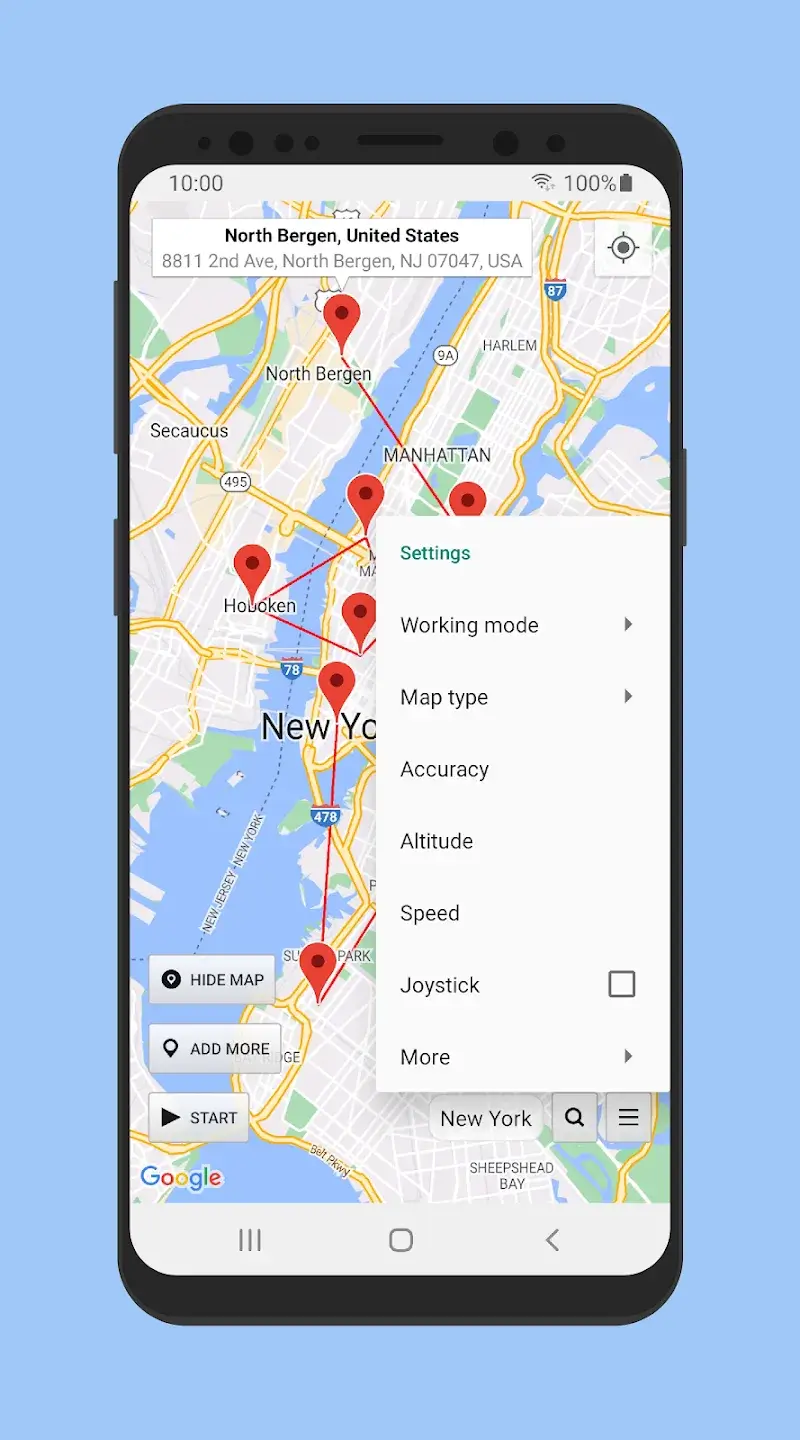
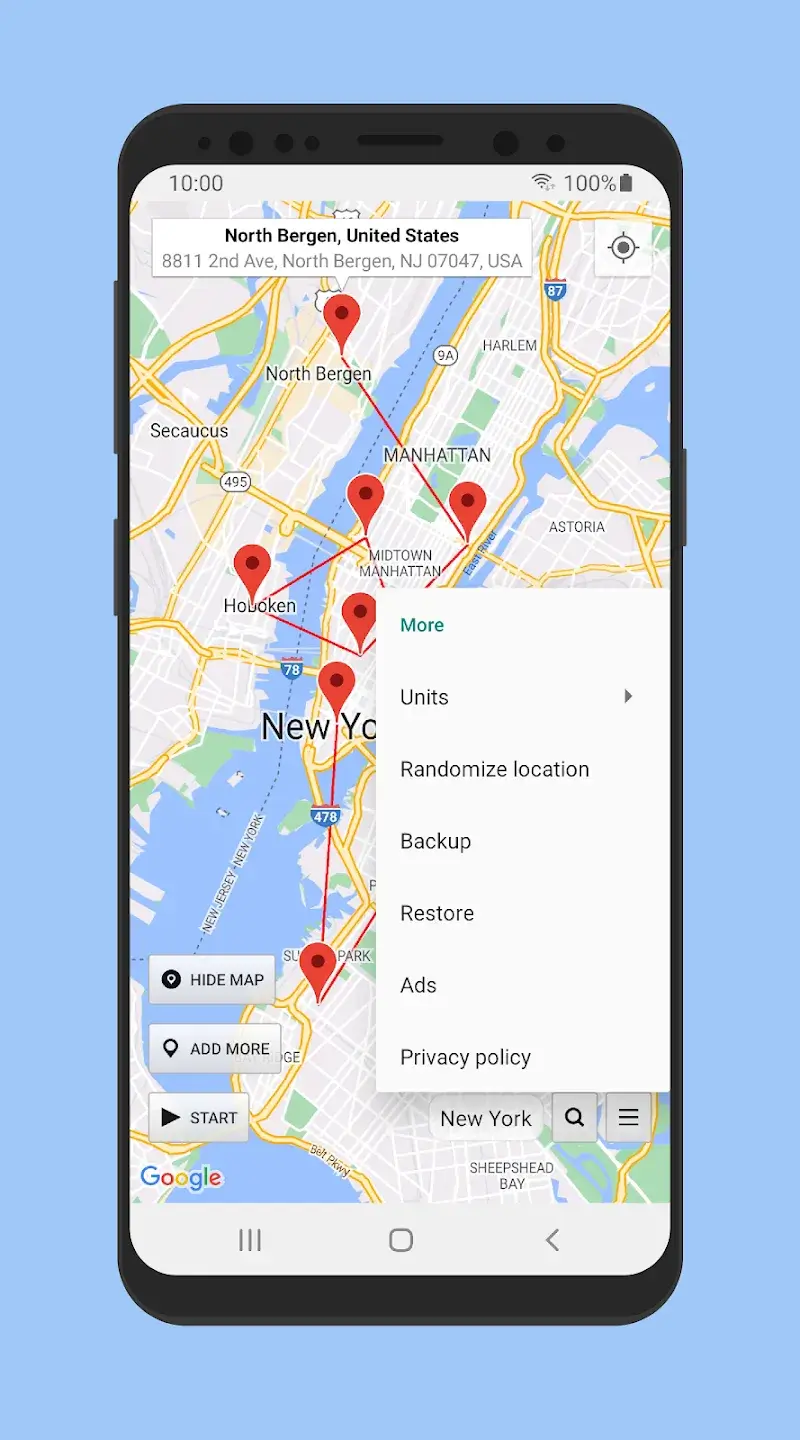
If you are concerned about intrusive apps constantly tracking your physical coordinates via GPS, Location Changer – Fake GPS is the ultimate utility for your Android device. Designed to tackle location privacy concerns effortlessly, this handy tool lets you spoof your map coordinates in just a few taps using its advanced virtual GPS simulation technology.
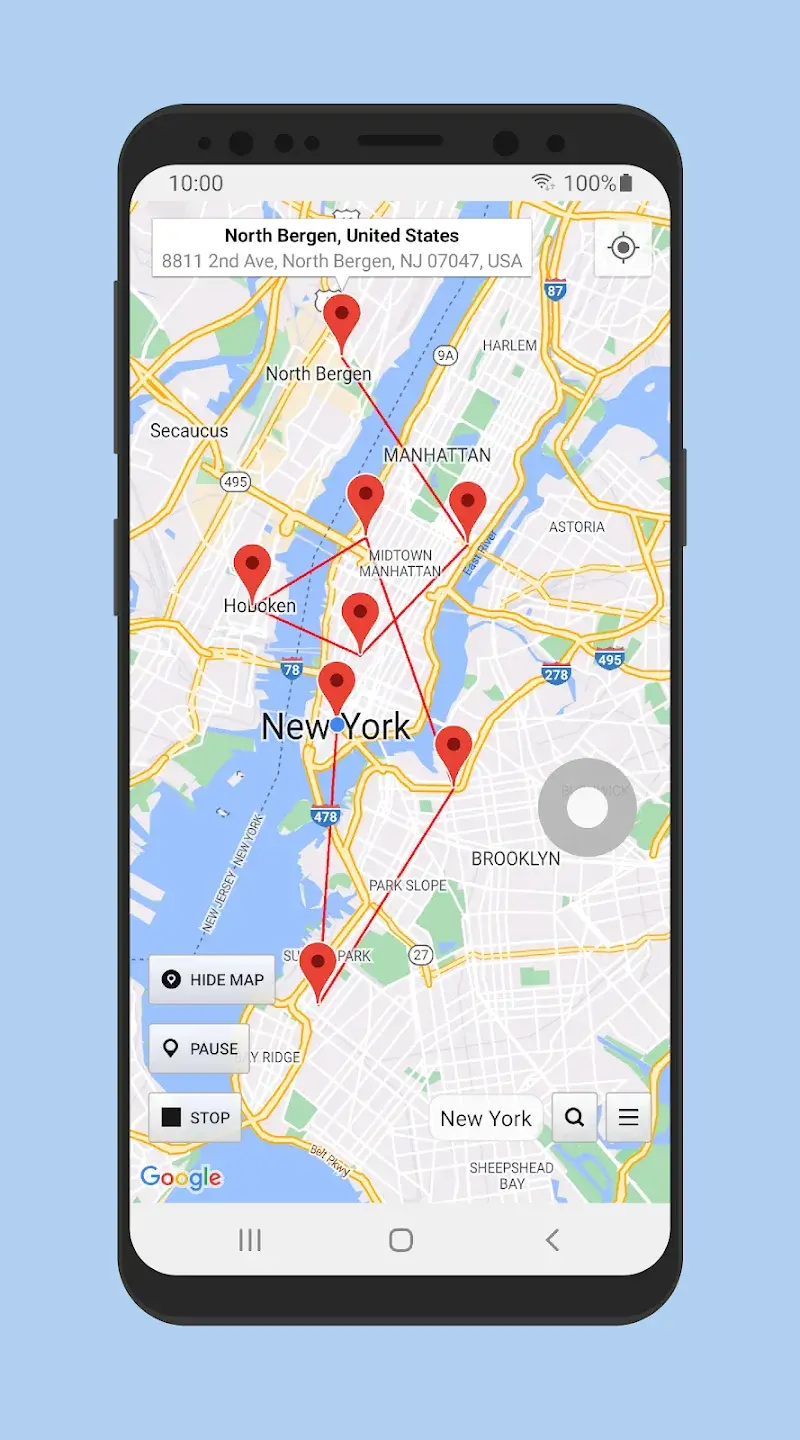
Change GPS Location with Joystick
Take full control of your virtual coordinates using an intuitive on-screen joystick that makes map navigation remarkably seamless. This built-in controller allows you to mock your location on the fly, preventing invasive apps, services, and websites from monitoring your actual whereabouts. By masking your real coordinates, the app acts as a robust privacy shield that keeps your sensitive location data secure. Even first-time users can navigate with ease, as the smooth virtual joystick enables effortless movement across the map without any complicated setup.
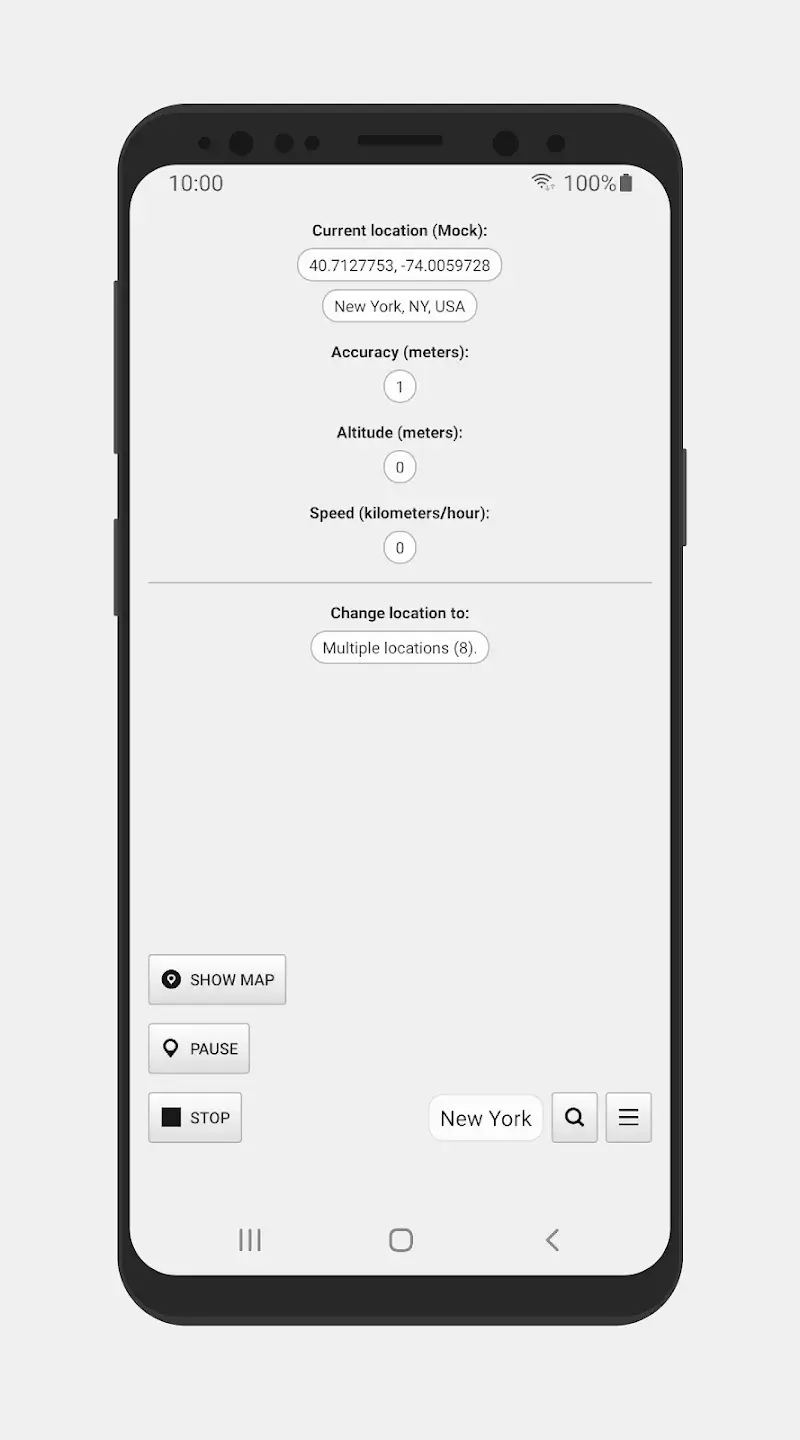
Display Detailed Location Information
Beyond simple spoofing, the app functions as a comprehensive location management suite packed with insightful data. It provides in-depth readouts of your current GPS status, coordinates, and mock parameters, turning your device into an advanced geolocation diagnostic station. Furthermore, the spoofed position persists seamlessly even after a device reboot, ensuring unbroken privacy until you manually launch the app and toggle off the mock location feature.











