
MiOS 3D - Icon Pack MOD APK 2.3 (Full Version)
v2.3
MiOS 3D - Icon Pack
Cris87 · ปรับแต่งส่วนตัว
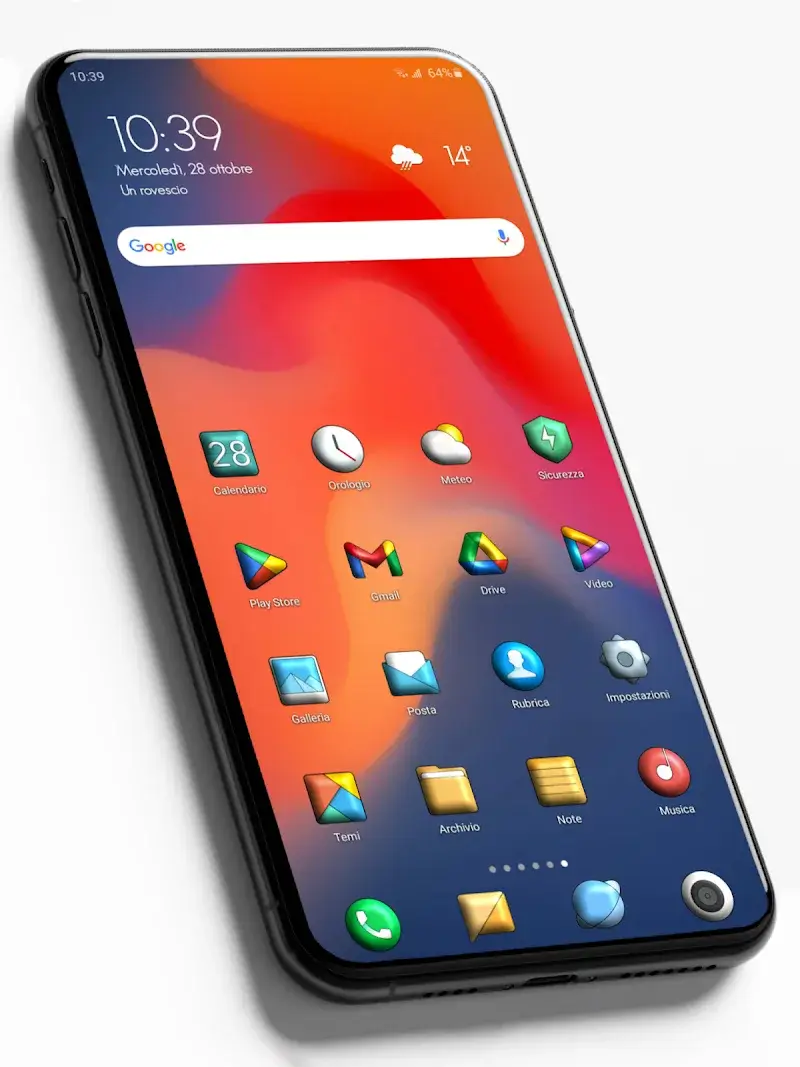
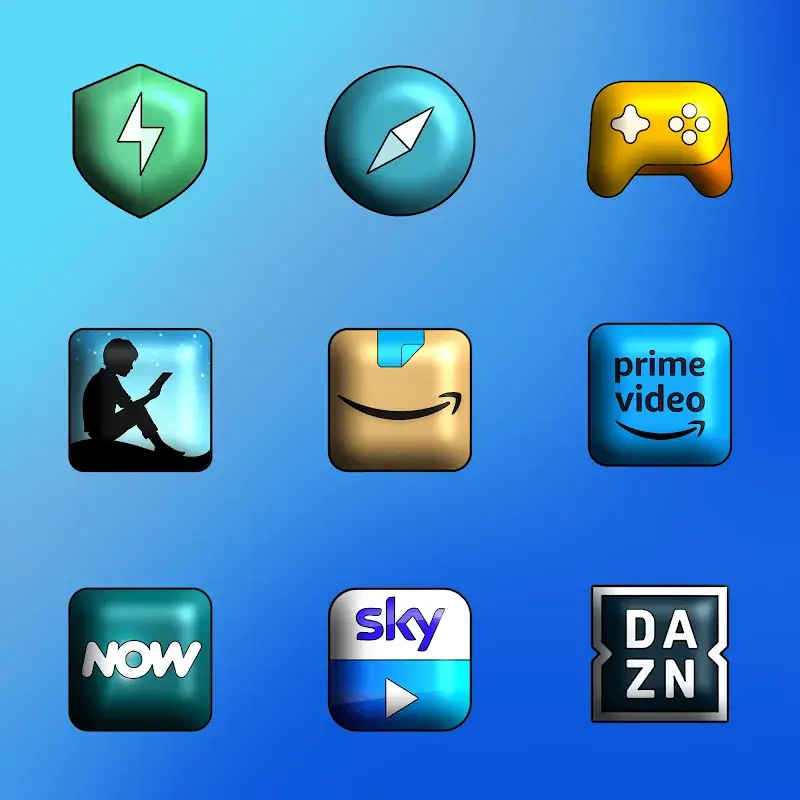
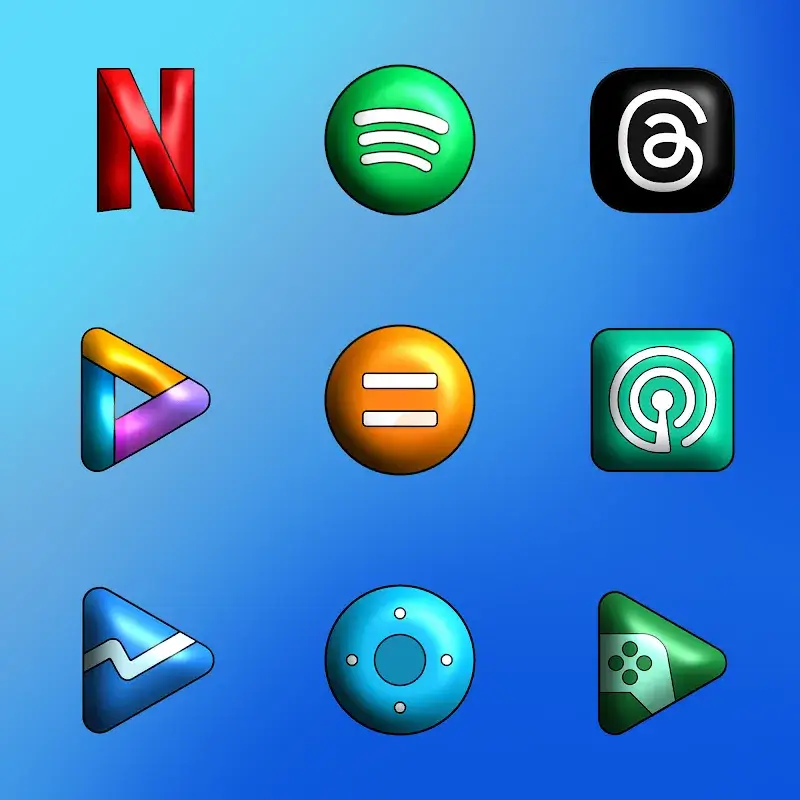
MiOS 3D – Icon Pack enhances icons with glossy streaks, giving them a visually striking appearance. Each design follows a classic aesthetic, while the app consistently delivers high-quality icon packs. Every icon…
ข้อมูล
| เวอร์ชัน | 2.3 |
| ขนาด | 170 MB |
| ต้องการ | Android 5.0+ |
| หมวดหมู่ | ปรับแต่งส่วนตัว |
| อัปเดต | 17 ต.ค. 2569 |
| ข้อมูล MOD | Full Version |
| Google Play | Google Play |
วิธีติดตั้ง
- ดาวน์โหลดไฟล์ APK ด้านบนลงโทรศัพท์
- อนุญาต “ติดตั้งแอปที่ไม่รู้จัก” เมื่อระบบถาม
- เปิดไฟล์ APK แล้วแตะติดตั้ง
- หากมีไฟล์ OBB/XAPK ให้ทำตามคำแนะนำที่แนบมา
MOD APK เป็นเวอร์ชันที่ถูกแก้ไข Play Protect อาจแจ้งเตือน ติดตั้งเมื่อคุณไว้ใจไฟล์เท่านั้น และใช้งานด้วยความรับผิดชอบของคุณเอง
คำอธิบาย
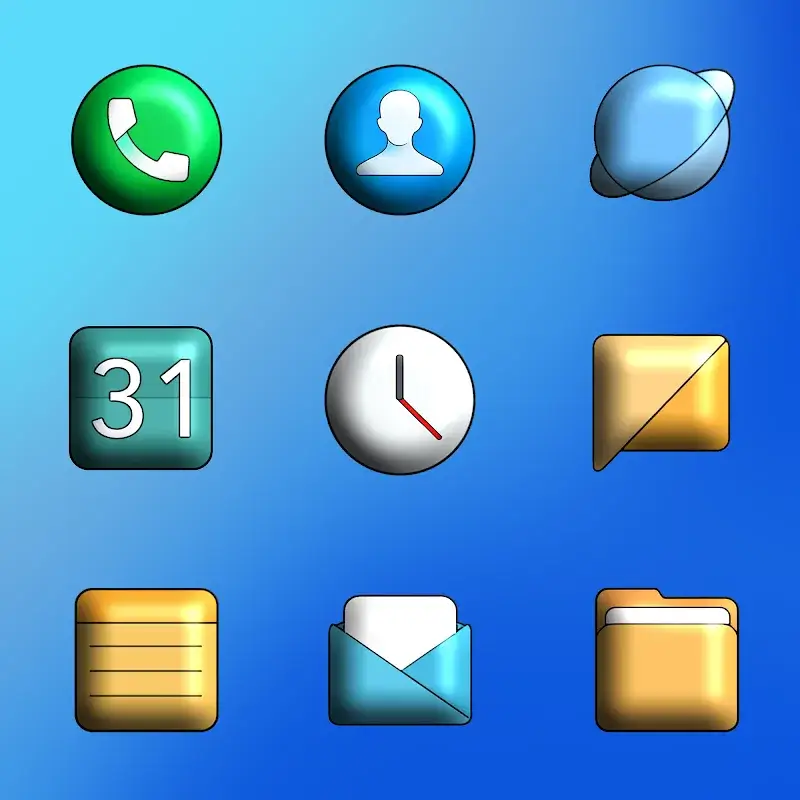
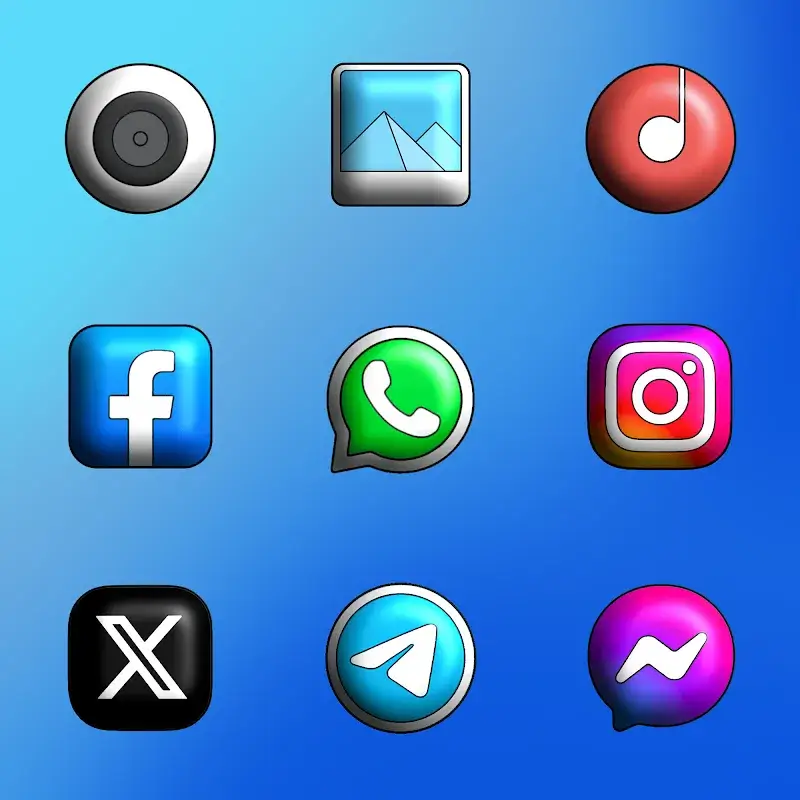
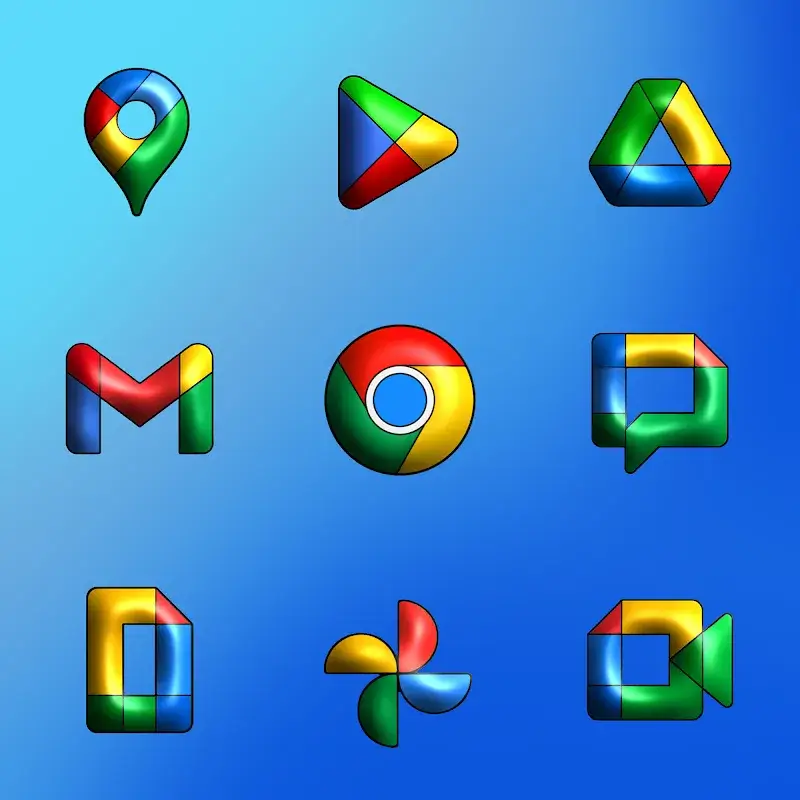
MiOS 3D – Icon Pack enhances icons with glossy streaks, giving them a visually striking appearance. Each design follows a classic aesthetic, while the app consistently delivers high-quality icon packs. Every icon represents an app visible on the device's interface.
7725 Icons – 2K SuperHD+ Resolution (350 X 350 Pixels)
At peak resolution, the app amplifies the glossy effect on icon packs. Soft color palettes illuminate the icon surfaces, while meticulously crafted details ensure each design is visually refined.
- High Definition: Crafting each icon involves multiple stages. The app brings creative design concepts to life, with intricate details and smoothly rounded edges adding an artistic touch.
- Precision Design: The meticulous attention to detail in each icon is highly praised. These designs effectively convey high image quality, with polished surfaces and depth that enhance their visual appeal.
- Triple Render Process: The app maintains design consistency, offering reliable icon packs. Each design blends traditional elements with modern innovation to ensure top-tier output quality.
125 HD Wallpapers – 2K Resolution (1440X2560 Pixels)
The icon collection and wallpapers are seamlessly integrated, offering unique wallpaper options. Customize every interface element to create a cohesive, unified design.
- Vibrant Colors: The design process uses bold color palettes, with each icon featuring a base color. Subtle shade variations ensure a cohesive, unified interface.
- Perfect Fit: Icon proportions remain consistent with previous packs, ensuring seamless integration. Uniform background sizes maintain visual harmony across the device interface.
- Fresh Selection: The collection offers sufficient icons for daily use, though some may lack updates. Upcoming revisions will enhance the interface, delivering a refined, perfect experience.











