PDF Extra MOD APK 11.24.290816 (Premium Unlocked)
v11.24.290816
PDF Extra
MobiSystems · ธุรกิจ
PDF Extra PDF Editor & Scanner is designed to streamline workflows for professionals, making complex tasks more manageable with its intuitive interface. This mobile tool allows you to easily view and manage PDF files…
ข้อมูล
| เวอร์ชัน | 11.24.290816 |
| ขนาด | 79.8 MB |
| ต้องการ | Android 7.0+ |
| หมวดหมู่ | ธุรกิจ |
| อัปเดต | 19 ต.ค. 2569 |
| ข้อมูล MOD | Premium Unlocked |
| Google Play | Google Play |
วิธีติดตั้ง
- ดาวน์โหลดไฟล์ APK ด้านบนลงโทรศัพท์
- อนุญาต “ติดตั้งแอปที่ไม่รู้จัก” เมื่อระบบถาม
- เปิดไฟล์ APK แล้วแตะติดตั้ง
- หากมีไฟล์ OBB/XAPK ให้ทำตามคำแนะนำที่แนบมา
MOD APK เป็นเวอร์ชันที่ถูกแก้ไข Play Protect อาจแจ้งเตือน ติดตั้งเมื่อคุณไว้ใจไฟล์เท่านั้น และใช้งานด้วยความรับผิดชอบของคุณเอง
คำอธิบาย
PDF Extra PDF Editor & Scanner is designed to streamline workflows for professionals, making complex tasks more manageable with its intuitive interface. This mobile tool allows you to easily view and manage PDF files directly on your smartphone.
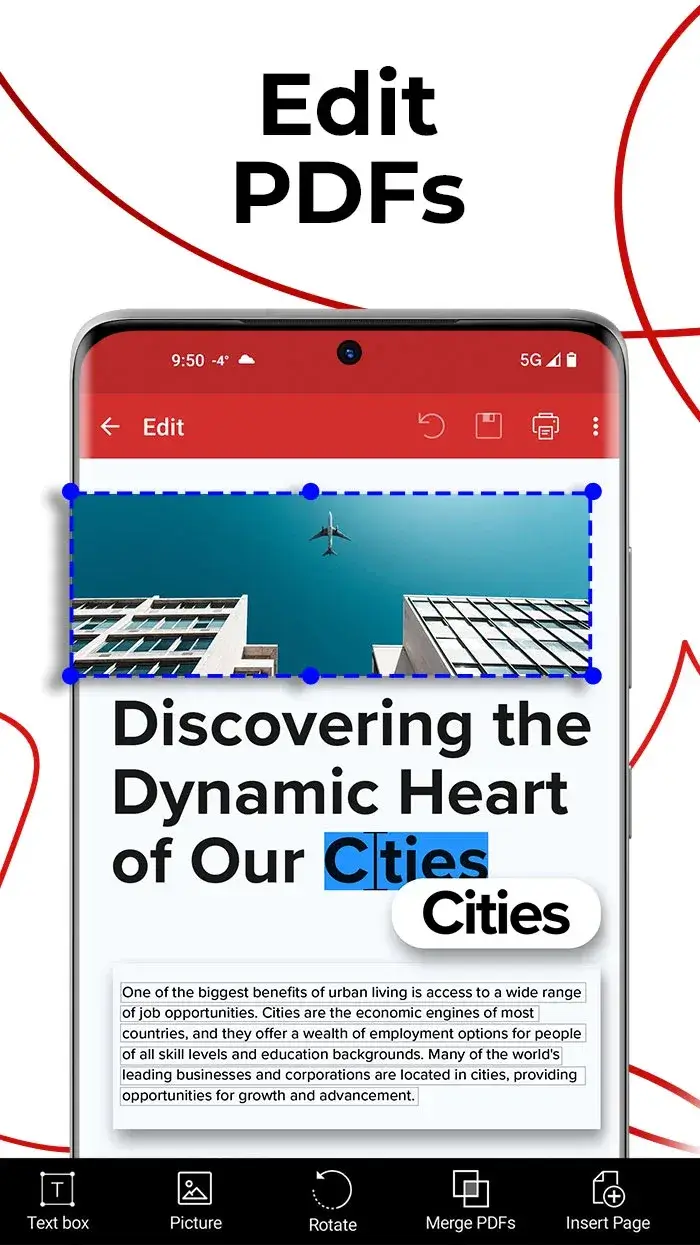
EDIT PDF FILES
When you're away from your laptop or office desk but need to handle urgent paperwork, this app becomes an essential solution. Edit PDFs effortlessly on your phone, eliminating the need for a computer and enabling instant productivity from anywhere.
- Advanced mobile editor: Experience desktop-level editing features on your smartphone. This app replicates the full functionality of a computer, allowing you to edit PDFs with complete control and ease.
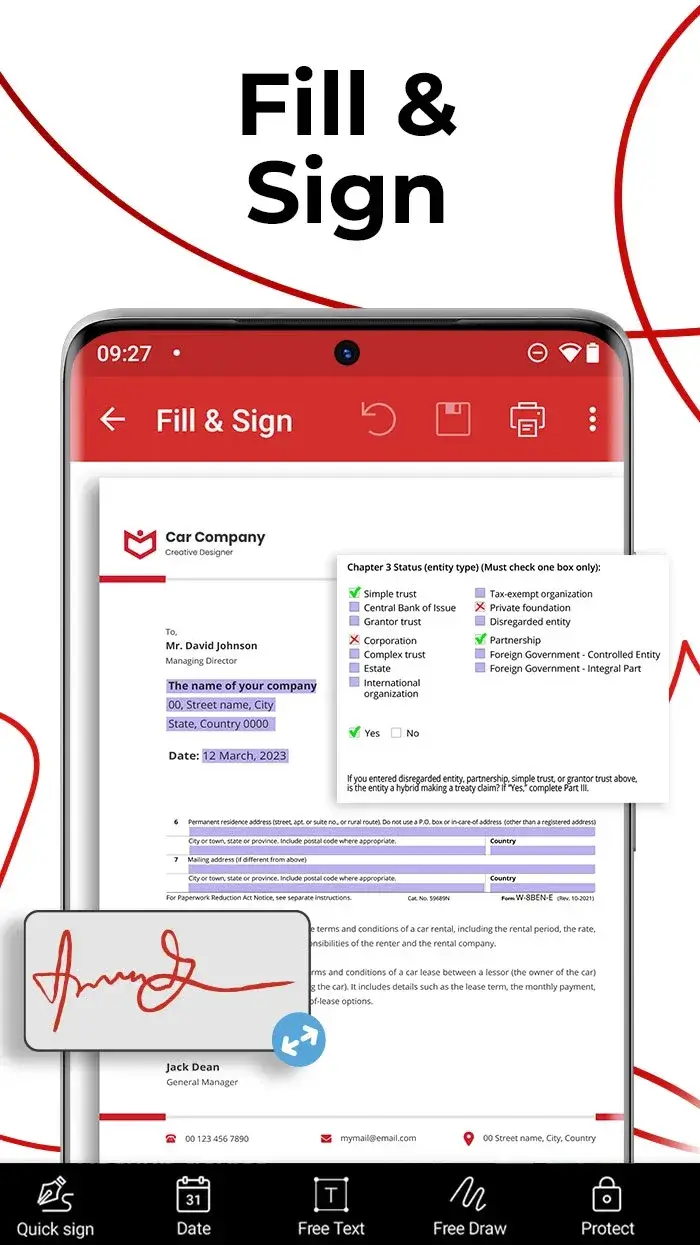
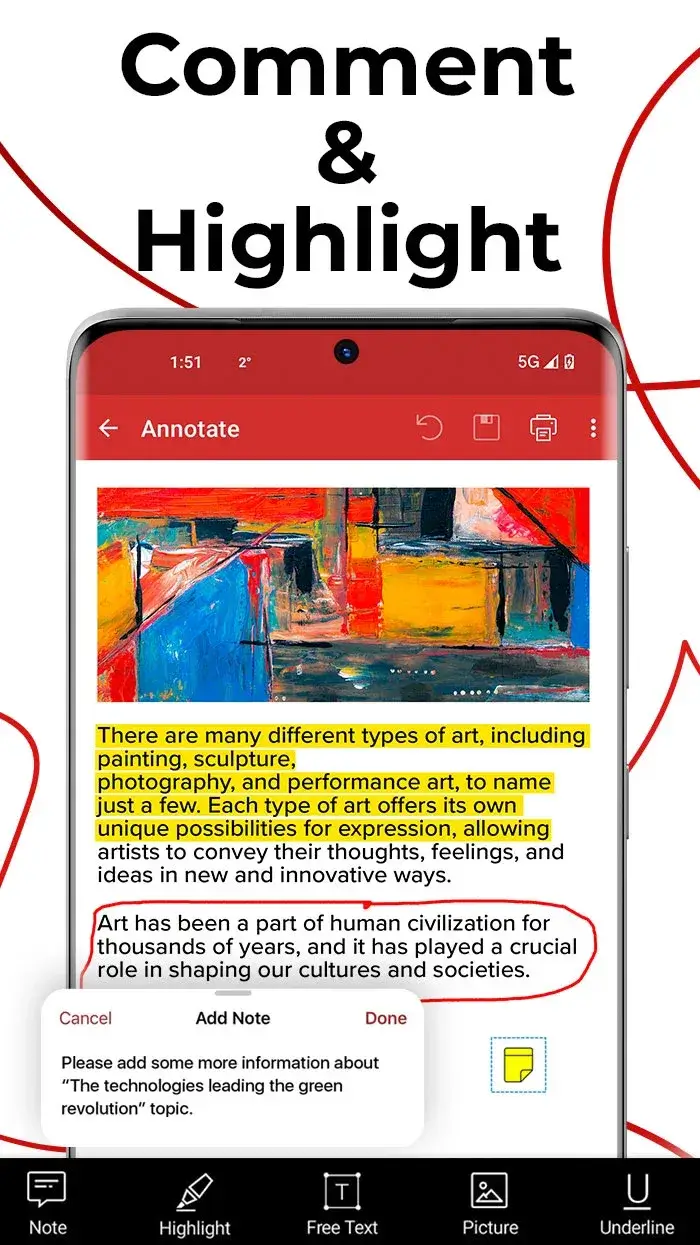
- Comprehensive modification capability: Perform precise operations like text insertion, deletion, editing, or signature addition with accuracy comparable to desktop software, all through simple interface interactions.
- Complete document control: Easily manage your edited PDFs or create new files directly on your device, ensuring secure storage without compromising privacy.
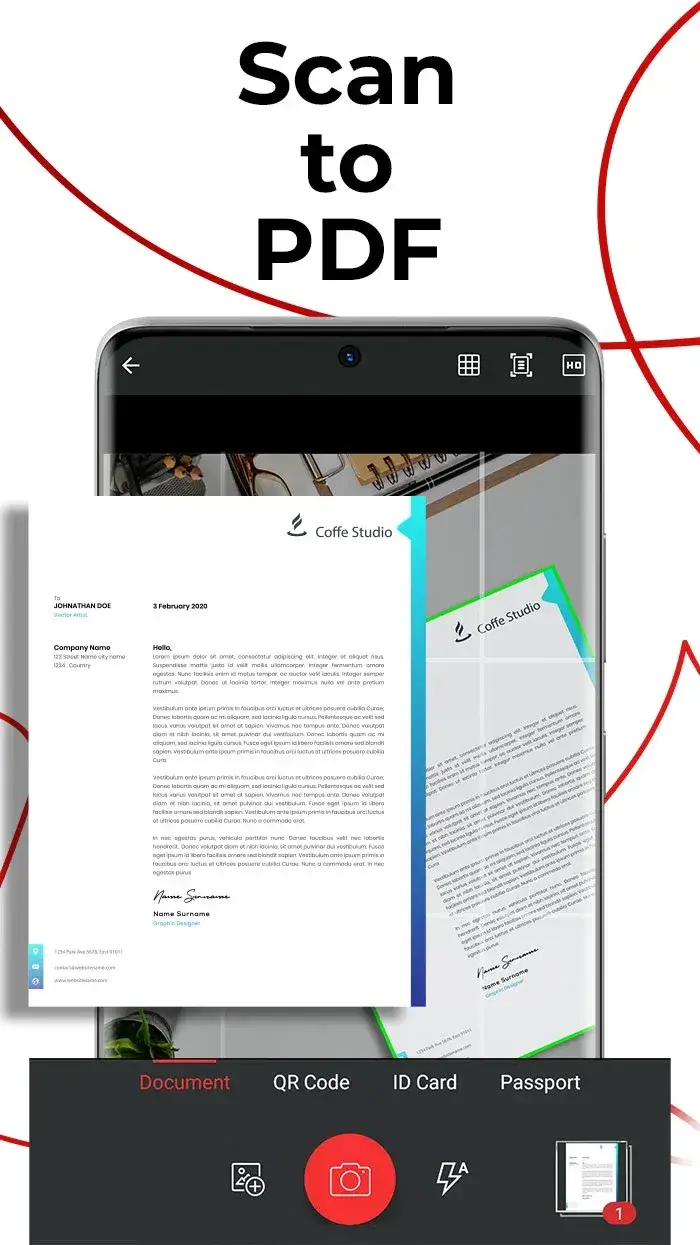
SCAN TO PDF
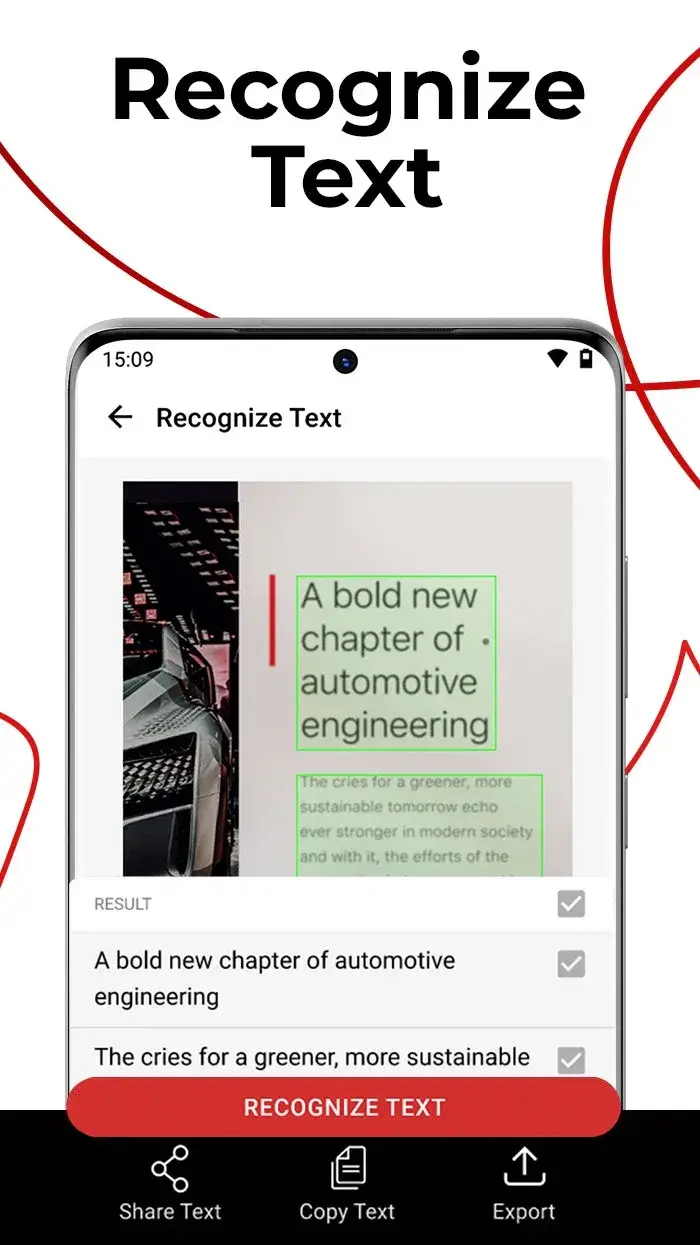
This app also includes a powerful scanning tool that converts physical documents into editable PDFs. Use your phone's camera to scan any paper document, achieving high-precision results that mirror the quality of professional scanning.
- Clear document capture: The app accurately captures document content regardless of paper type, including crumpled or uneven surfaces, ensuring all information is preserved.
- Editable PDF conversion: Scanned content is transformed into searchable text within PDF format, allowing full customization and editing to suit your needs.
- Wide document support: Beyond standard A4 paper, the app handles diverse materials like receipts, newspapers, and even passports, providing versatile scanning capabilities for all your document needs.